


This post was originally published on this site.
In terms of creating videos from your photos, there are several free online tools that can improve your projects with music. Platforms like Canva and Adobe Express offer intuitive interfaces and strong features, making it easy to craft attractive presentations. Clideo and Animoto provide crucial editing tools and customizable templates for various occasions. Furthermore, VEED allows for extensive editing without watermarks, perfect for social media. Explore these options to raise your video-making experience.
Key Takeaways
- Canva’s Photo Video Maker offers a vast library of media elements and AI-powered tools for easy integration of music into videos.
- Adobe Express Video Editor allows users to integrate royalty-free soundtracks or personal music, enhancing the audio experience of their videos.
- Clideo Video Maker features essential editing tools and flexible file uploads, enabling users to add music to their videos effortlessly.
- Animoto Video Production provides a library of licensed music tracks, ensuring users can enhance their videos with appropriate soundtracks.
- VEED Video Editing Tool includes extensive editing options and easy media upload, allowing users to add music without watermarks for social media sharing.
Canva’s Photo Video Maker
Canva’s photo video maker stands out as an excellent tool for users looking to create engaging videos without needing extensive editing skills. This photo video maker with music offers a user-friendly drag-and-drop interface, making it accessible for everyone.
You can explore a vast library of media elements, including stock images, videos, and sounds, to improve your projects. Canva provides a variety of editable templates customized for different occasions and social media platforms, ensuring your videos meet specific needs.
Furthermore, you can download high-resolution mp4 files and post directly to social media, websites, or blogs. With AI-powered tools in Canva’s Magic Studio™, you can streamline the creative process, making it easier to design videos suitable for platforms like YouTube and Instagram.
Adobe Express Video Editor
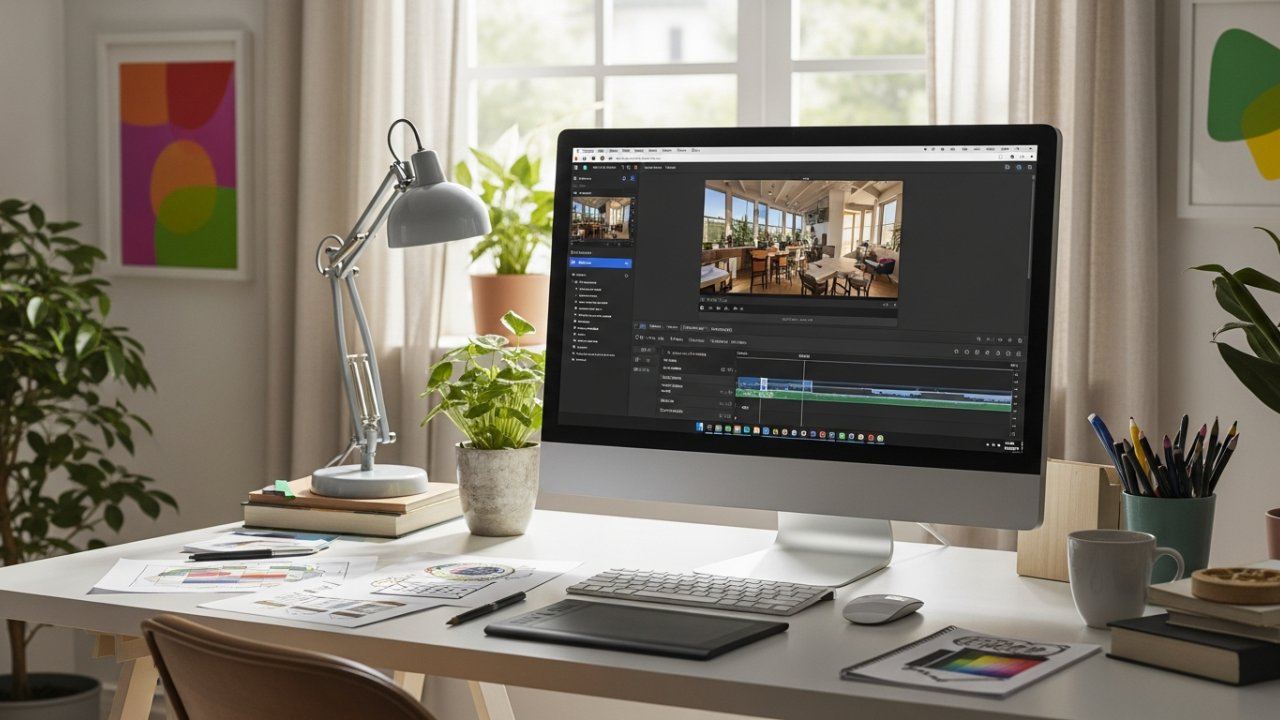
Adobe Express Video Editor is another robust option for creating videos from photos, offering a straightforward drag-and-drop interface that caters to users at every skill level. You can improve your projects with royalty-free soundtracks or personal music, making it a great photo video maker with music. The platform provides free video templates customized for various themes, helping you kickstart your creativity. It furthermore allows quick resizing for different social media platforms, ensuring your videos look great everywhere. In addition, real-time collaboration lets multiple team members work on projects simultaneously, streamlining the creative process.
[embedded content]
| Feature | Description | Benefit |
|---|---|---|
| User-Friendly Interface | Drag-and-drop design | Easy for all skill levels |
| Music Integration | Add soundtracks and voiceovers | Improved audio experience |
| Free Templates | Professional designs for various themes | Quick project initiation |
| Resizing Options | Adjust to fit social media formats | ideal viewing experience |
| Collaboration Support | Real-time teamwork capabilities | Streamlined creative process |
Clideo Video Maker

Clideo Video Maker stands out as a versatile tool for creating videos by combining video clips, images, audio tracks, GIFs, and stickers with ease.
This photo video maker with music caters to all skill levels thanks to its user-friendly drag-and-drop interface.
Here are some key features:
- Essential Editing Tools: Trim, split, adjust colors, and add text to improve your videos.
- Cloud-Based Convenience: Access Clideo on Mac, Windows, iPhone, or Android without any installations.
- Flexible File Uploads: Import files from your device, cloud storage, or utilize the integrated stock library.
- Multiple Export Options: Save your projects in various formats and resolutions, including 4K.
With positive user feedback, Clideo is an excellent choice for creating engaging videos.
Animoto Video Production
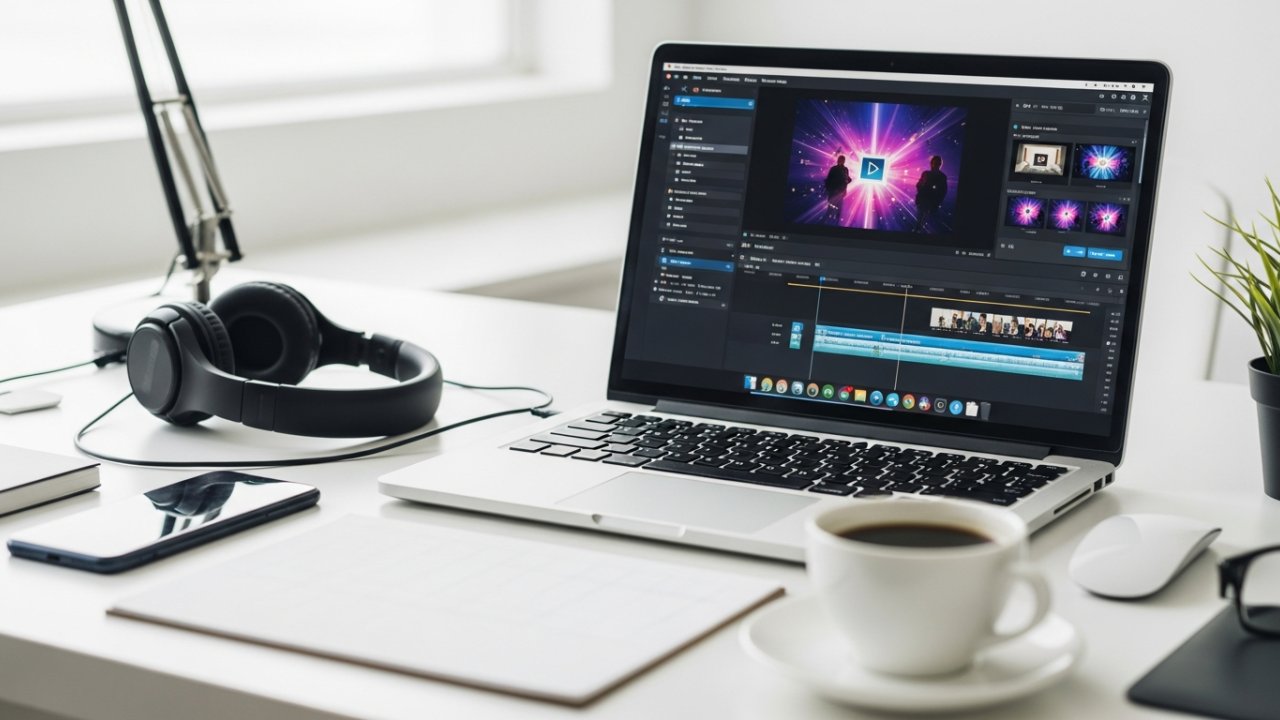
When you want to create professional-looking photo videos with minimal effort, Animoto is a robust option to evaluate. This photo video maker with music features an intuitive drag-and-drop interface, making it accessible for users of all skill levels.
You can choose from a variety of customizable templates customized for different occasions, like weddings, events, and marketing campaigns. Animoto furthermore offers a library of licensed music tracks, enabling you to improve your videos with the perfect soundtrack.
In addition, it supports exporting videos in high-resolution formats, ensuring quality for sharing on social media. If you’re working in a team, you can collaborate with others in real-time, making it an ideal tool for group projects and professional presentations.
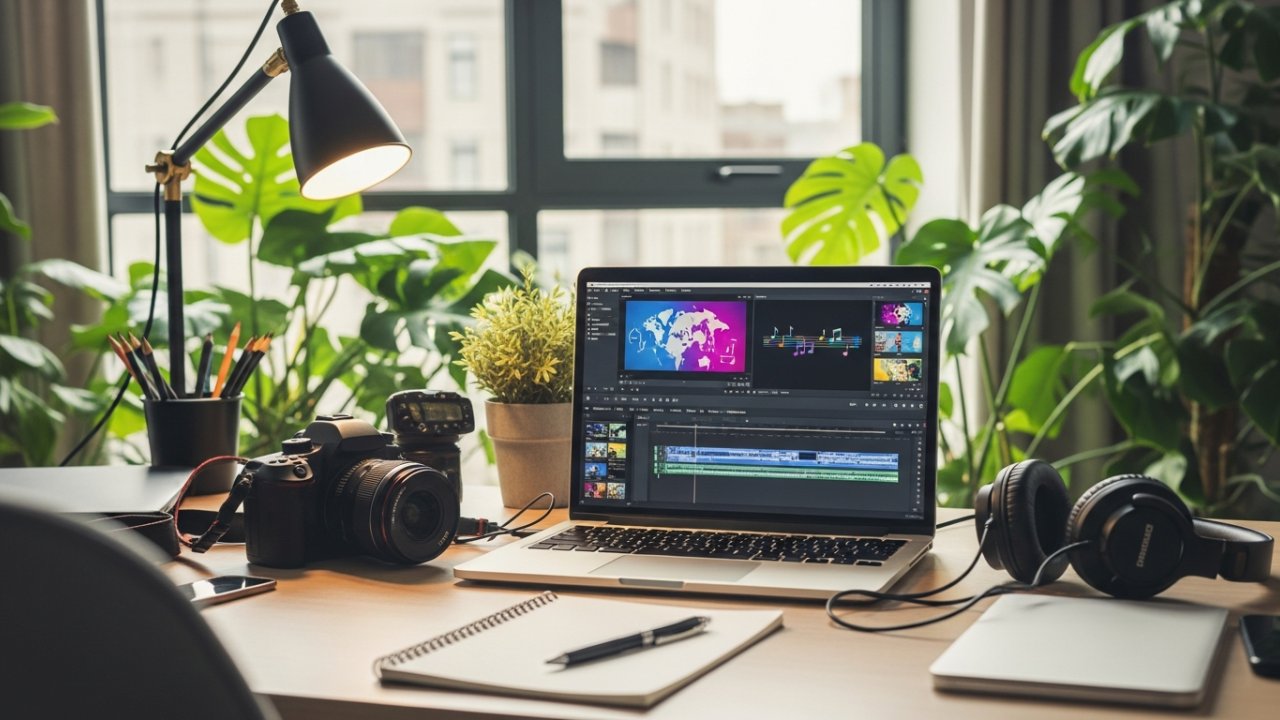
For those seeking a versatile and user-friendly video editing solution, VEED Video Editing Tool stands out as a robust option. This photo video maker with music online free is perfect for both beginners and professionals.
Here’s what makes VEED special:
- Intuitive Interface: Effortlessly create videos without prior editing experience.
- Extensive Editing Tools: Utilize stickers, filters, special effects, and an automatic caption generator for improved engagement.
- Easy Media Upload: Drag-and-drop functionality allows quick arrangement of images, videos, and audio tracks.
- Real-Time Collaboration: Work with your team, providing feedback directly within the platform.
With VEED, you can export videos without watermarks, making it ideal for sharing your content across social media platforms.
Frequently Asked Questions
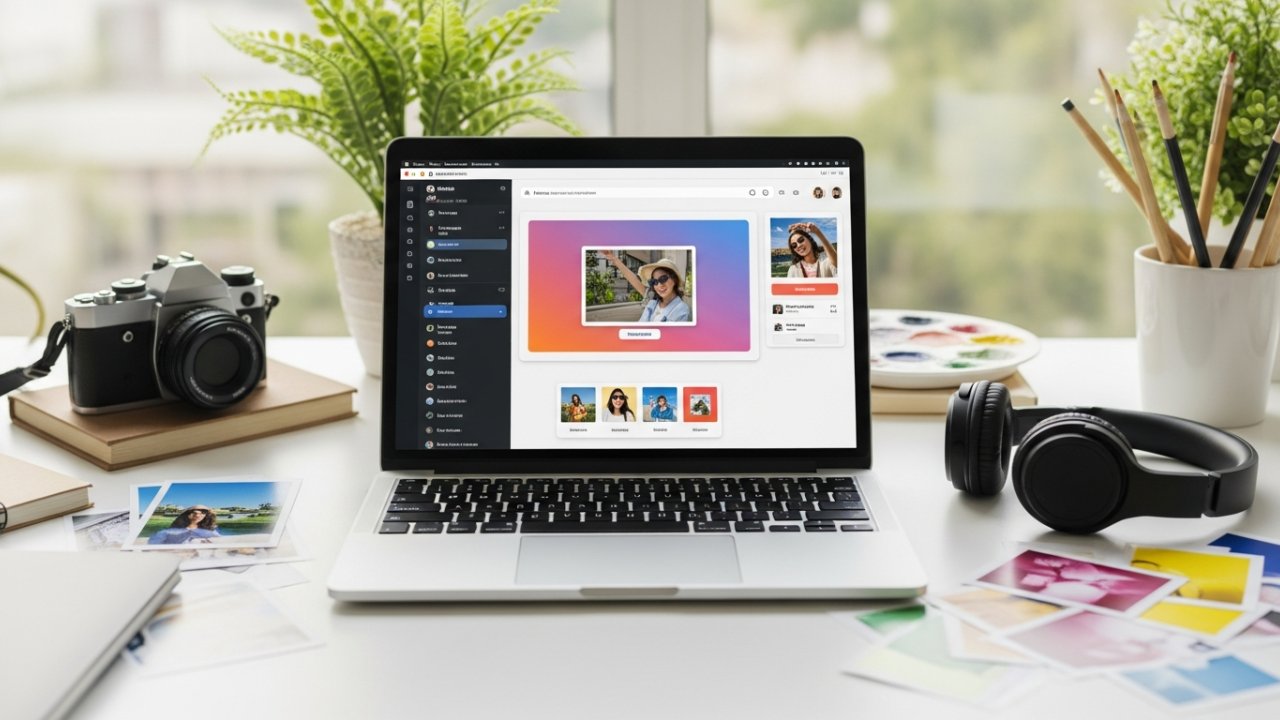
Which Is the Best Photo Video Maker With Music Online Free?
When considering the best free online photo video maker with music, you should explore options like Canva, which offers editable templates and a vast media library.
Adobe Express is user-friendly, perfect for beginners.
Clideo allows for various media formats without software downloads, whereas VEED includes automatic captioning and a music library.
If you want AI-powered resizing tools, check out Magic Studio™ by Canva to guarantee your videos are optimized for social sharing.
[embedded content]
Is There a Free Video Maker With My Own Music Online?
Yes, there are several free online video makers that allow you to use your own music.
[embedded content]
Platforms like Canva and Adobe Express let you upload your music tracks for seamless integration with your video projects. They support various audio formats, such as MP3 and WAV, making it easy to customize your videos.
Furthermore, you can adjust the placement of your music within the timeline, ensuring it syncs perfectly with your visuals for a polished result.
What Is the Free Online Photo Collage Maker With Music?
You can find several free online photo collage makers that allow you to add music to your creations.
Platforms like Canva and Adobe Express offer user-friendly interfaces where you can easily drag and drop photos, select customizable templates, and incorporate audio.
Most of these tools provide access to a library of royalty-free tracks or let you upload your own music, ensuring your collage reflects your personal style.
You can as well download your final products in high resolution.
How to Mix Music With Photos Online for Free?
To mix music with photos online for free, start by choosing a platform like Canva or Adobe Express.
Upload your images and drag your selected audio track into the timeline. Adjust the audio position as needed, and use tools to cut or trim the music for synchronization.
Explore the platform’s royalty-free music library for sound options.
Finally, download your video in various resolutions, ensuring it’s ready for sharing on social media.
Conclusion
In conclusion, these five free online photo video makers provide excellent tools for creating engaging videos with music. Canva’s Photo Video Maker and Adobe Express Video Editor offer user-friendly interfaces and extensive libraries. Clideo is convenient for cloud-based editing, whereas Animoto provides customizable templates for various occasions. Finally, VEED excels in editing options and allows watermark-free exports. By utilizing these platforms, you can effectively bring your photo projects to life with ease and creativity.
Image via Google Gemini