

In today’s fast-paced business world, you need effective tools to boost productivity. Start by integrating apps like Trello for task management and Slack for communication. Consider using Asana to keep track of project deadlines and DocuSign for easier document handling. Automate workflows with Microsoft Power Automate and connect tools seamlessly with Zapier. These apps can streamline your processes, but choosing the right ones for your unique needs is key. Let’s explore how to make that choice effectively.
Key Takeaways
- Business management apps streamline workflows, enhancing task efficiency and reducing manual processes by up to 30%.
- Tools like Slack and Microsoft Teams improve team communication, boosting project completion rates by 25% through real-time interaction.
- Project management apps like Trello and Asana help organize tasks and set deadlines, promoting accountability within teams.
- Automation tools such as Zapier and IFTTT can save time by connecting apps and reducing manual input, enhancing productivity.
- Choosing the right app involves assessing integration capabilities, customization options, and user feedback for optimal compatibility with business needs.
Why Business Management Apps Are Crucial for Productivity
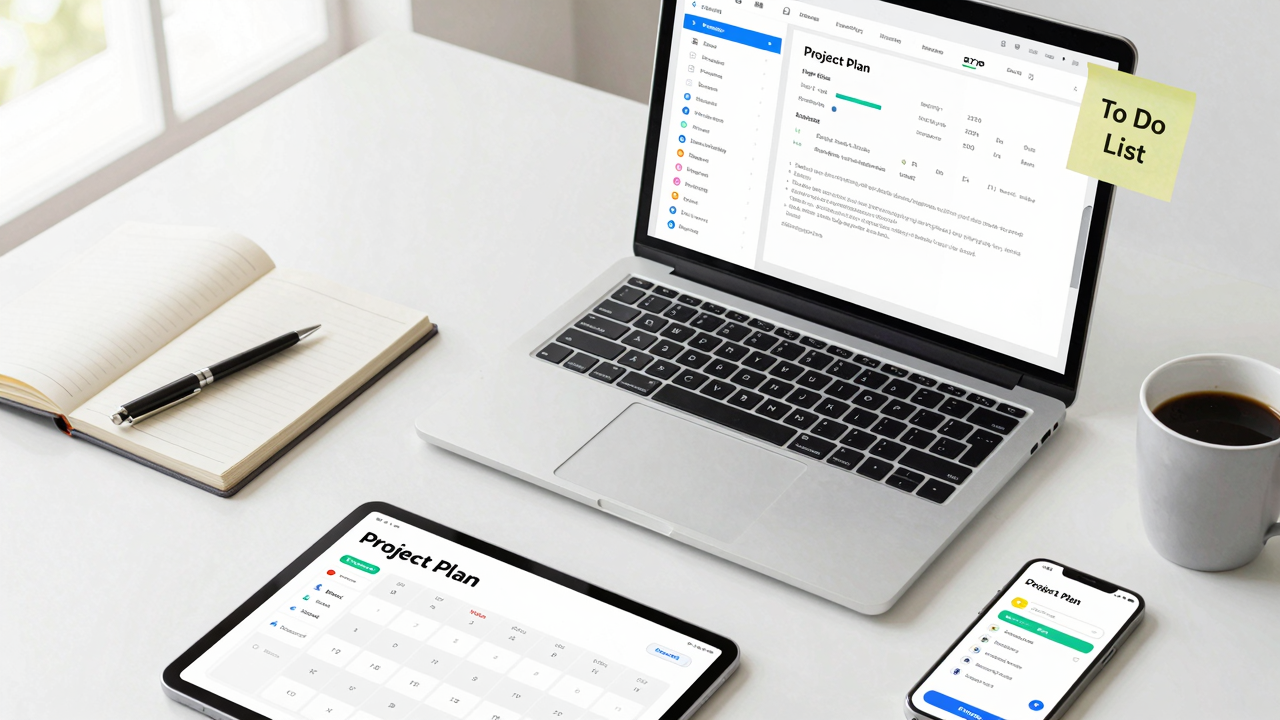
In today’s fast-paced business environment, using business management apps can be a game-changer for your productivity. A small business management app helps streamline workflows, enabling you and your team to complete tasks more efficiently. By reducing manual processes by up to 30%, you can save valuable time.
These productivity and collaboration tools also enhance real-time communication among team members, boosting project completion rates by 25%. Integrating functions like task management and document sharing minimizes tool-switching, which enhances overall productivity by 20%.
With project management software visualizing your tasks and deadlines, you can keep everyone on the same page. Utilizing data-driven insights allows you to identify bottlenecks, leading to informed decisions that boost productivity by 15%.
Ultimately, implementing these software for small businesses can considerably reduce operational costs—potentially saving thousands annually—by automating repetitive tasks. Embrace business administration software today and watch your efficiency soar.
Key Assistive Apps for Document Management and Communication

When it comes to managing documents and boosting team communication, having the right apps can make a big difference.
Tools like ABBYY FineReader can help you digitize important papers, while DocuSign simplifies contract signing, saving you time and effort.
For team chats and file sharing, consider using Slack, which keeps everyone connected and focused on tasks.
Streamlining Document Workflows
Streamlining document workflows can greatly boost your productivity, especially in a fast-paced business environment.
Use document management software like ABBYY FineReader to convert images into editable formats, making it easier to digitize important documents.
For contract management, consider DocuSign for electronic signatures, which saves time and simplifies processes.
To enhance your writing, employ Grammarly for real-time corrections and suggestions, ensuring clear communication.
Integrate Slack for team collaboration; its organized messaging and file-sharing features improve workflow efficiency.
Finally, leverage Gemini, an AI chatbot, within Google services for advanced support in document management.
Together, these business management software systems and workflow management software enhance your cloud-powered productivity platform, making your operations smoother and more effective.
Enhancing Team Communication Efforts
Effective team communication is essential for maintaining productivity and collaboration, especially in today’s diverse work environments.
To enhance your team’s communication efforts, consider these key tools:
- Slack: This messaging app for business organizes channels and file sharing, keeping everyone connected in real-time.
- Microsoft Teams: An all-in-one collaboration platform, it integrates chat, video meetings, and document management, ideal for remote and in-office teams.
- Grammarly: Use this writing assistant to guarantee clarity and professionalism in your communications with real-time grammar and style suggestions.
These apps represent some of the best communication software for small business, helping streamline your team’s workflow and improve overall efficiency.
Embrace these tools to transform your workplace communication for the better.

To boost your workflow efficiency, consider leveraging time-saving automation tools that can transform repetitive tasks into seamless processes.
Tools like IFTTT and Zapier let you create custom workflows, connecting multiple apps to streamline daily operations.
With software like Microsoft Power Automate, you can automate workflows across various applications, reducing manual input and increasing task execution efficiency.
Automate.io allows you to integrate cloud applications without any coding, making it easier to enhance productivity.
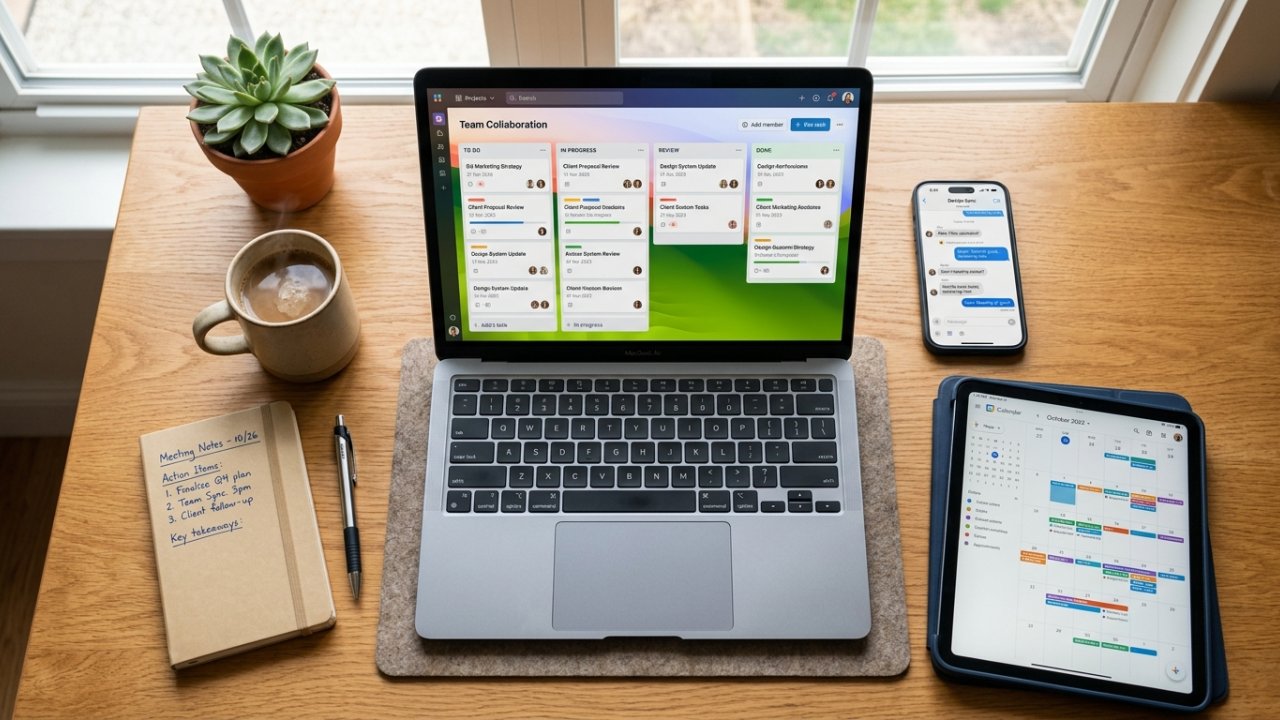
When it comes to team collaboration, choosing the right communication tool is key.
Consider options like Slack for instant messaging, Microsoft Teams for seamless integration with Office 365, or Zoom for high-quality video conferencing.
Each tool offers unique features for file sharing and communication, so evaluate what fits your team’s needs best.
Instant Messaging Features
Instant messaging tools have become essential for smooth team collaboration, as they allow for real-time communication that cuts through the clutter of lengthy emails.
These platforms enhance productivity and streamline processes. Here are three key features to look for in the best team communication app:
[embedded content]
- Organized Channels: Tools like Slack use channels for specific topics, improving focus and reducing information overload.
- Seamless Integration: Microsoft Teams integrates with Office 365, enabling document collaboration and meeting scheduling directly in the chat.
- Diverse Communication Options: Platforms like Discord support voice, video, and text, catering to various team needs.
2. Video Conferencing Options
Video conferencing options are essential for effective team collaboration, especially in today’s hybrid work environment. Tools like Zoom and Microsoft Teams support large meetings with features like screen sharing, making them top choices in enterprise communication software. Slack and Discord combine messaging with video chat, providing versatile team communication platforms. Webex by Cisco stands out with features like gesture recognition and automatic summaries, enhancing your virtual communication experience. For seamless meeting management, consider MeetGeek, which transcribes discussions so your team can focus on collaboration.
| Tool | Key Features |
|---|---|
| Zoom | Screen sharing, up to 1,000 participants |
| Microsoft Teams | Integrated file sharing, calendar sync |
| Webex | Gesture recognition, automatic summaries |
3. File Sharing Capabilities
Effective collaboration doesn’t stop at video calls; file sharing tools play a key role in keeping your team connected and productive. Here are three ways to leverage these tools effectively:
- Utilize Advanced Features: Use platforms like Google Drive or Dropbox for real-time document editing and version control, helping your team track changes and minimize errors.
- Ensure Secure Sharing Options: Set permissions carefully to protect sensitive information, ensuring only authorized personnel access critical documents.
- Integrate with Productivity Apps: Connect your file sharing tools with other business organization software to streamline workflows, enhancing overall project management.
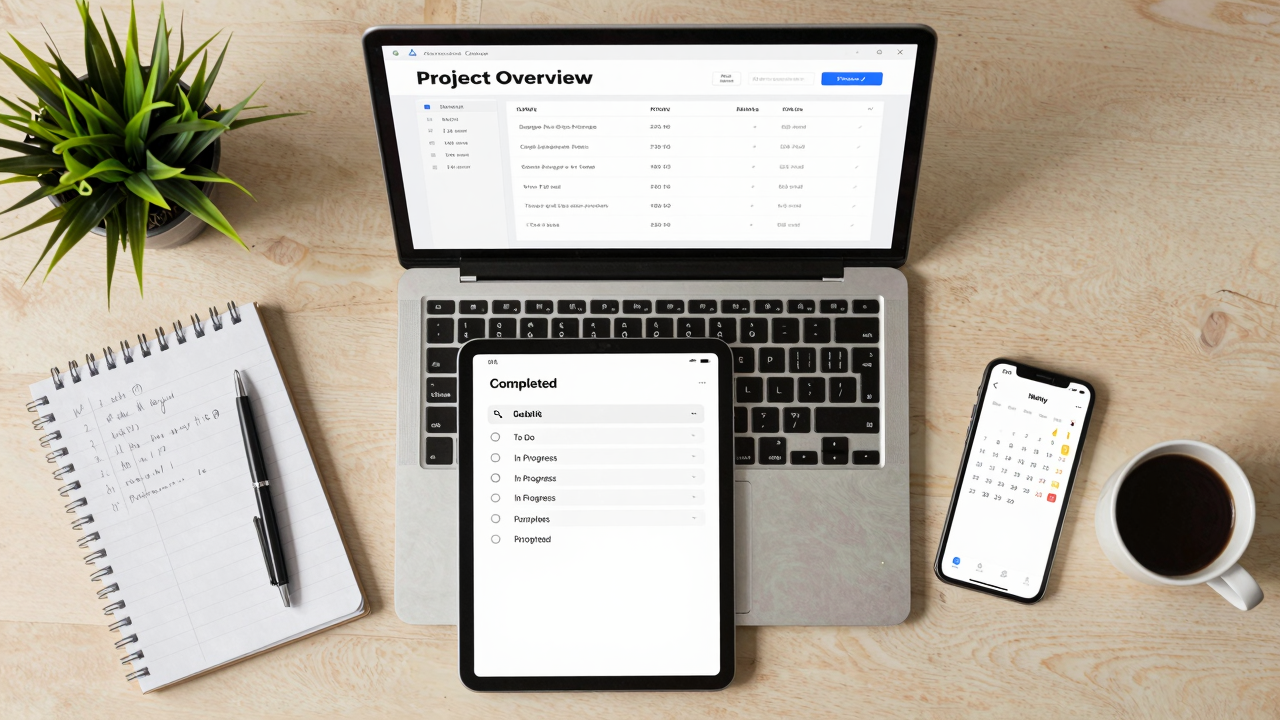
When it comes to managing projects efficiently, using the right tools can make all the difference. Start with Trello, a visual board system that helps you track tasks and collaborate easily.
For enhanced accountability, try Asana, which lets you set deadlines and assign tasks to keep everything on track. Monday.com is perfect if you need customizable workflows, allowing your team to tailor project processes to fit specific needs.
If you want an all-in-one platform, consider ClickUp, which integrates tasks, docs, and chat, streamlining team collaboration. Finally, Airtable combines the ease of spreadsheets with database functionality, offering customizable templates for various projects.
These project management tools and business management apps can greatly improve your workflow, making team communication and task tracking more effective. Explore these options to find the best fit for your organization’s needs.
Seamless Office Suite Solutions for Integrated Work
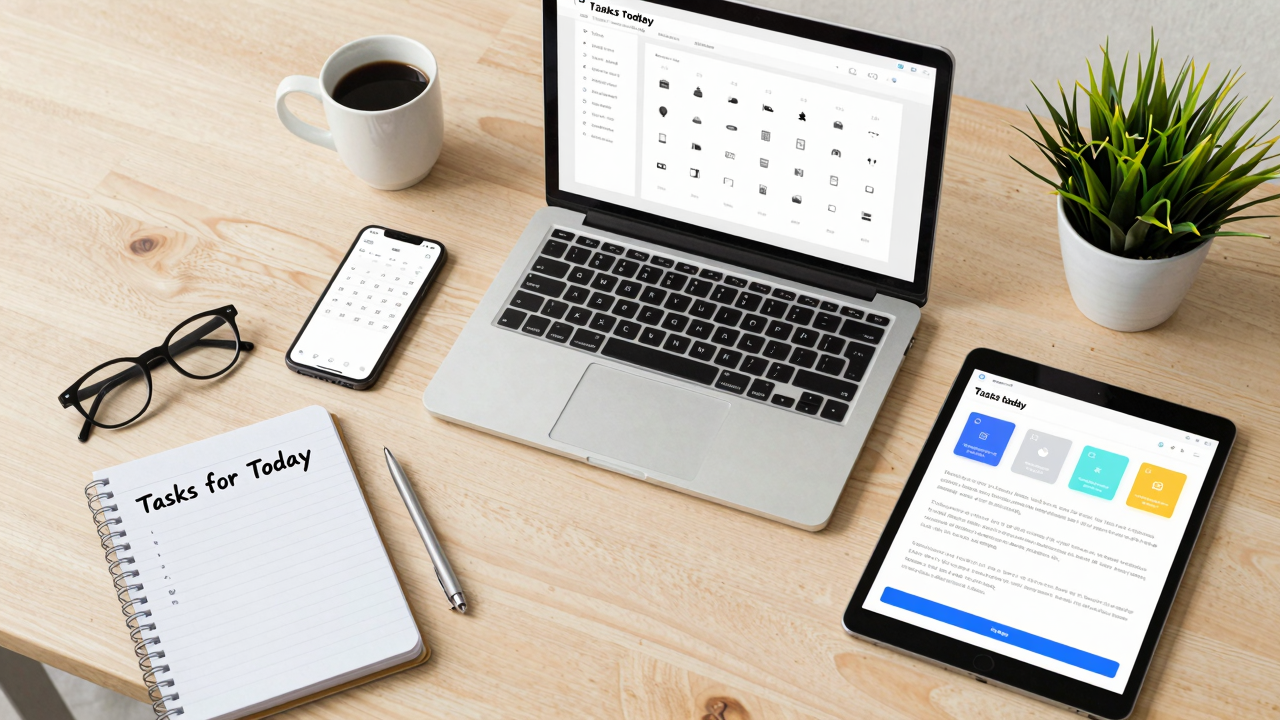
To keep your team working smoothly, consider adopting seamless office suite solutions that integrate all your productivity needs in one place.
Here are three powerful options to enhance your small business workflow management:
- Microsoft Office 365: This suite offers tools like Word and Excel, allowing your team to collaborate in real-time from any device.
- Google Workspace: With Docs and Sheets, it enables simultaneous editing and efficient file management in the cloud, making it one of the best business apps for small business.
- Notion: An all-in-one software for small business, it helps create customizable databases and task management systems tailored to your team’s needs.
Choosing the Best App for Your Business: A Simple Guide

Choosing the right business management app can feel overwhelming, but breaking it down into clear steps makes the process manageable. Start by identifying business apps that integrate seamlessly with your existing systems. This reduces the learning curve for your team and enhances efficiency.
Next, look for customizable features that allow you to tailor workflows to your specific business needs, boosting productivity. Evaluate the pricing structure of each app, focusing on those offering a free trial. This lets you assess compatibility before committing to a subscription.
Prioritize tools that facilitate real-time collaboration, as they enhance project management and teamwork. Finally, investigate user reviews to find the best apps for small businesses like yours. Reading case studies helps you identify solutions that have proven effective in your industry.
Frequently Asked Questions

What Are the Top 10 Productivity Apps?
The top 10 productivity apps you should consider include Todoist for task management, Notion for note-taking and organization, Trello for visual project tracking, and Grammarly for writing assistance.
You might also try Monday.com for team collaboration, Asana for project management, Slack for communication, Evernote for notes, Microsoft To Do for task lists, Google Drive for file sharing, and Zoom for virtual meetings.
[embedded content]
Explore these options to find what fits your needs best.
Is There an App That Boosts Productivity?
Yes, there are several apps that can boost your productivity.
Try using Todoist to organize your tasks effectively. It helps you prioritize and stay on track.
[embedded content]
If you need to improve your writing, Grammarly offers real-time suggestions.
For automating repetitive tasks, consider Zapier, which connects different services.
Finally, use Toggl Track to monitor how you spend your time, helping you identify areas where you can improve focus and efficiency.
What Is the Best App for Business Management?
The best app for business management depends on your specific needs.
If you want a visual tool, try Trello for task organization.
For team workflows, Asana’s task assignments and deadlines work well.
If you need flexibility, choose Monday.com for customizable workflows.
ClickUp is great for consolidating tasks and documents, while Notion offers an all-in-one workspace for collaboration.
Assess your team’s requirements, and select the app that aligns best with your goals.
What Are the 5 Most Commonly Used Productivity Tools?
The five most commonly used productivity tools are Todoist, Trello, Slack, Microsoft Teams, and Google Workspace.
You can start with Todoist for task management, organizing your to-do list effectively.
Use Trello for visual project tracking, allowing your team to collaborate seamlessly.
Implement Slack for real-time communication, and choose Microsoft Teams if you need integrated video and file sharing.
Finally, Google Workspace enhances collaboration through shared documents and spreadsheets, making teamwork more efficient.
Conclusion
To boost your business productivity, start by integrating essential management apps like Trello, Slack, and Asana into your daily operations. Focus on tools that streamline communication, automate workflows, and enhance project management. Take time to assess your team’s specific needs, and choose apps that fit those requirements. Regularly review your processes to identify areas for improvement. By making these adjustments, you’ll create a more efficient work environment that promotes collaboration and drives results.
Image via Google Gemini and Small Business Trends