
This post was originally published on this site.
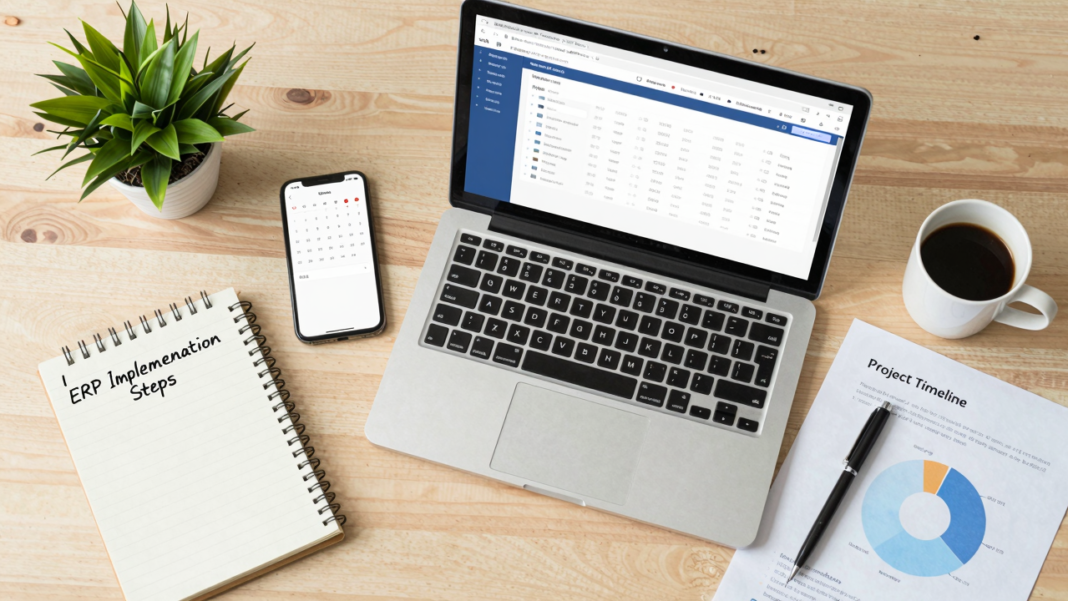
Implementing an ERP system can be a game-changer for your organization, but success requires careful planning. Start by defining your specific needs and choosing the right solution that aligns with those requirements. Once you’ve selected your ERP, focus on data migration and integration to guarantee a smooth changeover. Testing your system thoroughly before launch is vital, as is empowering your team for adoption. Next, consider how to create mechanisms for ongoing improvement. What comes next is fundamental to long-term success.
Key Takeaways
- Effective ERP planning defines clear goals and engages stakeholders early to enhance collaboration and minimize resistance.
- Selecting the right ERP solution requires assessing functional needs, scalability, and integration capabilities with stakeholder input.
- Data migration and integration should focus on cleaning data, mapping fields accurately, and conducting thorough testing pre-launch.
- Validation processes involve rigorous testing and stakeholder agreement to ensure system functionality and readiness for go-live decisions.
- Empower teams through effective training and continuous improvement mechanisms to foster user adoption and enhance system performance.
Why Effective ERP Planning Is Key to Success
Effective ERP planning is essential for your project’s success, as it lays the groundwork for clear goals and expectations. Start by creating a detailed ERP implementation plan that identifies your objectives and aligns stakeholder interests.
Engaging stakeholders early fosters collaboration and reduces resistance, making the shift smoother. It’s vital to outline a timeline with milestones to track progress throughout the ERP implementation process, allowing you to address challenges proactively.
Next, conduct a thorough needs assessment to pinpoint gaps in current processes, which helps tailor the cloud ERP implementation to your specific business needs.
Establish governance structures and identify resource requirements to guarantee necessary support is in place. Following ERP implementation best practices, communicate the benefits clearly to all employees, maintaining transparency and commitment.
Define Your ERP Implementation Requirements Clearly
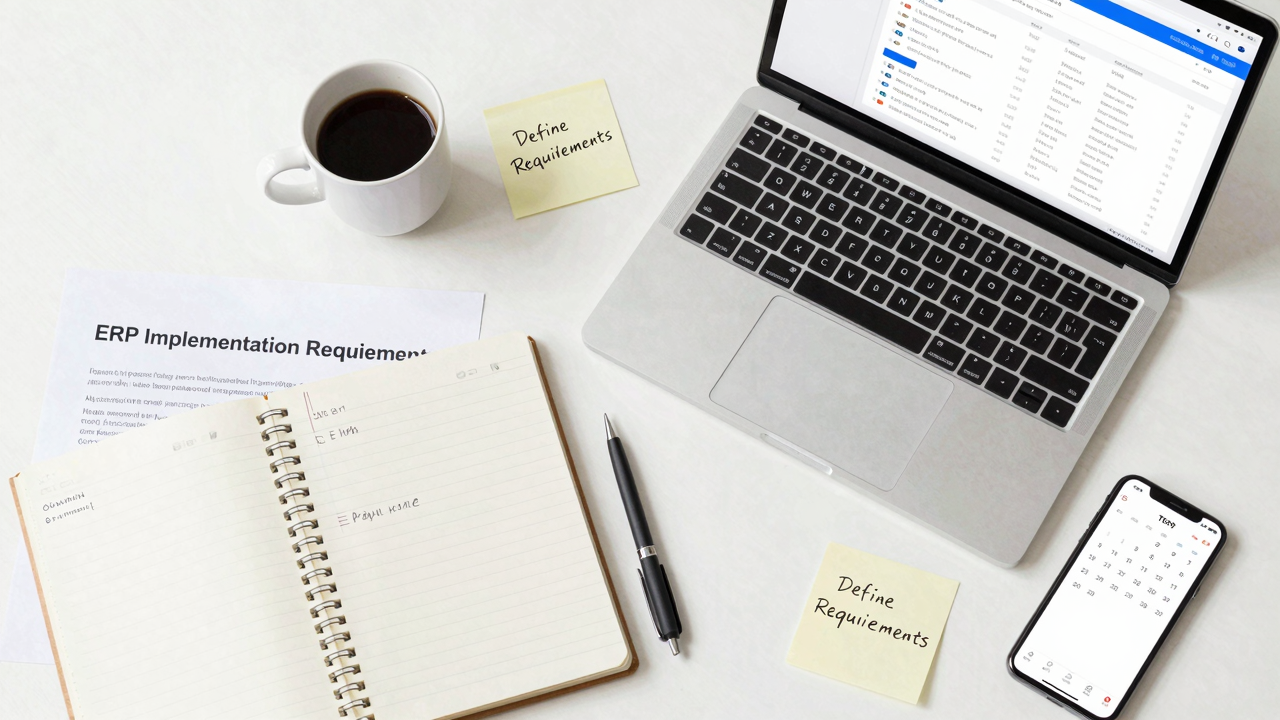
To kick off your ERP implementation, start by identifying your key business needs.
Document your current processes to highlight gaps and areas for improvement.
This clear understanding will guide your requirements and help guarantee the new system aligns with your organization’s goals.
Identify Key Business Needs
Identifying key business needs is essential for a successful ERP implementation. Start by conducting a thorough needs assessment to pinpoint gaps in your current processes.
[embedded content]
Involve stakeholders from finance, IT, and operations to gather diverse perspectives on required functionalities. Use this input to create an ERP system evaluation checklist, categorizing features into essential, desirable, and non-essential.
This prioritization will guide your cloud ERP deployment and streamline the enterprise resource planning process. Focus on mapping existing workflows to identify inefficiencies and areas for automation.
Finally, guarantee compliance with industry regulations to avoid potential pitfalls. By clearly defining your business needs, you set a solid foundation for the ERP implementation steps ahead, paving the way for long-term success.
Document Current Processes
Building on the identification of key business needs, documenting current processes is an essential step in defining your ERP implementation requirements clearly.
By mapping existing workflows, you can identify gaps and inefficiencies that your new cloud-based ERP implementation must address. Here are some steps to follow:
- Engage stakeholders from all departments to guarantee everyone’s needs are considered.
- Create clear documentation that outlines current processes for better comparison with ERP functionalities.
- Regularly revisit and update these documents to stay aligned with evolving business needs.
- Use this documentation to tailor your ERP implementation strategies throughout the various ERP implementation phases.
How to Choose the Right ERP Solution Based on Your Requirements?
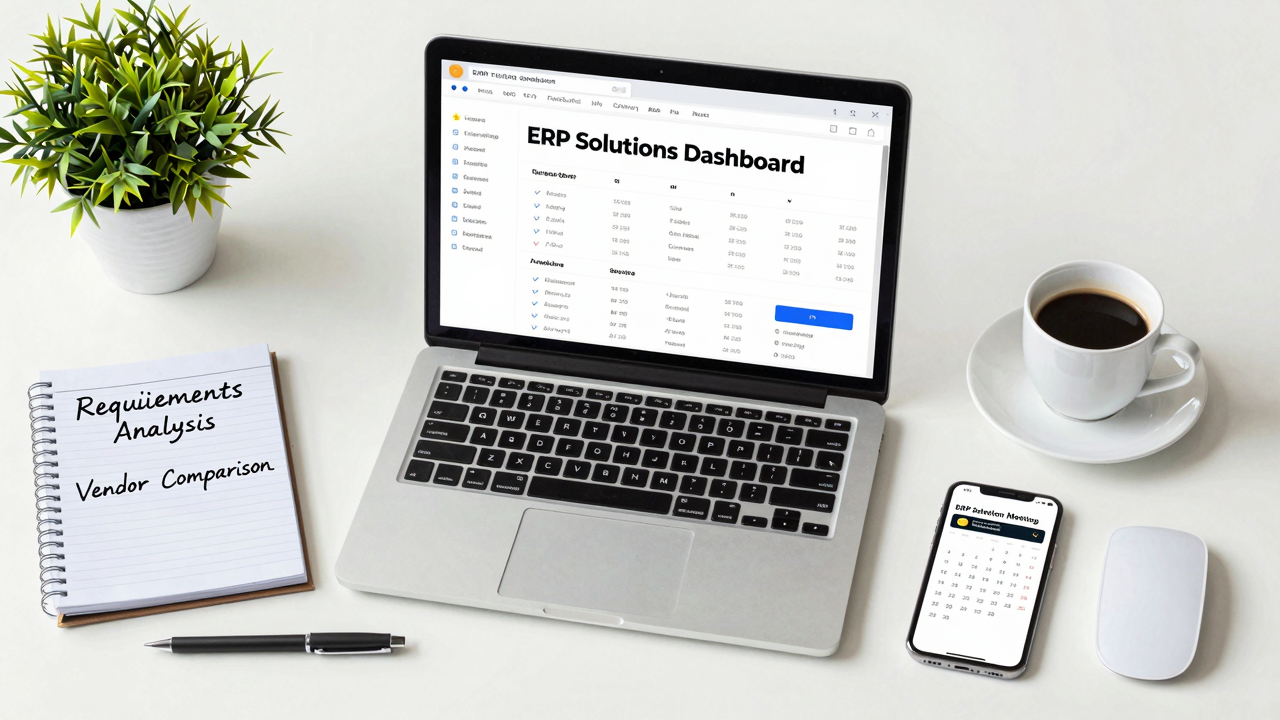
Choosing the right ERP solution starts with clearly identifying your key business requirements.
Evaluate the software functionality to guarantee it aligns with your specific needs, focusing on features that will streamline your operations.
Don’t forget to take into account scalability options, so the system can grow with your business and adapt to future challenges.
Key Business Requirements
When you’re ready to select the right ERP solution for your business, start with a thorough needs assessment. This will help you identify specific functional gaps and define critical requirements for your operations.
- Evaluate solutions based on scalability and integration capabilities.
- Prioritize features into “must-have,” “nice-to-have,” and “future considerations.”
- Engage stakeholders from various departments for diverse insights.
- Request demonstrations and trials to assess fit and functionality.
These steps align with effective ERP system implementation and support your distribution ERP implementation strategy.
Following ERP implementation best practices will streamline your ERP project plan and guarantee successful enterprise resource planning implementation. This process sets the foundation for a robust system that meets your organization’s needs.
Evaluate Software Functionality
To effectively evaluate software functionality for your ERP solution, start by conducting a thorough needs assessment that pinpoints gaps in your current processes and identifies required features. Next, evaluate potential ERP solutions based on scalability, integration capabilities, and user experience. Request demonstrations to assess software functionality in real-world scenarios. Gather feedback from potential users for practical insights.
| Criteria | Importance | Action |
|---|---|---|
| Scalability | Adapt to business growth | Choose modular systems |
| Integration | Seamless data flow | Check compatibility with existing tools |
| User Experience | Ease of use | Involve end-users in testing |
Prioritize systems that offer customization and guarantee the total cost of ownership aligns with your budget for successful ERP software implementation.
Consider Scalability Options
Selecting the right ERP solution requires careful evaluation of scalability options that align with your business needs.
You need a system that can grow with you, adapting to increased data loads and user demands without losing performance.
Here are some key factors to reflect upon:
- Modularity: Look for systems that allow you to add features as needed.
- Integration: Guarantee the ERP integrates smoothly with your existing applications.
- Vendor Support: Choose a SAP vendor known for timely updates and scalability assistance.
- Testing: Conduct thorough testing of scalability features during pilot phases.
Strategizing Data Migration and Integration for ERP Success
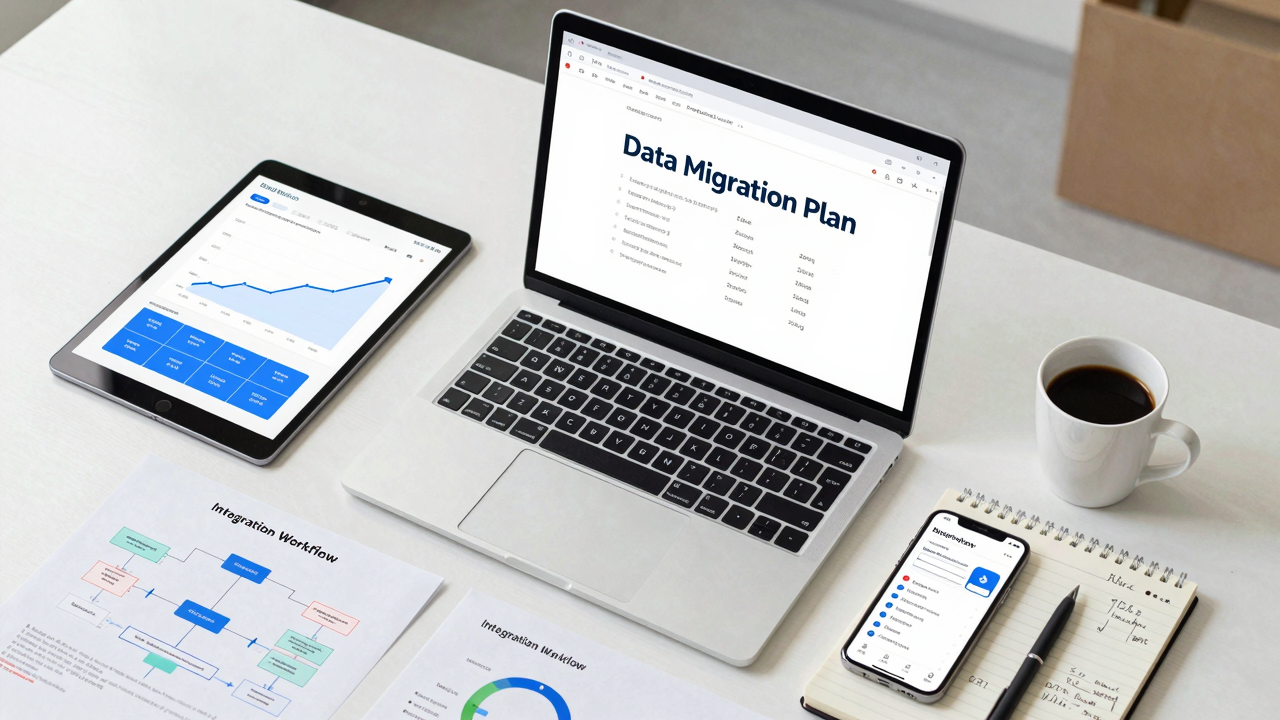
Strategizing data migration and integration is essential for guaranteeing your ERP implementation is successful. Start by thoroughly cleaning, standardizing, and validating your existing data to confirm accuracy in the new system.
Mapping data fields from your legacy systems to the ERP platform is vital for a seamless change, preventing data loss. Use a phased approach for data migration, allowing pilot testing to identify potential issues early on, which minimizes disruptions during full deployment.
Regularly conduct integration testing in a controlled environment to catch compatibility issues with existing applications before going live. Engage stakeholders throughout this process; their input guarantees alignment with business needs and smooth integration with current workflows.
Finally, incorporate these steps into your ERP implementation roadmap, so you have a clear path forward, reducing risks and enhancing overall success.
Empower Your Team for Successful ERP Adoption

Empowering your team is essential for successful ERP adoption, especially since effective training can greatly boost user understanding and productivity.
To make this happen, focus on these key strategies:
- Engage Subject Matter Experts (SMEs) throughout the ERP implementation to clarify requirements and enhance user training.
- Involve employees in the process to foster ownership and reduce resistance to change.
- Establish a feedback loop during training and post-implementation, allowing your team to voice concerns and suggest improvements.
- Communicate regularly about the benefits of the new ERP system to maintain enthusiasm and commitment.
Test Your System Thoroughly Before Launch
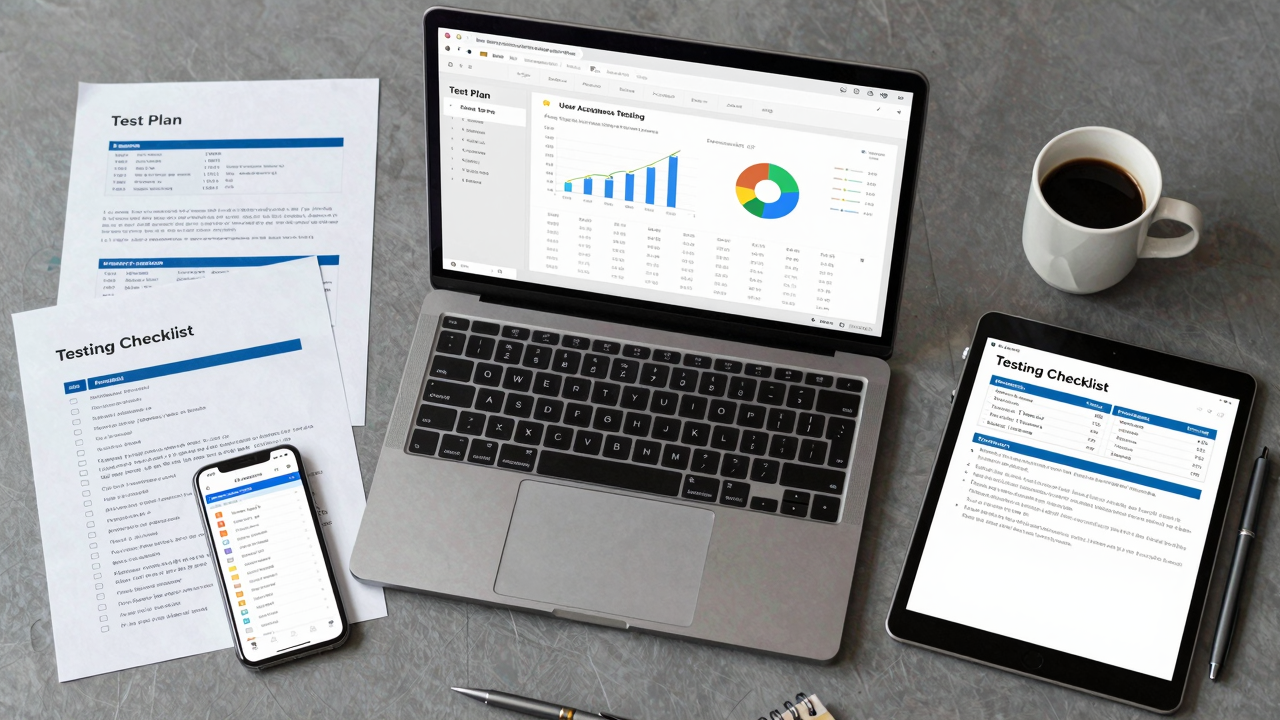
Before launching your new ERP system, it’s essential to test it thoroughly to confirm everything works as intended. Start by conducting Conference Room Pilots (CRPs) with your functional teams. This helps identify and document errors before the go-live date.
Next, engage actual users during User Acceptance Testing (UAT). Their feedback will guarantee the system meets operational needs and is user-friendly. Resolve any minor issues that arise during these tests to smooth out changes and reduce disruptions.
Make sure to validate processes through multiple rounds of testing, including unit, system, and integration tests. This confirms compatibility and data flow across integrated applications.
Finally, establish a go/no-go decision process post-UAT. This confirms all stakeholders agree on system functionality and performance, addressing potential risks of implementing an ERP system.
Create Mechanisms for Continuous Improvement
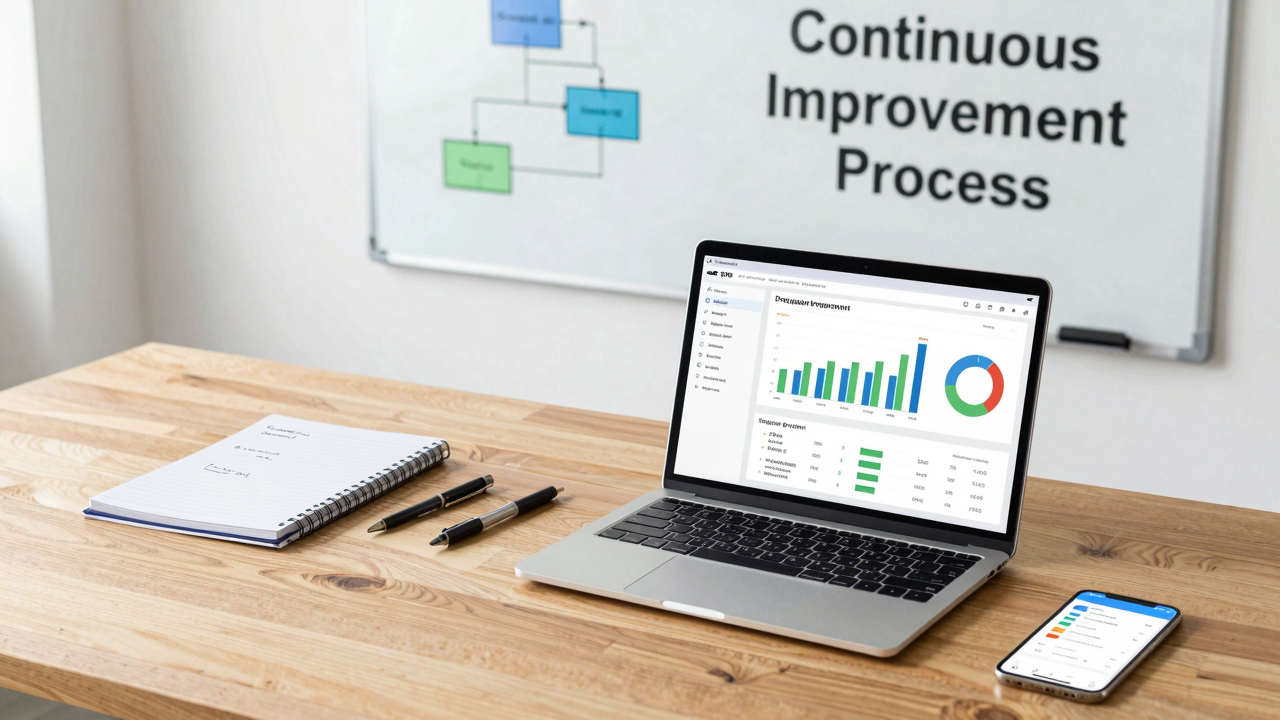
To create mechanisms for continuous improvement in your ERP system, start by establishing a robust feedback loop. Regularly collect user insights post-implementation to identify areas for enhancement. This guarantees your ERP aligns with evolving business needs.
Consider these steps:
- Conduct periodic review meetings to assess ERP performance against established KPIs.
- Implement a structured change management process, allowing for agile responses to user requirements.
- Leverage data analytics from your ERP system to inform decision-making and track performance trends.
- Foster a culture of continuous learning by providing ongoing training and resources for users.
Frequently Asked Questions
How Long Does an ERP Implementation Typically Take?
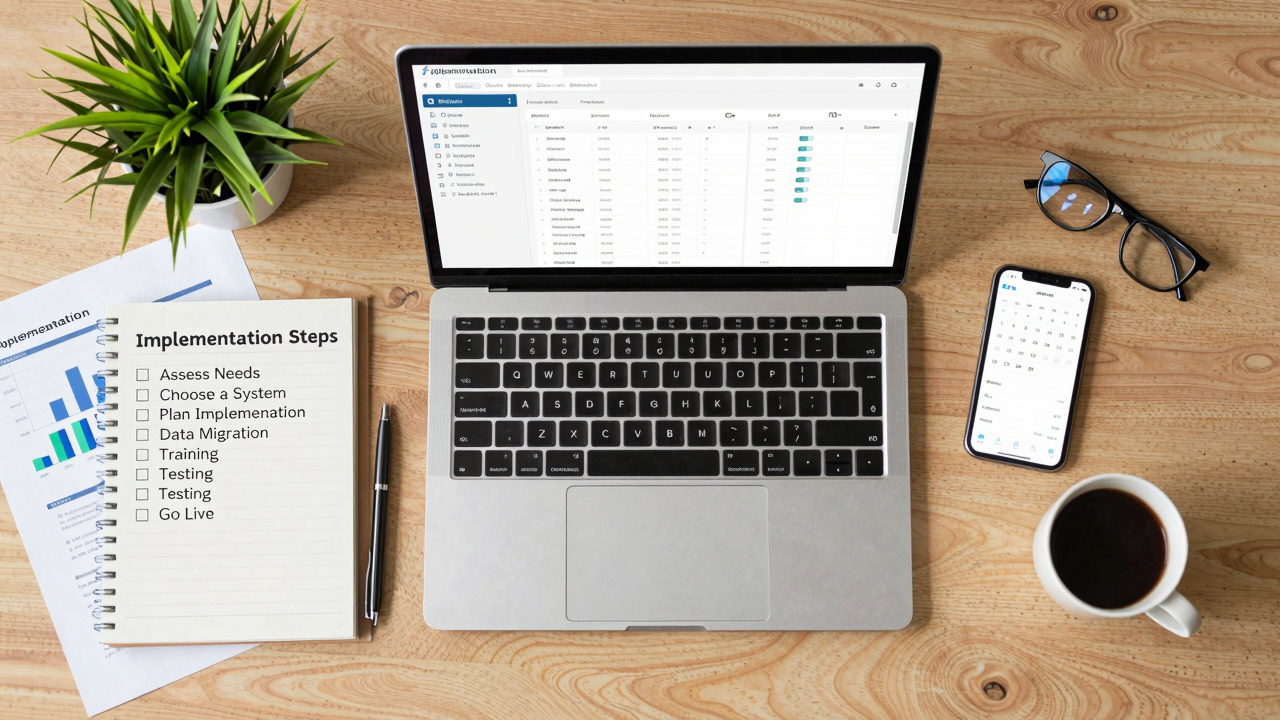
An ERP implementation typically takes six months to a year.
Start by planning and organizing your team, then select the right system based on your business needs.
Next, focus on installation, ensuring your software and hardware are ready.
After that, migrate your data carefully, and train your staff to use the new system effectively.
Finally, test everything before going live, adapting as necessary to meet your organization’s evolving requirements.
What Are the Costs Associated With ERP Implementation?
The costs associated with ERP implementation can vary widely, typically ranging from thousands to millions.
You’ll need to factor in software licensing fees, hardware costs, consulting services, and training expenses.
Additionally, consider ongoing maintenance and support costs.
It’s wise to create a detailed budget that includes these elements, and to estimate costs accurately by researching vendors and gathering quotes.
This way, you’ll avoid unexpected expenses during the implementation process.
How Do We Handle Employee Resistance During Implementation?
To handle employee resistance during implementation, start by communicating openly about the changes and their benefits.
[embedded content]
Involve employees in the process by seeking their input and addressing concerns directly.
Offer training sessions to build confidence and competence with the new system.
Recognize and reward those who embrace the shift, fostering a positive environment.
Keep leadership engaged and visible, reinforcing the importance of the ERP solution for overall success.
What Metrics Should We Use to Measure ERP Success?
To measure ERP success, focus on key metrics like user adoption rates, system uptime, and data accuracy.
Track improvements in operational efficiency and process cycle times.
Evaluate cost savings, such as reduced inventory costs or lower labor expenses.
Gather user feedback to assess satisfaction and identify areas for improvement.
Finally, monitor the return on investment (ROI) by comparing pre- and post-implementation financial performance.
[embedded content]
These metrics will give you a clear picture of your ERP’s effectiveness.
Can We Customize an ERP Solution to Fit Our Needs?
Yes, you can customize an ERP solution to fit your needs.
Start by identifying your specific business requirements and areas for improvement. Work closely with your ERP vendor to discuss these needs and explore available customization options.
Utilize configuration settings to tailor workflows, reports, and user interfaces.
Test these customizations thoroughly during implementation to guarantee they meet your expectations and enhance functionality, ultimately supporting your organization’s unique processes and goals.
Conclusion

To summarize, follow these seven essential steps for a successful ERP implementation: plan effectively, define your requirements, choose the right solution, strategize data migration, empower your team, test thoroughly, and create mechanisms for continuous improvement. Engage stakeholders throughout the process to guarantee alignment with business needs. By taking these concrete actions, you can enhance operational efficiency and drive your organization’s growth. Stay focused, adaptable, and committed to ongoing training to maximize your ERP investment.
Image via Google Gemini and Small Business Trends