

This post was originally published on this site.
April 24 – May 7, 2026
Welcome back to the WordPress.com changelog! It’s been a big two weeks at WordPress.com HQ: we opened opt-in access to the WordPress AI Assistant on all current paid plans, Studio Code launched in beta as a coding agent built specifically for WordPress, and we shipped a new theme focused on short-form social-style blogging.
AI
The AI sidebar is now on every paid plan
Until this week, the WordPress AI Assistant was opt-in only on Business and Commerce plans. Starting now, it’s available as an opt-in on all current paid plans — Personal, Premium, Business, and Commerce. Free and legacy Blogger plans will need to upgrade.
The assistant works alongside you as you write, design, and update your site on WordPress.com, offering guidance, edits, and improvements. It’s not a separate app or a one-time setup tool; it’s ongoing help that understands your specific site, built into the editor and the Media Library.
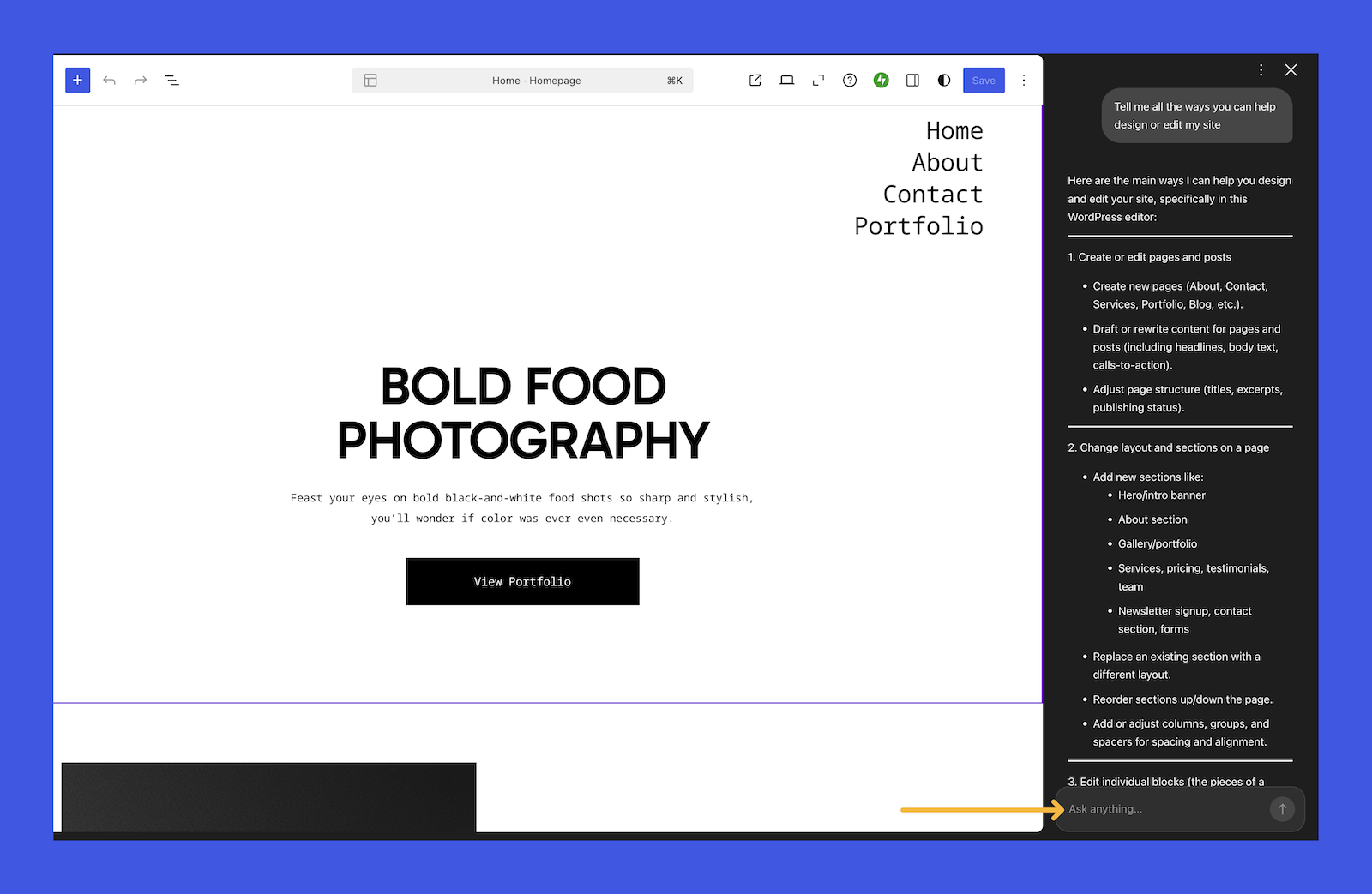
Use it to:
- Tighten your writing for SEO and clarity without losing your voice.
- Generate and edit images.
- Refine layouts and design choices without manually searching for solutions.
- Get site-aware help when something isn’t behaving the way you expect.
Here’s how to opt in, plus some tips for getting the most out of the assistant.
WordPress Studio
Build WordPress sites from your terminal with Studio Code
Calling all developers, builders, and vibe coders: Studio Code is your WordPress expert in the terminal.
Describe what you want (in natural language, with a reference URL, or with a folder of images), and the AI agent builds the blocks, theme, plugins, and full WordPress site, locally.
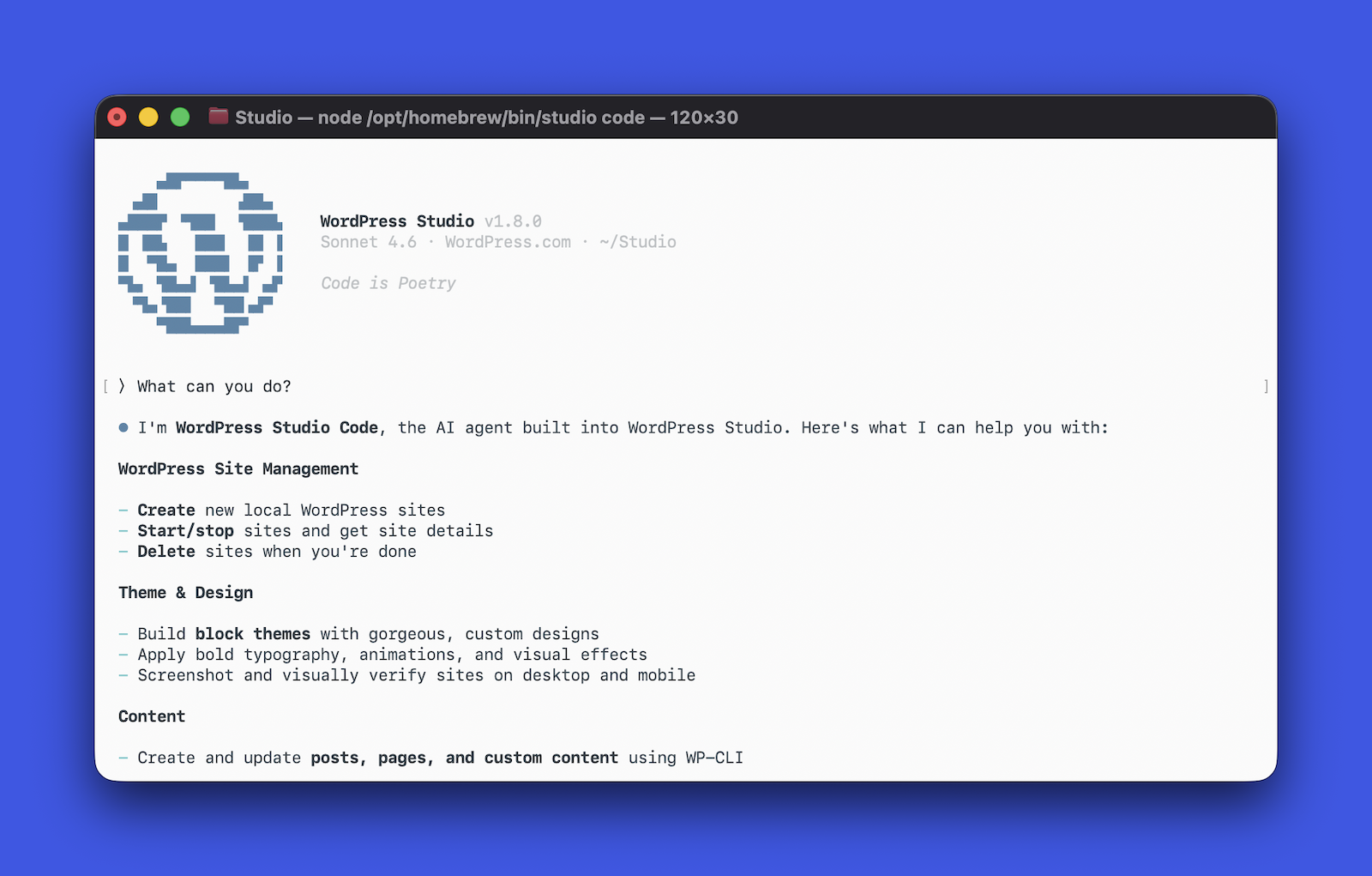
A few things it does that a generic coding agent can’t:
- Stop debugging “invalid content” warnings. Studio Code validates every block against the real editor before inserting it, so generated markup opens clean.
- Skip the screenshot-and-reprompt cycle. It captures its own output in a screenshot, spots layout issues, and iterates for you.
- Stay in the terminal to ship. Just say the word to sync to a production or staging site on WordPress.com.
- Point at problems instead of describing them. Run
/annotate, click any element on the page, and ask for the change you want.
Install the Studio CLI, run studio code, and start describing. Studio Code is free with unlimited credits during the beta.
Themes
A new theme for short-form blogging
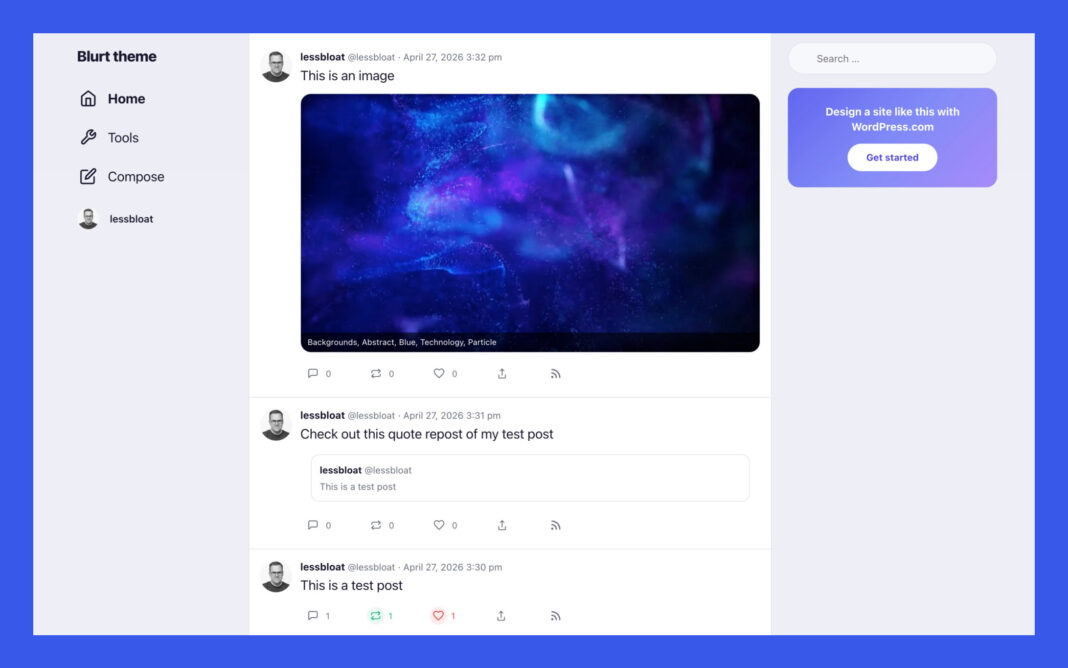
We introduced a new short-form blogging theme that lets you create your own small, personal “micro Twitter” with a group of friends, family, or any community you choose.
It’s built for quick posts, replies, and reposts, with a simple Compose flow, profile-style pages, and automatic attribution for shared posts.
The big idea is that social-style posting no longer has to live on someone else’s platform: every update is still a real WordPress.com post on a site you control, replies are saved as comments, and the whole experience stays portable, exportable, RSS-friendly, and independent of algorithmic feeds.
Take it for a spin at wordpress.com/social.
Fixes and improvements
We’ve shipped reliability and polish updates across WordPress.com to keep your site (and the platform it runs on) running smoothly, including:
- Showing the correct duration on audio blocks in the Reader instead of always reading 0:00 before you press play.
- Routing “Contact us” links from inside support articles directly to the in-app help chat, instead of a broken landing page.
- Making BLIK, a Polish mobile payment system, a supported payment method.
- Fixing inconsistencies in how expired-domain warnings show up in the dashboard.