
This post was originally published on this site.
If you’re looking for free accounting software for home use, there are several excellent options available. Programs like Wave Accounting and Zoho Books excel in user-friendliness and crucial features. You’ll find tools for invoicing, expense tracking, and even inventory management. Each software caters to individual needs, making financial management easier. Curious about which one suits you best? Let’s explore the top ten choices in detail.
Key Takeaways
- Wave Accounting offers unlimited invoicing and receipt scanning, making it ideal for freelancers and small businesses.
- ZipBooks provides seamless bank integration for automatic transaction imports and unlimited invoicing capabilities.
- GnuCash is a free, open-source option with robust reporting and a double-entry accounting system.
- Akaunting supports customizable invoicing and multi-currency transactions, catering to diverse financial needs.
- BrightBook simplifies financial management, perfect for users new to accounting without complex features.
Wave Accounting: Best for Easy Invoicing
When you’re looking for a straightforward invoicing solution, Wave Accounting stands out as an excellent choice, especially for freelancers and small businesses. This platform offers unlimited invoicing and estimates, allowing you to generate professional bills in just a few clicks.
Its user-friendly interface simplifies the invoicing process, so you can focus on your work rather than paperwork. With Wave’s free plan, you’ll find crucial features like receipt scanning, income and expense tracking, and reporting dashboards—all without hidden fees.
Additionally, you can manage multiple businesses under one account, making it a flexible option for various personal accounting programs free. Accessible via mobile apps, Wave lets you handle your financial tasks on the go, making it an ideal home accounting software solution.
If you’re searching for free accounting software for home use, Wave Accounting provides an efficient way to streamline your invoicing and financial management.
Zoho Books: Best for Overall Free Accounting Software
Zoho Books stands out as the best overall free accounting software because of its thorough feature set, user-friendly interface, and affordable pricing tiers.
With the ability to manage invoicing, banking integration, and expense tracking, it caters perfectly to micro businesses earning $50,000 or less.
Plus, the free version offers vital tools for one user and an accountant, making it a practical choice for home use.
Comprehensive Feature Set
For micro businesses seeking a robust accounting solution, the extensive feature set of Zoho Books makes it an excellent choice. This household bookkeeping software free offers invoicing, expense tracking, and client management, all vital for small home-based operations.
You can send up to 1,000 invoices annually, providing flexibility to manage your finances efficiently. With its free checkbook register software for Windows 10, you can also record and monitor your transactions seamlessly.
Moreover, Zoho Books delivers extensive reporting capabilities, enabling you to analyze your financial performance effectively. Rated 4.3/5 for banking and reporting, it stands out among free accounting options.
As your business grows, you can add users for just $3 per seat per month, ensuring scalability without breaking the bank.
User-Friendly Interface
Maneuvering through accounting software can often feel overwhelming, but with Zoho Books, you’ll find a user-friendly interface that simplifies the process.
Designed for efficiency, this software thrives in providing an intuitive experience, making it suitable even for those unfamiliar with accounting.
Here’s what you can expect:
- Streamlined Dashboard: Easily access all your financial data at a glance.
- Simple Invoice Creation: Send up to 1,000 invoices effortlessly.
- Expense Tracking: Monitor your spending without complex setups.
- Responsive Support: Get help via email, even with the free plan.
Whether you need offline personal finance software, personal check register software, or free checkbook software, Zoho Books offers an accessible solution that meets your needs efficiently.
Affordable Pricing Tiers
In regards to finding affordable accounting solutions, Zoho Books stands out with its competitive pricing tiers.
Their free accounting software plan is perfect for micro businesses earning $50,000 or less, allowing you to manage up to 1,000 invoices annually for one user and an accountant. This robust checkbook software includes features like invoicing, expense tracking, and extensive reporting, ideal for home use.
If your business grows, additional tiers start at just $20 per month, granting access to more users and advanced functionalities. Plus, you can test the Premium plan with a 14-day free trial before committing.
Zoho Books’ excellent user experience and email support in the free plan make it a top choice for anyone seeking freeware checkbook solutions.
ZipBooks: Best for Free Bank Account Connection
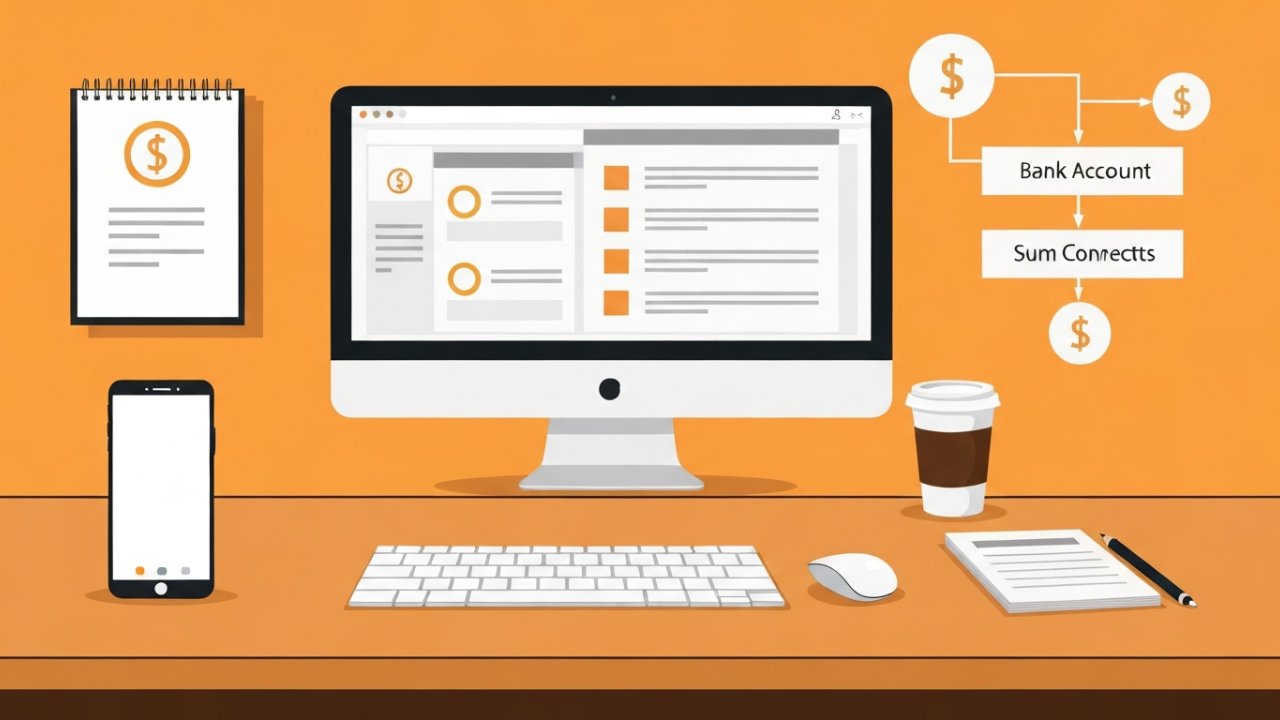
ZipBooks stands out for its ability to seamlessly connect with your bank account, automatically importing transactions to simplify your financial management.
With features like unlimited invoicing capabilities and support for both cash and accrual reporting, it adapts to your specific needs.
This user-friendly platform likewise integrates with popular payment processors like Square and PayPal, making it easier for you to manage your finances effectively at home.
Key Features Highlighted
For those seeking a reliable and cost-effective accounting solution, ZipBooks stands out with its impressive features customized for home use.
Here are some key highlights:
- Unlimited Invoicing: You can create and send professional invoices at no cost, making it easy to manage your billing.
- Flexible Accounting Methods: Switch between cash and accrual accounting based on your financial management preferences.
- Basic Financial Reporting: Generate crucial reports to analyze your income and expenses, providing valuable insights into your finances.
- User-Friendly Interface: The platform is designed to be accessible, even for those without extensive accounting experience, ensuring a smooth user experience.
These features collectively improve ZipBooks’ appeal for home users looking to simplify their financial management.
Seamless Integration With Banks
When managing your finances, connecting your bank account to accounting software can streamline the process considerably.
ZipBooks stands out in this area, offering seamless integration with various financial institutions. This feature allows you to import transactions automatically, making reconciliation straightforward and efficient. You can choose between cash and accrual accounting methods, giving you flexibility in managing your finances.
The software lets you categorize transactions easily and create custom tags, enhancing your tracking and reporting capabilities. With a user-friendly interface, even those with limited accounting experience can navigate the bank connection process effortlessly.
This integration enables real-time financial monitoring, helping you maintain an accurate overview of your cash flow and expenses, ensuring you stay on top of your financial situation.
Unlimited Invoicing Capabilities
Unlimited invoicing capabilities are crucial for anyone managing finances at home, and this is where ZipBooks stands out. With its free offering, you can create and send as many invoices as you need without any restrictions.
Here are some key features that make ZipBooks a top choice:
- Seamless integration with bank accounts allows for automatic transaction imports.
- You can easily monitor cash flow using both cash and accrual accounting methods.
- Professional invoice customization improves the presentation of your billing documents.
- The straightforward interface enables you to manage invoicing without needing extensive accounting knowledge.
These features guarantee that your financial management remains efficient, making ZipBooks an indispensable tool for effective home accounting.
ProfitBooks: Best for Inventory Management
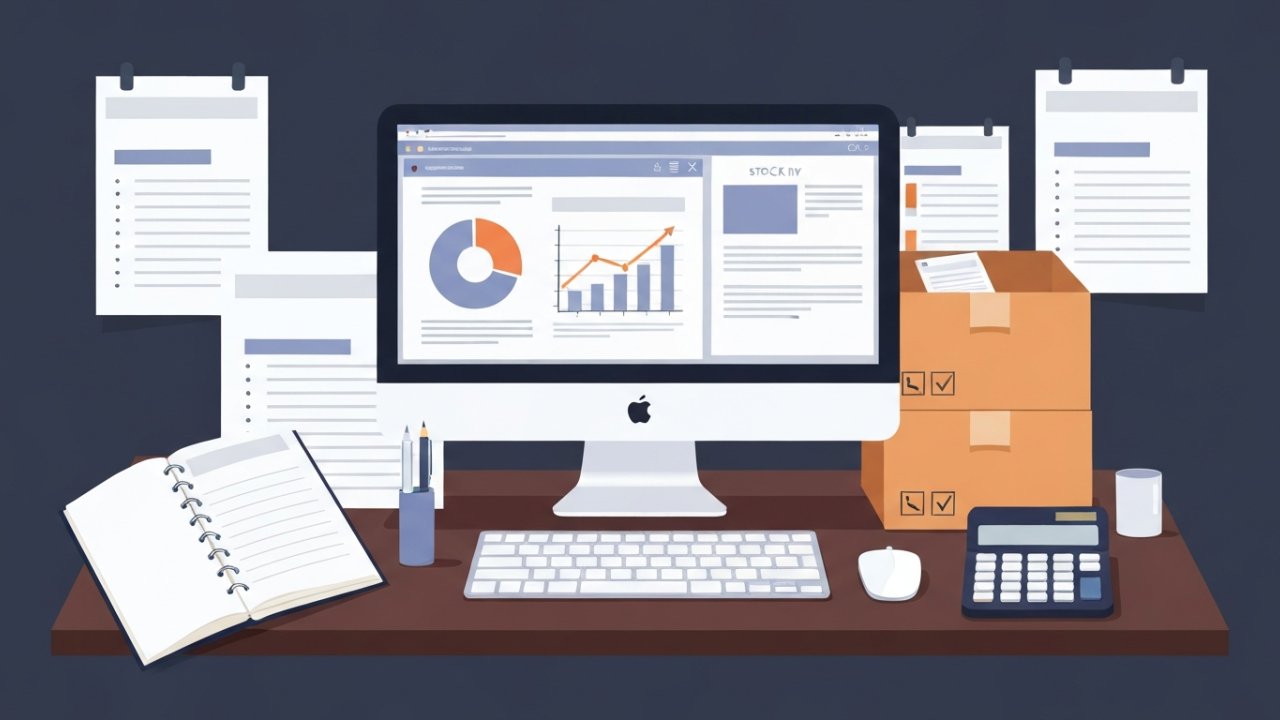
ProfitBooks stands out as a top choice for users seeking effective inventory management solutions customized for startups and small businesses. This software helps you track stock levels and manage sales orders efficiently, ensuring you have what you need when you need it. With features like invoicing, estimates, and sales orders, ProfitBooks supports accurate billing processes for your inventory-related transactions.
Here’s a quick comparison of key features:
| Feature | Description |
|---|---|
| Inventory Management | Real-time tracking of stock levels |
| Multi-Warehouse Support | Manage multiple warehouses seamlessly |
| Pricing | Starts at $20/month for extensive access |
| Performance Rating | 4.7/5 in accounts receivable |
These capabilities make ProfitBooks a cost-effective solution for growing businesses, helping you prevent stockouts and overstock situations, critical for efficient inventory control.
Odoo: Best for Customization
For businesses looking for a highly customizable accounting solution, Odoo stands out as a prime option. This platform offers an array of apps that can be adjusted to fit your specific needs, making it suitable for various industries.
Here are some key features:
- Flexible Options: Access both free and paid applications, allowing you to scale features as your business evolves.
- Unlimited Users: Enjoy the benefit of unlimited user access, which is ideal if you plan to expand your workforce without additional costs.
- Customizable Reports: Generate financial reports that reflect your unique operations, providing valuable insights.
- Open Architecture: Odoo’s structure supports extensive integrations, enhancing operational efficiency across different business functions.
With these capabilities, Odoo provides a robust accounting solution that adapts to your business’s changing requirements.
GnuCash: Best for Desktop Accounting Software
GnuCash emerges as a strong choice for those seeking desktop accounting software that combines robustness with ease of use. This free, open-source program features a double-entry accounting system, making it suitable for managing personal finances or small business accounts.
One significant advantage is its support for multiple currencies, allowing you to handle accounts, stocks, income, and expenses in various currencies efficiently. GnuCash also stands out in its reporting capabilities, providing standard financial reports and graphs that aid in thorough financial analysis.
Available for Linux, Windows, and macOS, it guarantees cross-platform compatibility, so you can work on your preferred operating system. In addition, you’ll benefit from community-driven support via mailing lists and detailed documentation, which promotes collaboration and assistance among users.
With its combination of features and accessibility, GnuCash stands out as a reliable option for your desktop accounting needs.
Manager: Best for Desktop-Based Free Accounting Software
If you’re looking for a strong yet user-friendly accounting solution, Manager stands out as the best free desktop-based accounting software for home use. Rated 4.1/5, it offers an extensive suite of features customized for small home-based businesses.
Here’s what you can expect:
Unlimited Data Entry: You can enter as much data as you need without restrictions. Cross-Platform Accessibility: Available on Linux, macOS, and Windows, it works on various devices. Robust General Accounting Features: It shines in managing accounts receivable and generating reports. No Hidden Fees: All features are accessible without any costs.
However, it’s important to note that the free version lacks cloud backup and direct third-party integrations.
In spite of this, Manager remains a solid choice for effective financial management at home.
NCH Express Accounts: Best for Small Teams

When managing finances for a small team of five employees or fewer, NCH Express Accounts offers a practical solution customized to your needs. This free accounting software simplifies the process of invoicing and financial reporting, automating invoice generation and providing over 20 customizable reports to help you track income and expenses efficiently.
You’ll appreciate features like bank reconciliation and expense tracking, all presented through a user-friendly interface that improves usability for your team.
NCH Express Accounts likewise supports multiple currencies, making it an excellent choice if your business involves international transactions.
Furthermore, it’s compatible with various operating systems, including Windows and Mac OS, ensuring flexibility for small teams using different devices.
Akaunting: Best Open-Source Accounting Software
Akaunting stands out as a top choice for open-source accounting software, offering customizable invoicing options that allow you to design invoices that fit your brand perfectly.
With unlimited user access, you can easily collaborate with team members or clients without worrying about additional costs.
Plus, its multi-currency support makes managing international transactions seamless, providing flexibility for your global business needs.
Customizable Invoicing Options
Many small business owners and freelancers find that having customizable invoicing options is crucial for maintaining a professional appearance and managing their finances effectively.
Akaunting offers a robust invoicing system that allows you to tailor invoices to your branding. Here are some key features that improve your invoicing experience:
- Fully Customizable Templates: Create invoices that reflect your unique style and services.
- Unlimited Invoicing: Manage as many invoices as you need without extra costs.
- Expense Tracking: Monitor expenses alongside invoices to gain a clearer financial overview.
- Payment Gateway Integration: Facilitate online payments directly through invoices, boosting cash flow.
These features empower you to manage your finances efficiently during projecting a professional image to your clients.
Unlimited User Access
If you’re looking for accounting software that supports collaboration without the burden of extra costs, you’ll find Akaunting’s unlimited user access feature particularly appealing.
This open-source platform allows you to add as many users as you need, making it perfect for families or small businesses. You won’t face escalating fees with each new member, so you can manage your finances together effortlessly.
Furthermore, Akaunting offers customizable invoicing options, ensuring your invoices reflect your unique branding. Its robust expense management tools help you track and categorize expenses efficiently, contributing to better financial oversight.
In addition, with community-driven support, you can easily find resources and assistance from fellow users, enhancing your experience as you navigate the software.
Multi-Currency Support
When managing finances across borders, having reliable multi-currency support is essential, especially for those involved in international transactions.
Akaunting shines in this area, offering features that streamline your financial processes. Here’s how you can benefit:
[embedded content]
- Seamless Transactions: Easily manage transactions in different currencies without hassle.
- Customizable Invoicing: Create invoices customized to various currencies and client preferences.
- Real-Time Exchange Rates: Get accurate conversions for financial transactions with up-to-date exchange rates.
- Comprehensive Reporting: Track and manage expenses across multiple currencies for better financial oversight.
With Akaunting, you can efficiently handle your finances, making it an ideal choice for businesses with international clients or operations.
This multi-currency feature improves your accounting experience considerably.
BrightBook: Best for Freelancers and Self-Employed Professionals
For freelancers and self-employed professionals, BrightBook stands out as an effective, free accounting software option that simplifies financial management. Its user-friendly interface makes it easy to navigate, allowing you to focus on your work rather than get bogged down in complex accounting tasks.
With BrightBook, you can create multiple free accounts, which is perfect for managing finances across various clients or projects. The software supports basic bill and expense tracking, ensuring you can efficiently monitor your financial activities without complicated processes.
You’ll appreciate the online accessibility, enabling you to manage your finances from anywhere with an internet connection. Although it lacks some advanced features found in paid accounting software, BrightBook serves as a practical solution for those who need fundamental accounting tools at no cost.
If you’re looking for straightforward financial management without the hassle, BrightBook is definitely worth considering.
Frequently Asked Questions
What Is the Best Free Accounting Software for Personal Use?
When you’re looking for the best free accounting software for personal use, consider options like Wave Accounting for its user-friendly interface and unlimited invoicing.
GnuCash is great if you value privacy and need thorough tracking.
For small businesses, Zoho Books offers a free tier with vital features.
If you prefer desktop solutions, Manager provides robust tools offline.
Each option has unique strengths, so choose one that aligns with your specific financial management needs.
[embedded content]
What Is the Simplest Bookkeeping Software?
The simplest bookkeeping software focuses on user-friendly interfaces and crucial features. You’ll find options that include invoicing, expense tracking, and basic reporting, making financial management accessible.
Wave Accounting’s straightforward tools suit freelancers, whereas Zoho Books offers a free plan for micro businesses. For unlimited invoicing, consider ZipBooks, and if you prefer open-source, GnuCash provides a double-entry system.
Each option allows you to easily manage your finances without extensive accounting knowledge.
Is There an App Like Quickbooks for Personal Use?
Yes, there are several apps like QuickBooks customized for personal use.
[embedded content]
Wave Accounting offers unlimited invoicing and expense tracking at no cost.
ZipBooks likewise has a free plan, integrating with payment platforms like Square.
GnuCash serves as an open-source solution for managing expenses and bank accounts.
Furthermore, Manager.io provides crucial accounting features for free, whereas BrightBook is designed for freelancers, focusing on basic bill and expense tracking without fees.
Is Google Sheets Good for Bookkeeping?
Google Sheets is a good option for bookkeeping since it’s versatile and user-friendly.
You can create customized spreadsheets to track your income, expenses, and budgets without any cost. Its real-time collaboration feature allows you to share and edit financial data with others, which is ideal for households.
With built-in functions and templates, you can automate calculations and set up your accounting system quickly, making it a practical choice for home users.
Conclusion

In conclusion, selecting the right free accounting software for home use can greatly improve your financial management. Each option, from Wave Accounting’s easy invoicing to GnuCash’s robust reporting, offers distinct advantages customized to various needs. Whether you’re a freelancer, small business owner, or managing personal finances, these tools simplify tasks like expense tracking and invoicing. By evaluating the features of each software, you can find the best fit to streamline your accounting processes efficiently and effectively.
Image via Google Gemini