
This post was originally published on this site.
In terms of choosing the best free accounting software for managers, several options stand out based on specific business needs. Features like invoicing, reporting, and integration with banking systems can make a significant difference in efficiency. Wave and Zoho Books are popular choices, but others like Akaunting and Manager.io offer unique advantages. Comprehending what each software provides can help you make an informed decision, especially as you assess scalability and functionality. What specific features are you looking for?
Key Takeaways
- Wave is ideal for freelancers, offering unlimited invoicing and user-friendly reporting at no cost.
- Zoho Books supports micro businesses with extensive reporting and banking integration, sending up to 1,000 invoices for free.
- Manager.io provides a fully free desktop accounting app with offline functionality and no feature restrictions.
- ZipBooks features unlimited invoicing, automatic payment reminders, and real-time invoice tracking, making it user-friendly for small teams.
- Akaunting is an open-source solution that allows for customizable invoicing and expense management, catering to various business needs.
Overview of Free Accounting Software for Managers
When you’re managing a business, having the right accounting software can greatly streamline your financial processes. For those seeking budget-friendly options, various manager free accounting software tools are available.
Zoho Books, for instance, offers invoicing, expense tracking, and client management, making it suitable for micro businesses earning under $50,000 annually.
Wave stands out with unlimited invoicing and estimates, appealing to freelancers who need a user-friendly interface at no cost.
If you prefer a desktop solution, Manager.io provides a fully free accounting manager app that supports unlimited data entry across multiple operating systems.
ZipBooks simplifies invoicing and basic accounting, though it might’ve limitations in accounts payable.
Finally, Akaunting’s open-source model allows for customizable invoicing and expense management, ensuring it meets specific business needs without additional costs.
Key Features to Look for in Accounting Software
Selecting the right accounting software is fundamental for efficient financial management, and comprehending the key features can guide your decision.
First, look for software that supports unlimited invoicing and estimates, enabling you to manage client billing without restrictions. Strong reporting capabilities are imperative; tools like Zoho Books offer extensive financial reports to track performance and identify trends.
Furthermore, make sure the software allows for effective expense tracking and management, as seen in options like ZipBooks and NCH Express Accounts. Banking integration features are equally important, allowing for automatic transaction imports and saving you time on manual data entry—something platforms like Manager and Wave provide.
Finally, assess the user interface for ease of navigation, as a user-friendly design can improve productivity and reduce the learning curve for you and your team. These features will greatly influence your accounting software choice.
Wave: Best for Invoicing and Estimates
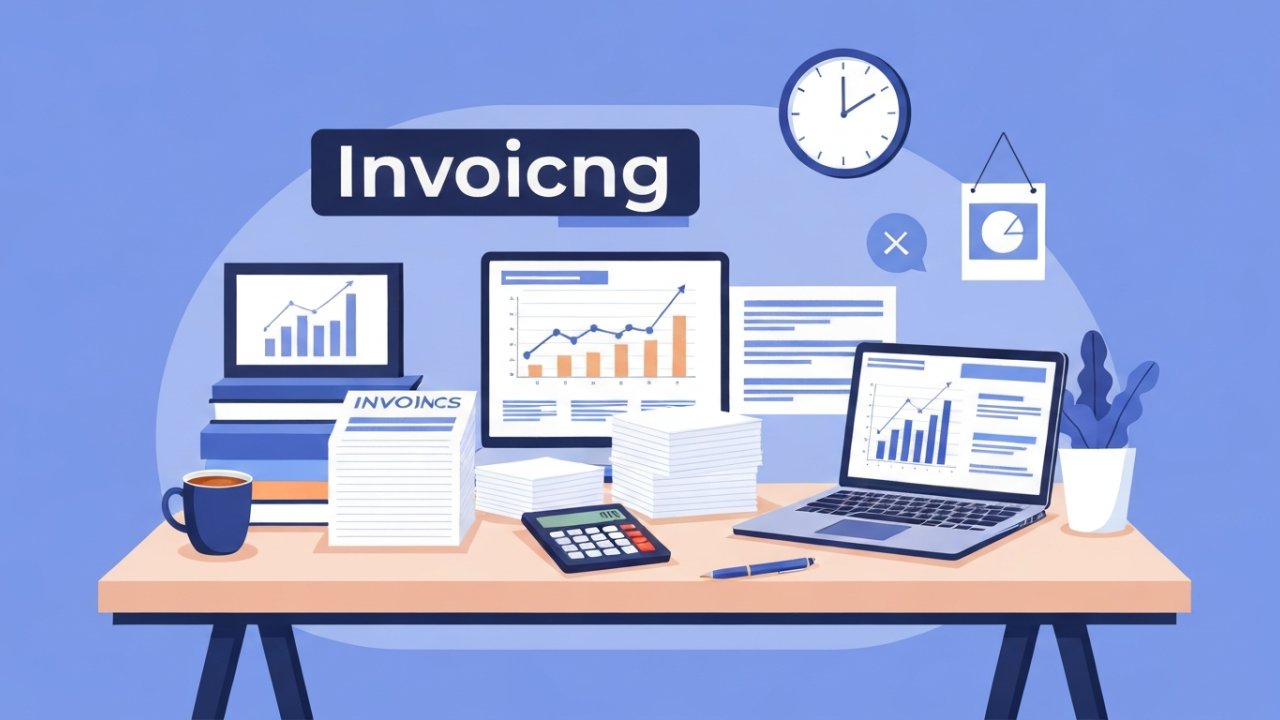
For managers looking to streamline their invoicing and estimates, Wave stands out as a top choice. This software allows you to create unlimited invoices and estimates at no cost, making it an economical option for small businesses.
With its mobile apps, you can manage invoices and expenses on-the-go, enhancing both convenience and accessibility. Wave’s user-friendly reporting dashboard likewise helps you track your business financials effectively, ensuring you stay informed without incurring additional costs.
Furthermore, Wave simplifies the billing process with features like payment processing and customizable invoicing options. This flexibility allows you to tailor invoices to match your brand’s identity.
The platform’s free forever model means you can minimize operational costs as you maximize your financial management capabilities. By choosing Wave, you’re equipping yourself with an influential tool that supports your invoicing needs without compromising your budget.
Zoho Books: Ideal for Micro Businesses
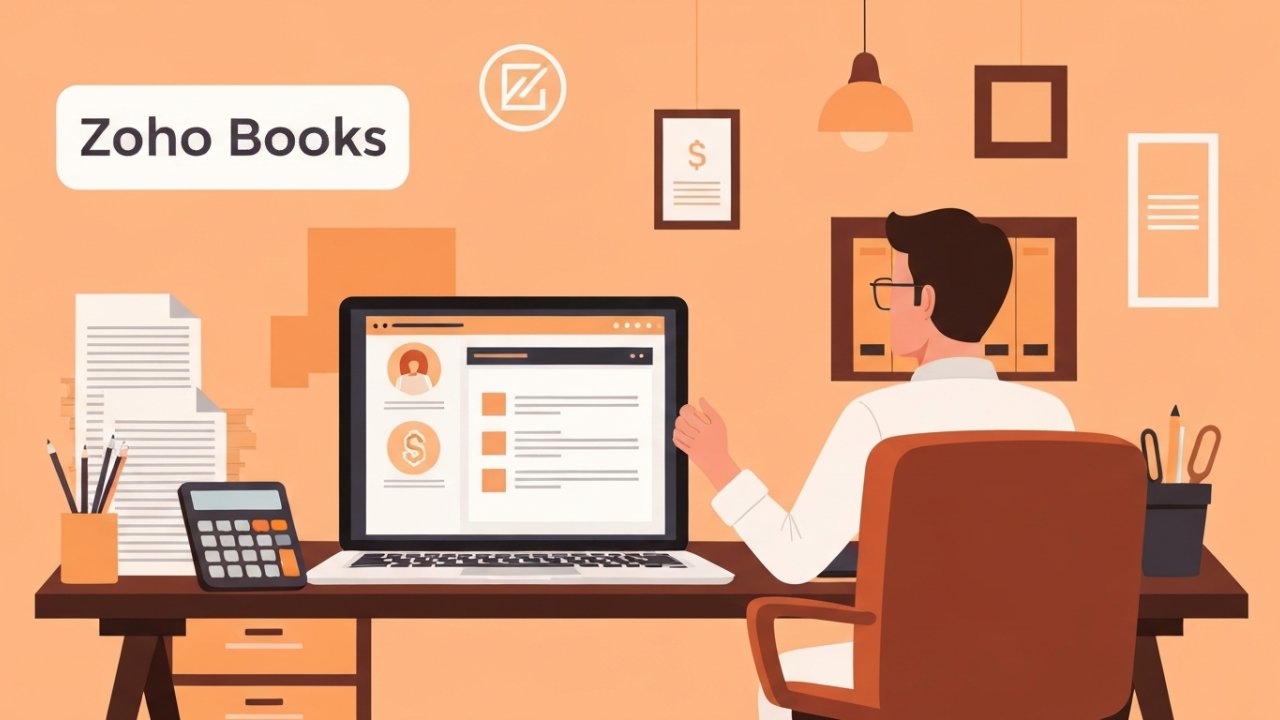
If you’re running a micro business with earnings of $50,000 or less, Zoho Books might be just what you need.
This software offers crucial features like invoicing, expense tracking, and client management, all customized for your scale, during supporting up to 1,000 invoices annually in its free version.
With a user-friendly interface and strong reporting capabilities, it’s an effective choice for managing your finances efficiently.
Key Features Overview
When you’re managing a micro business, having the right accounting software can make a significant difference in your financial management. Zoho Books is customized for businesses earning $50,000 or less, allowing one user and an accountant to effectively manage finances.
Here are some key features that stand out:
- Invoice Management: Send up to 1,000 invoices in the free version, perfect for small transaction volumes.
- Extensive Reporting: Track expenses and monitor financial performance with detailed insights.
- User-Friendly Interface: Simplifies bookkeeping tasks and improves overall productivity.
Additionally, Zoho Books integrates seamlessly with various banking systems, ensuring efficient transaction management and reconciliation.
This combination of features helps streamline your accounting processes, making it a solid choice for micro businesses.
Ideal Business Types
Micro businesses, particularly those earning $50,000 or less annually, find Zoho Books to be an ideal accounting solution.
With its focus on crucial features, the software accommodates one user and an accountant, allowing you to send up to 1,000 invoices. This is practical for small operations that have limited transaction volumes.
[embedded content]
Thorough reporting capabilities enable you to effectively track expenses and revenue, ensuring a clear financial overview. The user-friendly design simplifies accounting tasks, so you can manage finances without needing extensive knowledge.
Moreover, Zoho Books offers integration options with other business tools, enhancing functionality and streamlining your operations.
ZipBooks: Unlimited Invoicing and Payments
With ZipBooks, you can easily manage unlimited invoicing, sending as many invoices as you need without extra costs.
The platform furthermore supports seamless payment integrations with major processors like Square and PayPal, allowing clients to pay directly through the invoices.
Its user-friendly interface makes tracking payments and managing outstanding invoices straightforward, helping you maintain a healthy cash flow.
Unlimited Invoicing Features
ZipBooks stands out in the field of accounting software by offering unlimited invoicing capabilities, which means you can create and send as many invoices as your business requires without facing any restrictions.
This feature considerably improves your ability to manage finances efficiently. Here are some key benefits:
- Customizable Templates: You can design invoices that reflect your brand, ensuring a professional appearance.
- Real-Time Tracking: Monitor invoice statuses easily, allowing you to follow up on overdue payments without delay.
- User-Friendly Interface: Even though you’re not an accounting expert, you’ll find the invoicing process straightforward and manageable.
With these features, ZipBooks simplifies your invoicing process, enabling you to focus more on your business and less on administrative tasks.
Seamless Payment Integrations
When managing your business finances, having seamless payment integrations can greatly streamline your operations.
ZipBooks offers unlimited invoicing capabilities, allowing you to create and send as many invoices as you need without extra fees. The platform integrates smoothly with popular payment processors like Square and PayPal, so you can accept payments directly from your invoices.
This feature not only simplifies transactions but likewise enables you to track payments in real-time, giving you instant visibility into cash flow and outstanding invoices.
Furthermore, ZipBooks supports both cash and accrual accounting methods, catering to various business needs.
With these robust payment integrations, you can improve your financial management as you focus on growing your business.
[embedded content]
User-Friendly Interface
A user-friendly interface can greatly upgrade your experience when managing invoices and payments. ZipBooks stands out in this area, allowing you to create and send professional invoices quickly and easily. Its unlimited invoicing feature means you can manage numerous invoices without incurring additional fees.
Key aspects of ZipBooks’ user-friendly interface include:
- Automatic payment reminders, which help you stay on top of collections.
- Customizable invoice templates, allowing you to align your invoices with your brand’s identity.
- Intuitive dashboard, offering a clear overview of your financial health, making it easy to monitor cash flow and payments at a glance.
With these features, ZipBooks boosts efficiency, making invoice management straightforward and effective for your business.
NCH Express Accounts: Best for Small Teams
NCH Express Accounts stands out as an excellent choice for small teams looking to manage their accounting efficiently and cost-effectively. This software is designed for teams of up to five employees, allowing you to handle your accounting needs without any costs involved. With automated invoicing features, you can streamline billing processes, reducing your manual workload considerably.
You’ll furthermore benefit from generating over 20 different financial reports that provide valuable insights into your business’s financial health. In addition, NCH Express Accounts supports multiple currencies, making it ideal for businesses engaging with international clients. Its user-friendly design guarantees that even those without extensive accounting knowledge can easily navigate its features.
| Feature | Description |
|---|---|
| Team Size | Up to 5 employees |
| Invoicing | Automated invoicing features |
| Financial Reports | Over 20 reports available |
| Currency Support | Supports multiple currencies |
| Ease of Use | Designed for users with minimal accounting knowledge |
Akaunting: Customizable Open-Source Solution
For businesses seeking a flexible and adaptable accounting solution, Akaunting presents a customizable open-source platform that meets diverse financial needs.
With its unlimited invoicing capabilities, you can tailor invoices to reflect your business’s unique requirements. Furthermore, Akaunting supports multiple currencies, making it ideal for those operating internationally or with varied client bases.
Key features include:
- Expense Management: Track and categorize your expenditures efficiently, helping you maintain control over your budget.
- Third-Party Integrations: Improve functionality by connecting with various applications, allowing you to adapt the software to your business environment.
- Community-Driven Updates: Benefit from continuous improvement and new features, as a dedicated community of developers actively maintains the platform.
BrightBook: User-Friendly for Freelancers

Though Akaunting offers a robust solution for various business needs, BrightBook specializes in catering to freelancers and self-employed individuals. This software provides a user-friendly interface that simplifies invoicing and expense tracking, making it easy for you to manage your financial tasks efficiently.
You can create and send unlimited invoices and estimates, which is perfect for handling multiple clients without any additional costs.
BrightBook additionally supports basic bill and expense tracking, offering crucial tools that help you stay organized. You’ll find that accessing your financial data is straightforward, thanks to its secure online platform, allowing you to manage your accounts from anywhere.
The emphasis on simplicity guarantees that even those without extensive accounting experience can navigate the software with ease. Overall, BrightBook is a practical choice for freelancers seeking a straightforward accounting solution that meets their specific needs.
Manager: Offline Access and Cross-Platform Support
With Manager accounting software, you can enjoy the benefits of offline functionality, allowing you to work without an Internet connection during retaining full access to all features.
This cross-platform compatibility means you can easily switch between Windows, Mac, and Linux, keeping your files synchronized across devices.
Plus, the user-friendly interface guarantees that managing your accounts remains straightforward, regardless of the platform you’re using.
Offline Functionality Advantages
Having the ability to manage your accounting tasks offline can considerably improve your workflow, especially during times when Internet access is unreliable or unavailable.
With Manager.io, you can leverage complete offline functionality, guaranteeing uninterrupted access to your data. This capability allows you to maintain thorough records without restrictions.
Here are some advantages of offline functionality:
- Manager.io: You can input as much data as needed without worrying about connectivity issues.
- Cross-Platform Compatibility: Use Manager.io on Windows, Mac, or Linux, making it adaptable to your operating system.
- Universal Database Format: Easily transfer files between different systems, providing flexibility if you switch devices.
These features enrich your experience and guarantee that your accounting tasks remain seamless and efficient.
Multi-Device Synchronization
When you’re juggling accounting tasks across multiple devices, Manager.io offers a seamless solution that guarantees your data remains synchronized regardless of the platform you’re using. Available for Windows, Mac, and Linux, you can operate without losing any crucial information.
The universal database format guarantees easy file transfers between systems, eliminating compatibility concerns. Plus, the software provides offline functionality, allowing you to continue working even when the internet is down, guaranteeing uninterrupted access to your data.
You’ll enjoy unrestricted access to all features and unlimited data entry without any advertisements, making it a fully extensive tool. Continuous updates based on community feedback further improve your experience, guaranteeing that Manager.io stays relevant and efficient across all devices.
User-Friendly Interface
How can you guarantee that your accounting tasks remain manageable even in a fast-paced environment? With Manager.io, a user-friendly interface guarantees you can navigate your accounting tasks efficiently without extensive training.
You’ll appreciate the flexibility it offers:
- Offline Access: Continue working on your accounting tasks during internet outages, guaranteeing you never lose momentum.
- Cross-Platform Support: Compatible with Windows, Mac, and Linux, it allows seamless operation and data transfer across devices.
- Universal Database Format: Easily switch between operating systems without losing data or functionality.
Moreover, Manager.io is free forever, with no time limits or feature restrictions, letting you maintain access to your files indefinitely as you keep everything organized and accessible.
Odoo: Customizable Financial Reporting
Odoo provides customizable financial reporting features that empower managers to create personalized reports suited to their specific business needs. You can generate real-time financial statements and dashboards, giving you immediate access to essential performance indicators.
With advanced filtering and sorting options, you can focus on key metrics and trends that matter most to your operations. The software supports unlimited users, allowing collaborative reporting and enabling multiple team members to contribute valuable insights for informed decision-making.
Odoo’s seamless integration with other applications improves your ability to compile thorough financial reports that reflect data across various business functions. This level of customization not merely enhances the analytical capabilities of your team but also guarantees that reports align closely with your strategic goals.
LedgerSMB: Integrative ERP Accounting
When you’re looking for an accounting solution that integrates various business functions, LedgerSMB stands out as a robust option.
Its modular architecture not merely allows for customization but additionally supports advanced financial reporting tools, making it ideal for managers aiming to improve their operational efficiency.
With features like budgeting, time tracking, and multi-currency support, you can maintain an all-encompassing overview of your business’s financial health as you effectively manage resources.
Comprehensive Business Integration
As businesses grow and evolve, the need for a robust accounting solution that integrates various functions becomes essential.
LedgerSMB serves as a potent open-source ERP accounting software that streamlines your financial management. It improves your ability to oversee budgets, track time, and manage projects effectively.
Key features include:
- Support for multi-currency transactions, ideal for international operations.
- Extensible architecture, allowing seamless integration with other business applications.
- Robust reporting capabilities, enabling you to generate customizable financial reports.
Advanced Financial Reporting Tools
Advanced financial reporting tools are vital for managers who want to make informed decisions based on accurate data.
LedgerSMB, with its integrative ERP accounting system, combines various business functions, allowing you to streamline operations as you enhance financial reporting capabilities.
The software features thorough budgeting tools that help you create and manage budgets effectively, supporting better financial planning and analysis.
[embedded content]
Its open architecture facilitates extensive integrations with other business applications, enabling you to customize your financial reporting environment.
You’ll benefit from robust financial reports that provide insights into cash flow, expenses, and revenue, which are important for informed decision-making.
Furthermore, LedgerSMB supports multiple currencies, making it ideal for businesses operating internationally, ensuring accurate financial reporting across different regions.
GnuCash: Privacy-Focused Desktop Software
GnuCash stands out as a reliable choice for those seeking privacy-focused accounting software, especially since it allows users to store their financial data locally rather than in the cloud.
This open-source desktop application prioritizes user privacy during offering robust features that cater to various accounting needs.
Here are some key benefits of GnuCash:
- Multiple Currency Support: Ideal for users handling international transactions, GnuCash allows you to manage finances in different currencies easily.
- Comprehensive Reporting: You can generate detailed reports such as profit and loss statements, balance sheets, and cash flow reports, providing a thorough overview of your financial health.
- Cross-Platform Compatibility: GnuCash works on Windows, macOS, and Linux, making it accessible no matter your operating system.
For those exploring accounting software options, numerous popular tools offer free trials, allowing you to evaluate their features without any initial financial commitment.
Zoho Books provides a 14-day free trial of its Premium plan, enabling you to explore its extensive invoicing and reporting features.
Similarly, ZipBooks offers a 30-day free trial, letting you test its unlimited invoicing capabilities along with cash and accrual reporting before making a commitment.
Manager.io gives you a 14-day free trial of its cloud edition, which grants access to robust features at no cost.
Odoo stands out with a monthly discount for the first year, coupled with a free trial to assess its customization and integration options.
Finally, FreshBooks typically offers a free trial period, allowing you to experience its automated time tracking and simplified invoicing features.
These trials can help you make an informed decision customized to your business needs.
Tips for Choosing the Right Software for Your Needs
When choosing the right accounting software for your needs, it’s vital to start by evaluating your specific requirements, as this will help you identify the best fit for your business.
Consider the following key factors:
- Business Size: Assess how many users will need access and the volume of transactions you’ll handle.
- Essential Features: Look for software with unlimited invoicing and expense tracking in its free version, like Wave or Akaunting, to avoid unexpected costs.
- Scalability: Review pricing structures after free trials to verify the software can grow with your business, such as Zoho Books’ $3 per seat, per month pricing.
Additionally, check integration capabilities with existing tools you use and look at user reviews or expert evaluations for insights into performance and reliability.
Taking these steps will help you make an informed decision that supports your accounting needs effectively.
Frequently Asked Questions
Is There a Free Accounting Software for Personal Use?
Yes, there are several free accounting software options available for personal use.
GnuCash offers robust features like multi-currency support and extensive reporting, ideal for those focused on privacy.
Wave allows unlimited invoicing and expense tracking, perfect for freelancers.
BrightBook is user-friendly, enabling basic bill tracking.
ZipBooks furthermore provides a free plan with crucial invoicing and expense management.
Each of these options can help you manage your personal finances effectively without any cost.
Which Accounting Program Has No Monthly Fee?
If you’re looking for accounting programs with no monthly fees, several options stand out.
Wave Accounting offers unlimited invoicing and estimates at no cost.
Manager.io is completely free forever, giving you full access to all features.
Akaunting, an open-source software, in addition has unlimited invoicing and expense management, whereas BrightBook allows multiple free accounts for tracking finances.
Finally, ZipBooks provides a free tier with unlimited invoicing capabilities, though premium features come at a cost.
What Is the Simplest Bookkeeping Software?
If you’re looking for the simplest bookkeeping software, consider Wave and BrightBook.
Wave offers an intuitive interface that lets you create unlimited invoices and track expenses easily.
BrightBook is customized for small businesses and freelancers, simplifying bill and expense tracking.
ZipBooks likewise provides straightforward invoicing features but has limitations in other areas.
NCH Express Accounts supports small businesses with automated invoicing, whereas Akaunting offers customizable options for flexible bookkeeping.
What Is Better and Easier Than Quickbooks?
If you’re seeking alternatives to QuickBooks that are both better and easier, consider options like Wave Accounting and ZipBooks.
Wave offers unlimited invoicing and expense tracking for free, whereas ZipBooks integrates seamlessly with payment platforms.
Manager.io provides a free offline desktop application, ensuring you can access your data without internet dependency.
GnuCash is likewise a strong choice for those needing customizable features.
Each option simplifies financial management without the intricacies of QuickBooks.
Conclusion

In summary, choosing the best free accounting software for managers requires careful consideration of your specific business needs. Whether you prioritize invoicing, integration, or offline capabilities, options like Wave, Zoho Books, and Akaunting each offer unique features suited for different scenarios. Evaluating these tools based on their functionalities and scalability will help you make an informed decision. Ultimately, the right software can streamline your accounting processes and improve your overall efficiency.
Image via Google Gemini