
This post was originally published on this site.
NetSuite accounts serve as an influential tool for managing financial transactions across various categories, like accounts payable and receivable. They rely on a customizable chart of accounts to organize and track this data effectively. By automating the financial management lifecycle, these accounts guarantee compliance with regulations during integration with other crucial modules. Comprehending how to set up and customize your account can markedly improve your operational efficiency and decision-making. What are the key features and best practices you should know?
Key Takeaways
- NetSuite accounts track financial transactions, categorized into general ledger, accounts payable, and accounts receivable for organized reporting and analysis.
- Each account is part of the chart of accounts (COA), ensuring compliance and detailed financial tracking across business units.
- Customization options, like SuiteBuilder and SuiteFlow, allow businesses to tailor accounts and automate processes for improved efficiency.
- Role-based access control (RBAC) ensures secure management of financial data by assigning permissions based on job roles and responsibilities.
- Reporting features provide real-time insights and customizable dashboards for effective financial analysis and decision-making.
Overview of NetSuite Accounts
When you’re managing finances in NetSuite, comprehending how accounts work is crucial for effective oversight and reporting. NetSuite accounts function as individual records for tracking financial transactions, organized into various categories, including general ledger accounts, accounts payable, and accounts receivable.
Each account belongs to the chart of accounts (COA), facilitating detailed reporting and analysis by segmenting data into balance sheet and income statement sections.
You can create, manage, and customize accounts within the NetSuite interface, guaranteeing that permissions are in place for secure access. The system accommodates multiple accounting contexts, which is especially useful for businesses needing to comply with diverse regulations.
Furthermore, accounts can link to different modules, such as inventory management and payroll, enabling smooth financial operations. By leveraging financial reconciliation software, you can maintain accuracy and confirm that all transactions align across your organization, reinforcing the integrity of your financial data.
Key Features of NetSuite Accounts
NetSuite accounts offer an extensive set of features designed to streamline financial management, guaranteeing businesses can efficiently track and manage their finances. The platform automates the financial management lifecycle, incorporating essential functions like general ledger management, accounts payable, and accounts receivable.
You can customize accounts with specific segments, enabling detailed tracking of financial performance across various business units. NetSuite supports complex billing arrangements, including subscriptions and milestone billing, during guaranteeing compliance with revenue recognition standards like ASC 606 and IFRS 15.
Additionally, users benefit from robust reporting features for quick and accurate financial statement generation. Customizable dashboards and role-based access to relevant metrics improve decision-making capabilities.
With integration capabilities to other ERP systems, you can reduce manual data transfer and guarantee real-time synchronization of financial data. This minimizes data entry errors and boosts overall accuracy, making your bank account reconciliation software more effective.
Types of NetSuite Accounts
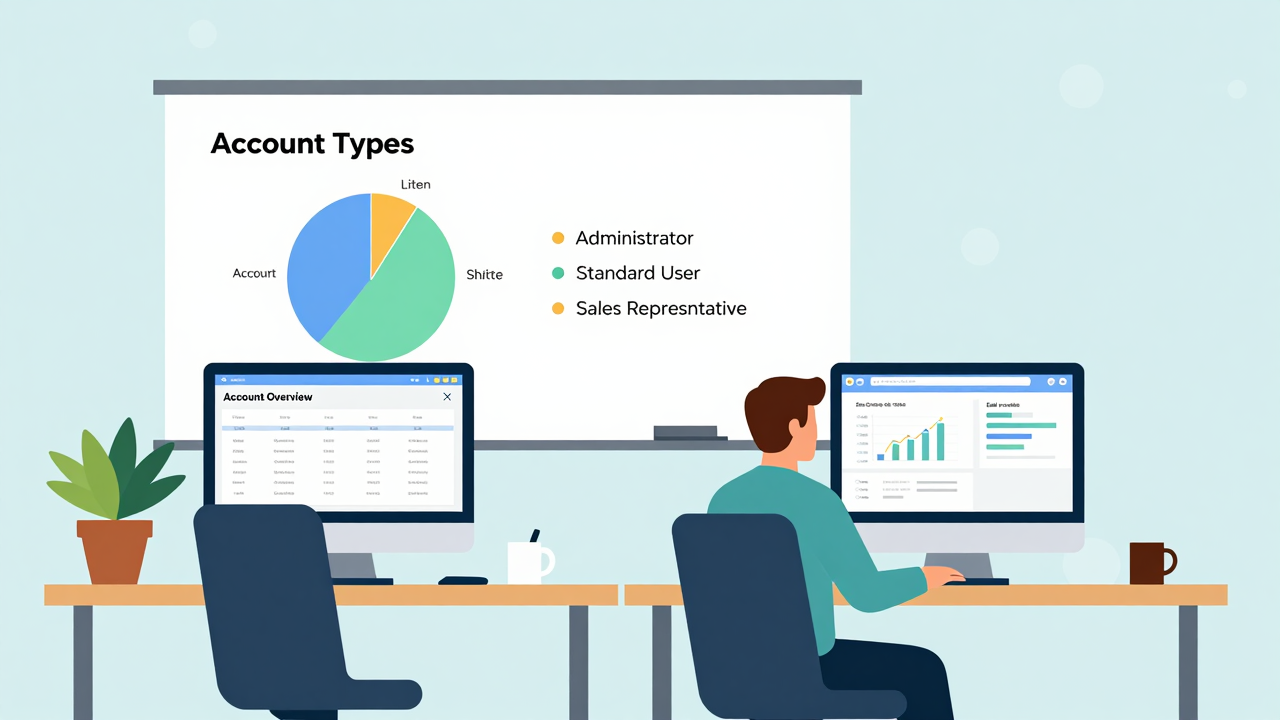
Four primary types of NetSuite accounts cater to different business needs, ensuring users have the right environment for various tasks. Here’s a quick overview of each account type:
| Account Type | Purpose |
|---|---|
| Production Accounts | Used for daily business operations, accessed via system.netsuite.com. |
| Release Preview Accounts | Available during annual releases for testing new features, initially for Administrators. |
| Sandbox Accounts | Provide a safe environment for development and testing, with a copy of production data. |
Each type of NetSuite account serves a unique function. Production Accounts are crucial for your daily activities, whereas Release Preview Accounts let you test new features before they go live. Sandbox Accounts allow for safe experimentation without affecting actual data. Finally, Development Accounts are designed for building solutions without any risk to your live environment. Comprehending these types helps you choose the right NetSuite accounts for your business needs.
Setting Up Your NetSuite Account
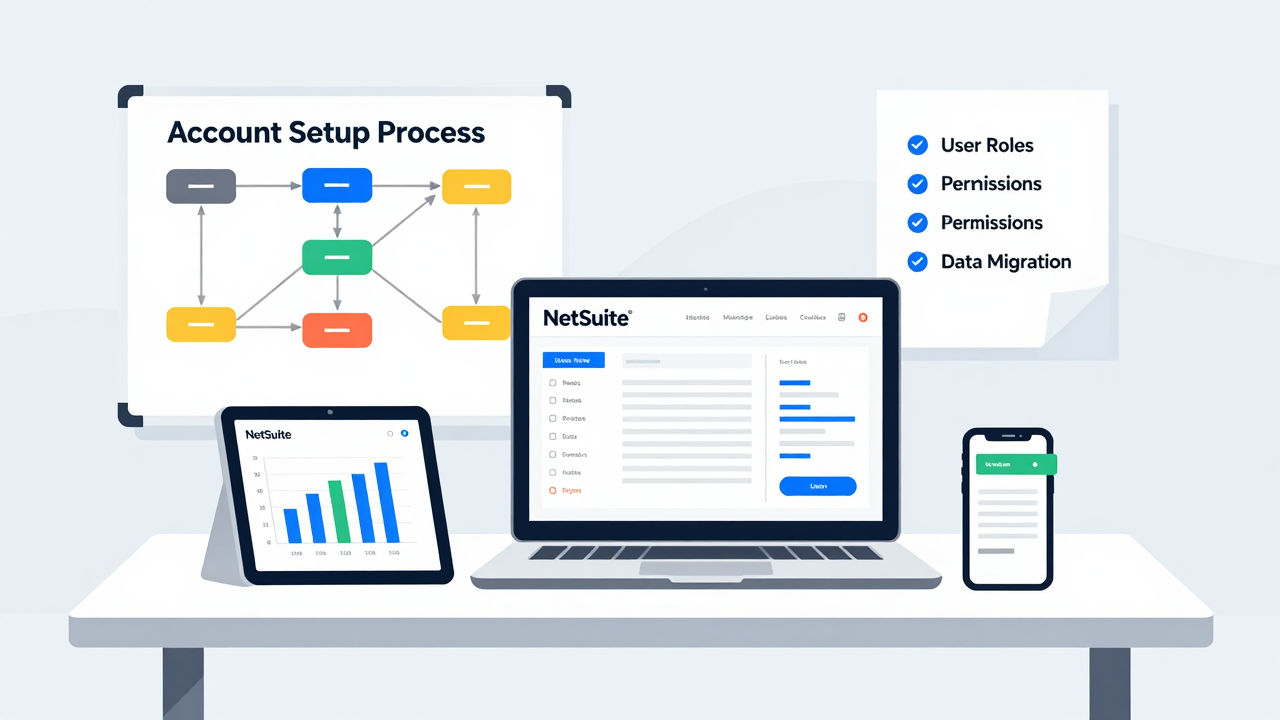
Setting up your NetSuite account starts with creating a Company Account, which forms the backbone of your operations.
You’ll need to structure your Chart of Accounts properly, whether by importing data using the CSV Import Assistant or manually adding accounts.
Make sure to tailor your account settings to fit your business requirements, as this will help maintain compliance and facilitate accurate financial reporting.
Chart of Accounts Structure
When establishing your Chart of Accounts (COA) structure in NetSuite, it’s vital to understand how the accounts are organized to effectively manage financial reporting.
The COA comprises two main sections: balance sheet accounts, including assets, liabilities, and equity, and income statement accounts, which cover income and expenses.
Each account is assigned a unique identifier, often using a coding system where the first digit indicates the account category.
You can set up the COA using the CSV Import Assistant for bulk creation or create accounts manually based on your business needs.
It’s important to maintain a simple structure, use consistent coding, and regularly review your COA to align with financial reporting requirements, especially when utilizing business management software solutions.
Importing Account Information
Importing account information into NetSuite can greatly streamline the setup of your Chart of Accounts (COA), especially if you’re shifting from another system.
The CSV Import Assistant allows you to easily upload account records, guaranteeing a smooth changeover. This process is crucial for maintaining accurate financial reporting, as proper account typing directly influences your income statements and balance sheets.
Furthermore, to manage your COA effectively, you need to have the ADMI_ACCOUNTING and LIST_ACCOUNT permissions.
Once you’ve imported your accounts, it’s important to enter opening balances to verify accurate financial tracking right from the start.
Utilizing account reconciliation software can further improve this process, helping you maintain accuracy and consistency in your financial data.
Manual Account Creation
Manual account creation in NetSuite allows you to tailor account attributes to meet your particular business needs, providing flexibility beyond what automated imports offer.
To create accounts effectively, you should:
- Confirm you have the appropriate permissions, particularly ADMI_ACCOUNTING and LIST_ACCOUNT, for managing accounts.
- Assign unique identifiers and categorize accounts into predefined types like asset, liability, income, or expense, aiding in organization.
- Periodically review and adjust your Chart of Accounts to align with your evolving business needs, confirming your software for reconciliation remains effective.
Customizing Your NetSuite Account
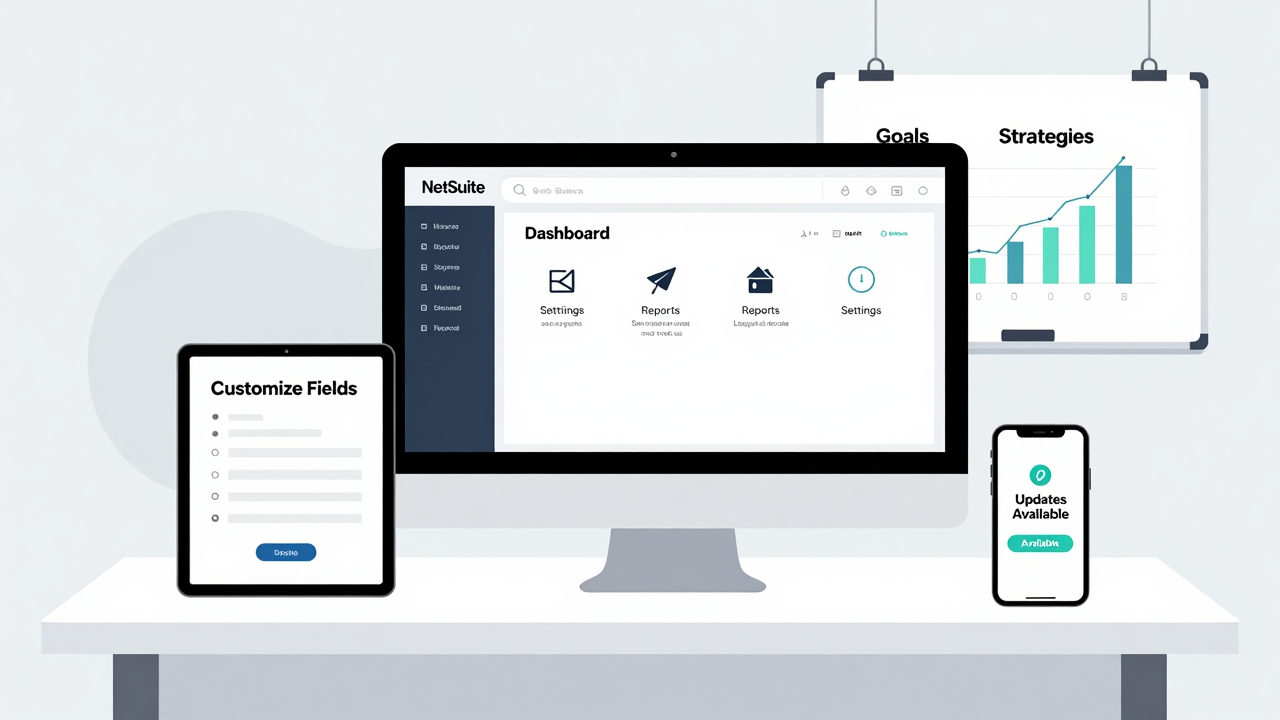
Customizing your NetSuite account is vital for tailoring the platform to meet your unique business requirements, and it can be accomplished through various tools provided by NetSuite.
Using SuiteBuilder, you can create custom fields, forms, records, and roles that align with your specific needs. SuiteFlow allows you to automate business processes, streamlining workflows to improve operational efficiency.
If you need deeper customization, SuiteScript enables you to develop and debug applications using JavaScript, adding significant functionality to your account.
Additionally, the SuiteTalk API facilitates building custom integrations between NetSuite and external software, ensuring seamless data exchange for enhanced business processes.
Finally, SuiteBundler simplifies the deployment of your customizations, allowing you to package and distribute modifications easily across different accounts.
Navigating the NetSuite Dashboard
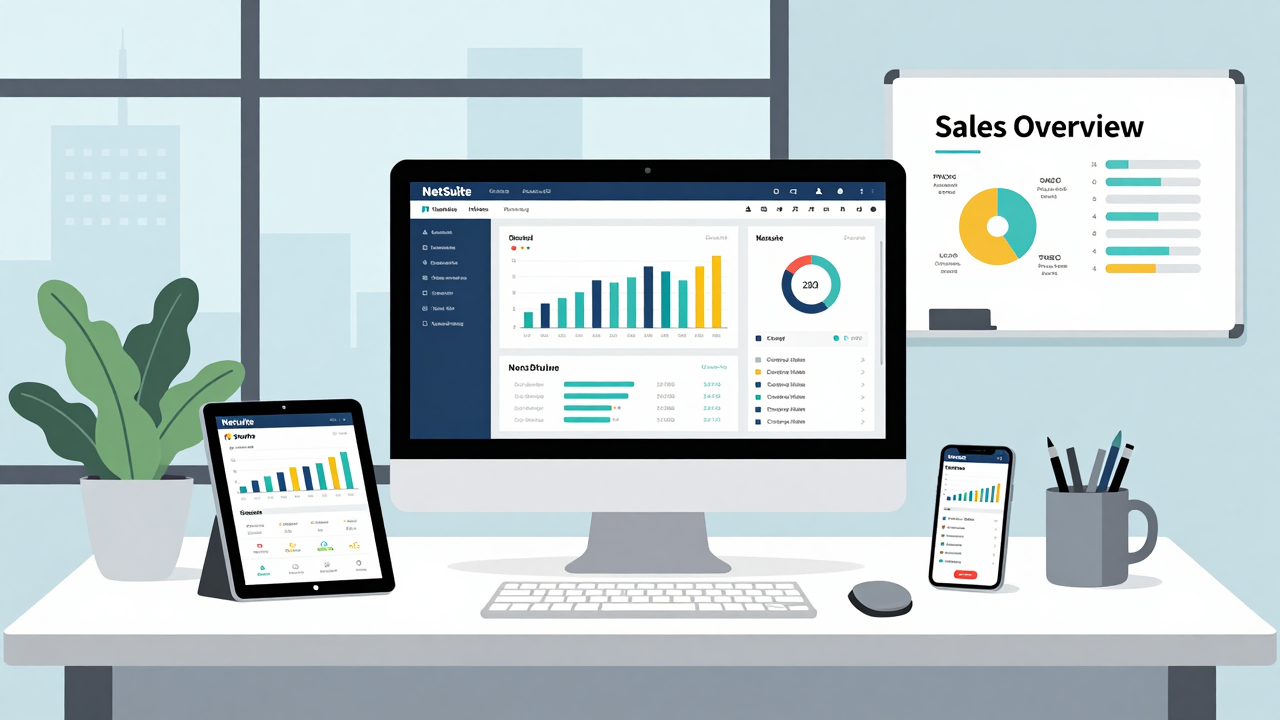
After customizing your NetSuite account to fit your business needs, the next step is effectively managing the NetSuite dashboard. This cloud business management software offers a customizable interface that displays real-time data, metrics, and KPIs specific to your role.
To navigate the dashboard efficiently, consider these key features:
- Role-Based Dashboards: Each user sees information designed for their responsibilities, improving productivity.
- Direct Access to Reports: Quickly assess financial performance and operational metrics right from the dashboard.
- Personalization Options: You can rearrange components, add or remove portlets, and choose different data visualizations for an optimized experience.
Additionally, the dashboard includes shortcuts to frequently used modules like Accounting, CRM, and Inventory Management, enhancing your overall efficiency.
Integrating Netsuite With Other Systems
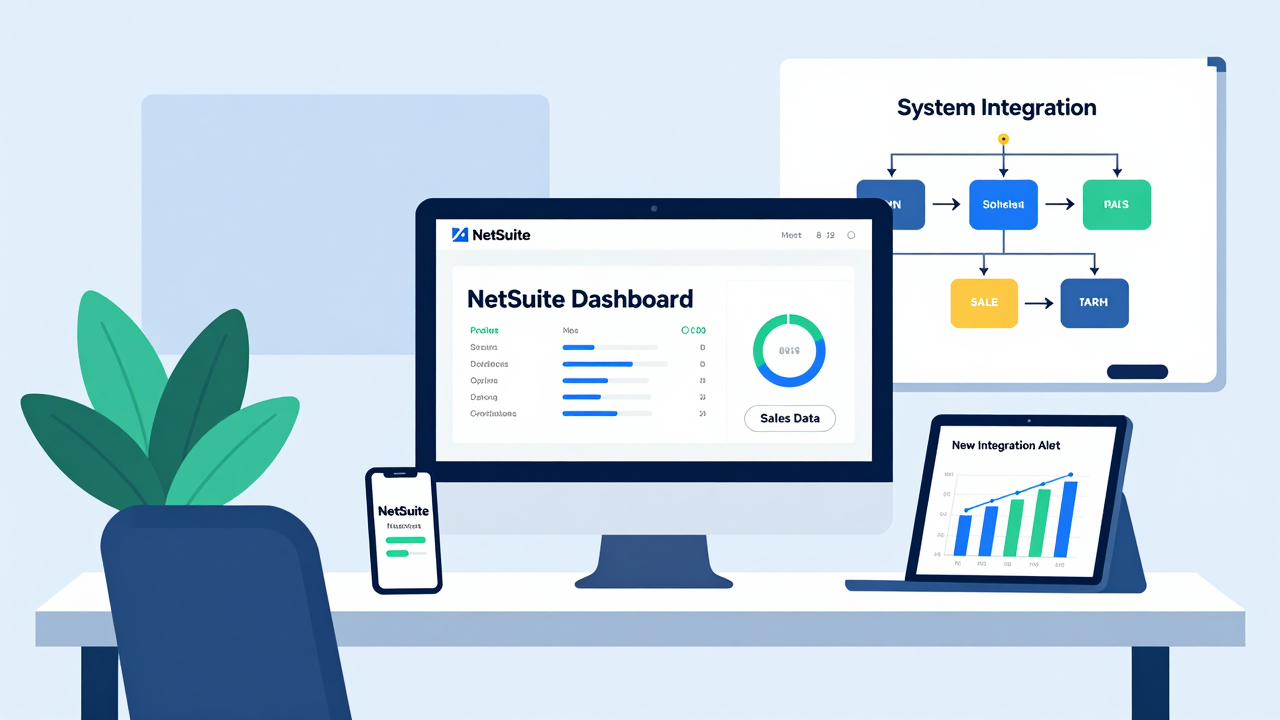
Integrating NetSuite with other systems can greatly boost your business’s operational efficiency and data accuracy. You can use NetSuite’s SuiteTalk API for seamless real-time data transfer between applications. This integration allows for automated data synchronization, ensuring that your financial reporting remains consistent and accurate.
The SuiteCloud platform likewise provides tools for building custom integrations, making it easier to connect with third-party software like CRMs and e-commerce platforms.
If you’re using popular applications such as Shopify or Salesforce, pre-built connectors streamline the integration process. This means you don’t have to start from scratch.
Furthermore, you can develop custom scripts using Oracle SuiteScript to tailor functionalities that meet your specific business needs. By utilizing these integration capabilities, you can improve your reconciliation tools, ultimately leading to more reliable data and enhanced decision-making across your organization.
Role-Based Access and Security

Managing integrations effectively is merely part of optimizing your NetSuite experience; ensuring that users have the right access to information is equally important.
NetSuite employs role-based access control (RBAC), which allows you to assign specific permissions based on job roles. Here are three key aspects to take into account:
- Custom Roles: Create customized roles that limit visibility to just the information relevant to each employee’s job function.
- Essential Permissions: Users must have appropriate permissions, like ADMI_ACCOUNTING and LIST_ACCOUNT, to manage financial data securely.
- Regular Audits: Conduct audits to review user access, ensuring compliance and reducing the risk of unauthorized entry into sensitive information.
Using this cloud-based business management software, you improve data security while providing necessary insights through role-based dashboards.
This strategic approach not only protects your organization’s data but also streamlines user experience.
Managing User Permissions
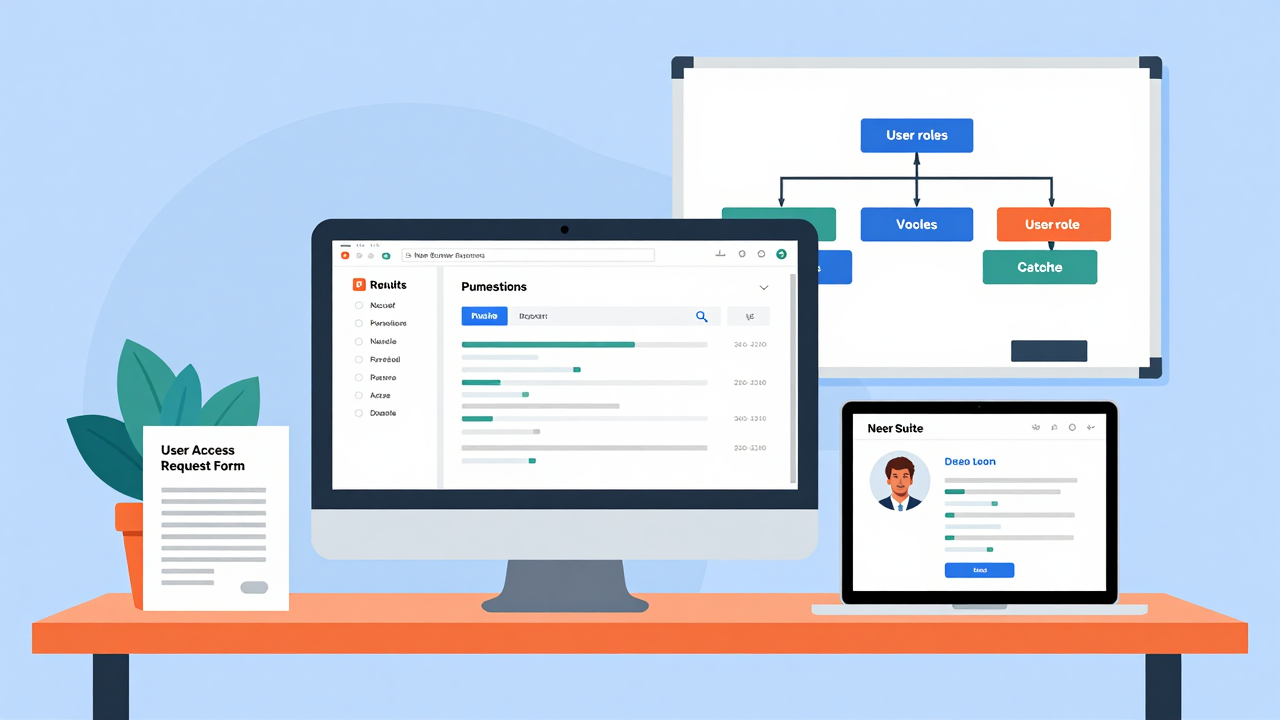
User permissions in NetSuite play a vital role in maintaining security and efficiency within your organization. In this business management platform, user permissions are managed through roles, enabling administrators to define specific access levels customized to different job functions.
Each role can be adapted to grant permissions for various activities, such as viewing, creating, editing, or deleting records in modules like accounting, sales, and inventory.
[embedded content]
Careful assignment of permissions is important for compliance and security; administrators often use predefined roles as templates for a streamlined setup process.
NetSuite furthermore supports granular permission settings, allowing for role-specific access to reports and dashboards, which improves data security and relevance for users.
To maintain ongoing security and adaptability to changing business needs, regular audits of user roles and permissions are recommended. This approach helps maintain an appropriate access level aligned with your organization’s structure and requirements.
Reporting and Analytics in NetSuite

In NetSuite, you can take advantage of customizable reporting dashboards that provide real-time financial insights customized to your business needs.
With user-friendly data visualization tools, you can easily create reports that help you understand your financial health without needing coding skills.
These features not only streamline your reporting processes but additionally improve decision-making by presenting clear, actionable information.
Customizable Reporting Dashboards
Customizable reporting dashboards in NetSuite enable businesses to visualize their key performance indicators (KPIs) and financial metrics in a way that fits their unique operational needs.
You can easily create personalized views using SuiteAnalytics, which doesn’t require coding skills. Here are some benefits of these customizable reporting dashboards:
- Personalization: Display important data like sales performance and financial health on one screen.
- Role-based Access: Guarantee each user sees the most relevant data for their position, enhancing productivity.
- Automated Reporting: Generate reports at scheduled intervals, streamlining the reporting process.
These features help you make informed decisions quickly, guaranteeing that critical insights are always at your fingertips.
Embrace the strength of customizable reporting dashboards to drive your business forward.
Real-Time Financial Insights
When businesses need accurate and timely financial insights, NetSuite delivers with its robust reporting and analytics capabilities.
With this business ERP, you can generate real-time financial statements—like balance sheets, income statements, and cash flow reports—directly from a centralized platform.
The SuiteAnalytics tool enables you to create custom filters and visualizations, making it easy to analyze financial trends and performance metrics without any coding required.
Role-based dashboards provide customized views of key performance indicators (KPIs), ensuring you access relevant insights specific to your role.
Furthermore, NetSuite supports multi-dimensional financial reporting, allowing for detailed analysis across departments, locations, and product lines, ultimately improving your decision-making capabilities with real-time data integration.
Data Visualization Tools
Effective data visualization tools are essential for businesses looking to derive meaningful insights from their financial and operational data.
With NetSuite’s cloud business software, you can leverage SuiteAnalytics to visualize key performance indicators easily. Here’s what you can do:
[embedded content]
- Create custom reports using a user-friendly drag-and-drop interface.
- Utilize advanced analytics to explore trends and issues in financial performance.
- Access pre-built reports and templates for quick and thorough insights.
These capabilities guarantee that metrics from finance, operations, and customer relationship management are integrated and easily accessible, allowing you to make informed decisions based on both historical and real-time data.
Embracing these data visualization tools can greatly improve your business intelligence and strategic planning.
Best Practices for Using NetSuite Accounts
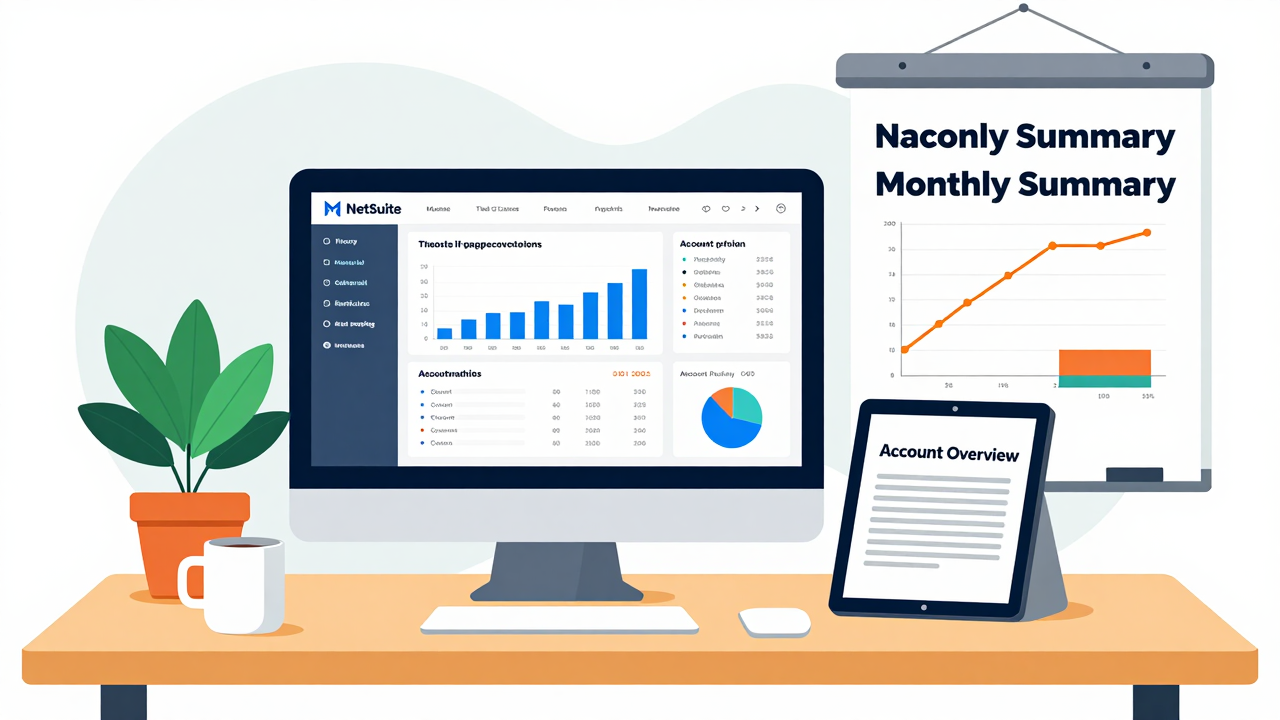
To optimize your experience with NetSuite accounts, it’s essential to adopt specific best practices that improve clarity and efficiency. Start by utilizing structured account codes that align with your financial reporting needs, which will facilitate quick information retrieval and maintain clarity in your chart of accounts.
Regularly review and update this chart to prevent overcomplication, ensuring it aligns with evolving business operations and compliance requirements.
Implement role-based dashboards to provide relevant financial metrics for different users, improving accessibility and decision-making across your organization.
Leverage automation features within NetSuite for month-end close processes; this reduces manual effort and boosts accuracy in financial reporting.
Finally, train your staff on effective usage of NetSuite accounts to promote consistency in data entry and adherence to best practices within your accounting function.
Troubleshooting Common Issues

When using NetSuite, you might encounter account access problems that stem from incorrect user permissions, preventing you from accessing crucial features.
Furthermore, transaction posting errors can arise if the proper accounting context isn’t selected, leading to postings in the wrong accounts.
Addressing these issues swiftly is important for maintaining streamlined operations and accurate financial reporting.
Account Access Problems
Have you ever found yourself unable to access your NetSuite account? It can be frustrating, but there are several steps you can follow to troubleshoot access problems.
Here are three key areas to check:
- Credentials: Confirm you’re using the correct email and password for your specific account type, whether it’s Production, Release Preview, or Sandbox.
- Permissions: Verify that your user role has the necessary permissions set for account access, as these can vary based on configuration.
- Technical Issues: Check your internet connection and browser compatibility; outdated browsers can hinder access.
If you continue facing issues, don’t hesitate to contact your NetSuite Administrator or support team, especially if you’re utilizing software tools for bank account reconciliation.
Transaction Posting Errors
Transaction posting errors in NetSuite can be particularly frustrating, especially when they disrupt your workflow. These issues often occur because of incorrect account types or invalid account assignments, preventing transactions from recording properly.
To troubleshoot, verify that your selected accounting context matches your defined chart of accounts. Be cautious about posting to inactive or non-posting summary accounts, as this will trigger errors.
Additionally, check for any missing required fields in your transaction records—completeness is vital for successful posting. Regularly review user roles and permissions to avoid access issues that may lead to posting errors.
Resources for Further Learning
As you explore the functionalities of your NetSuite account, you’ll find a wealth of resources intended to improve your grasp and proficiency. These tools are essential for mastering this enterprise business management software.
Here are three valuable resources you can utilize:
- NetSuite Help Center: This extensive documentation covers everything from basic navigation to advanced customization techniques, ensuring you have the information you need at your fingertips.
- SuiteAnswers: This searchable knowledge base provides access to articles, tips, and FAQs related to account management, helping you quickly resolve any questions.
- Community Forums and User Groups: Engaging with other NetSuite users allows you to share best practices and troubleshoot challenges together, enhancing your insight into the platform.
Additionally, consider attending regular training sessions and certification programs offered by NetSuite to stay updated on the latest features and best practices for maximizing your account capabilities.
Frequently Asked Questions
What Is the Netsuite Accounting System?
The NetSuite accounting system is a cloud-based Enterprise Resource Planning (ERP) platform designed to automate financial management. It streamlines functions like general ledger, accounts payable, and receivable for thousands of organizations worldwide.
You gain real-time insights through a centralized database, which reduces manual effort by automatically posting transactions. The system additionally supports complex billing, compliance with revenue standards, and integrates payroll management, enhancing financial tracking and reporting accuracy for your business.
What Are the Account Types in Netsuite?
In NetSuite, you’ll encounter three main account types: income statement accounts, balance sheet accounts, and cash flow statement accounts.
Income statement accounts track financial performance over time, including revenues and expenses.
Balance sheet accounts offer a snapshot of financial position, covering assets and liabilities.
Furthermore, statistical accounts capture non-monetary data for reporting and analysis.
Each account has a unique identifier, aiding organization and ensuring compliance with accounting standards for accurate reporting.
What Are the Downsides of Netsuite?
NetSuite has several downsides you should consider. Its steep learning curve can make onboarding challenging, requiring significant time and training.
[embedded content]
The cost may be prohibitive for smaller businesses, with annual fees and optional modules adding up. Customization can likewise be complex and delay implementation.
As a cloud-based system, it depends on stable internet connectivity, which can be problematic in areas with unreliable service.
Finally, periodic updates might disrupt established workflows, necessitating ongoing adjustments.
Is Netsuite Easier Than Quickbooks?
NetSuite isn’t necessarily easier than QuickBooks; it depends on your business needs.
If you’re handling complex financial reporting, NetSuite’s multi-book feature can streamline processes, whereas QuickBooks may require extra effort for advanced tasks.
NetSuite’s integrated platform offers real-time insights, which can simplify decision-making.
Nevertheless, for small businesses with basic accounting needs, QuickBooks might be more user-friendly because of its simpler interface.
Evaluate your requirements to determine which solution suits you best.
Conclusion
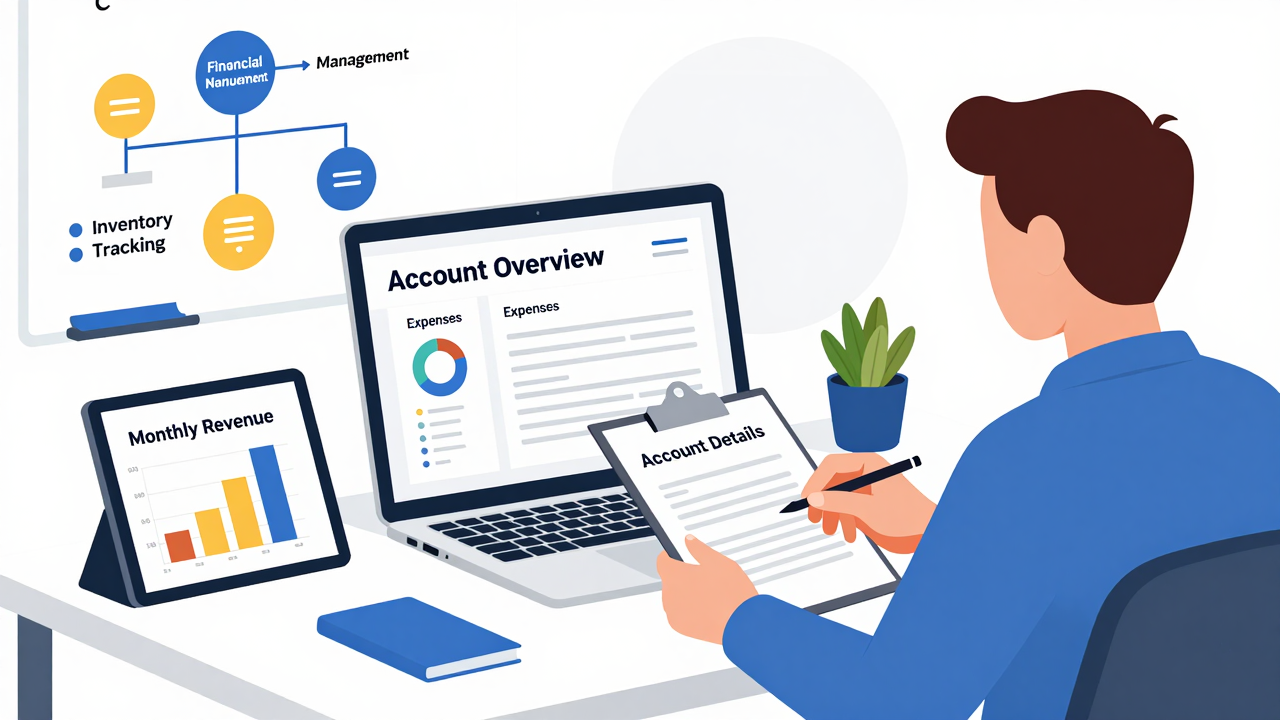
In conclusion, comprehending how NetSuite accounts function is essential for optimizing your financial management processes. By leveraging its key features, customizing your account settings, and utilizing reporting tools, you can improve operational efficiency and guarantee compliance. Adopting best practices will help you navigate common challenges and maximize the system’s potential. As you continue to explore NetSuite, consider utilizing available resources for further learning to stay updated on best practices and improvements within the platform.
Image via Google Gemini and Small Business Trends