
Your reading is probably scattered with newsletters in your inbox, favorite blogs in your bookmarks, and social feeds in separate apps. You mean to catch up, but every app wants you to keep scrolling.
You can bring it all into the WordPress.com Reader, a free RSS reader built into WordPress.com.
It’s one calm place for everything you read. Follow blogs, newsletters, Bluesky, Mastodon, Reddit, YouTube, and anything with an RSS feed, then discover new writers without getting sucked into an algorithm.
We’ve added a lot to the Reader this year to organize your reading, catch up, and discover new writers. Here’s the best of new and loved features.
See what you haven’t read yet
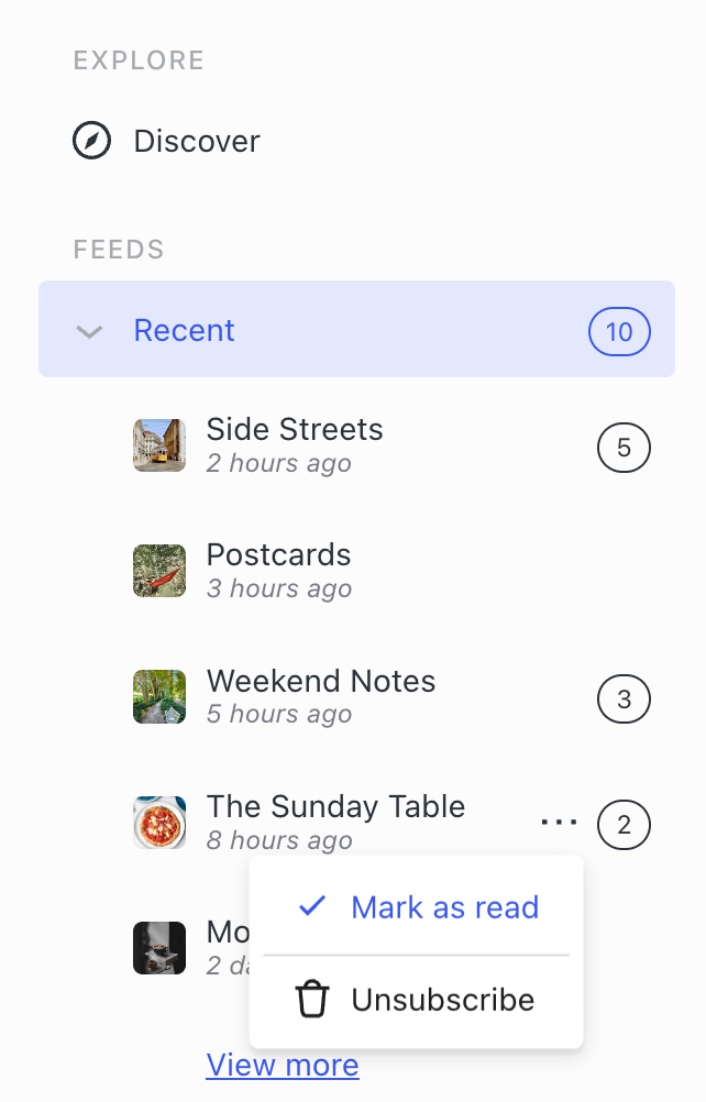
Every site and list you follow now shows an unread count in the sidebar, so you can tell at a glance where the new posts are. Posts you’ve already read are dimmed in your feed, and opening a post marks it as read.
Back from a week away? Hover over a site or List in the sidebar, open the three-dot menu, choose “Mark as read” (or “Mark all as read” on a List), and start fresh. If you’d rather not see counts at all, switch off “Show read status” in your account preferences.
Organize blogs and topics into shelves
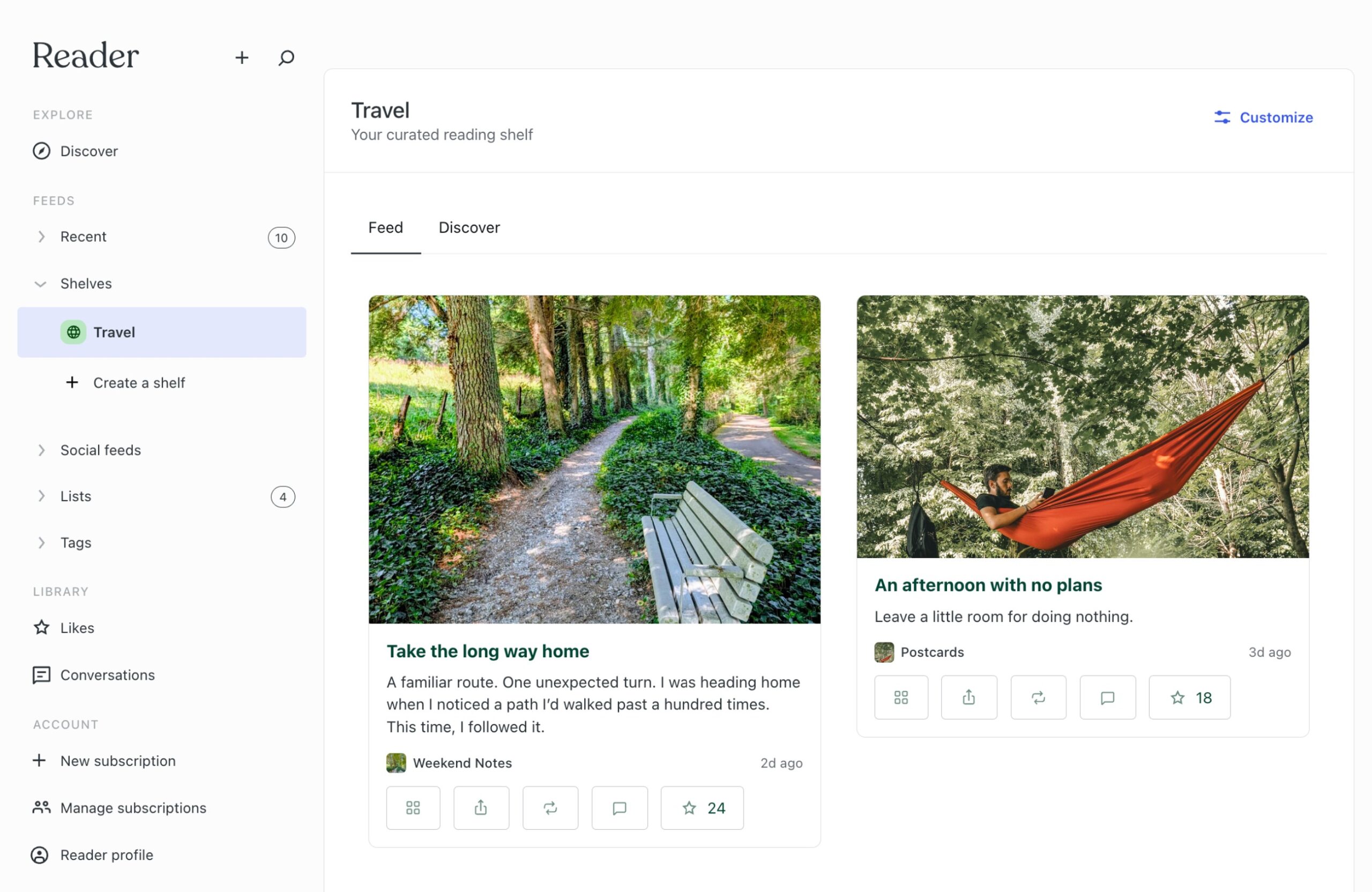
It can be tempting to follow 200 sites. Finding the 10 you want to read on a Sunday morning is harder.
You can now group the sites and tags you follow into private collections called Shelves, like “Travel,” “Friends,” or “Photography.” Each shelf gets its own color and icon in the sidebar, and you pick how its posts are laid out. A Discover tab on each shelf suggests posts on the same topics from sites you don’t follow yet.
Read Bluesky and Mastodon in the same place
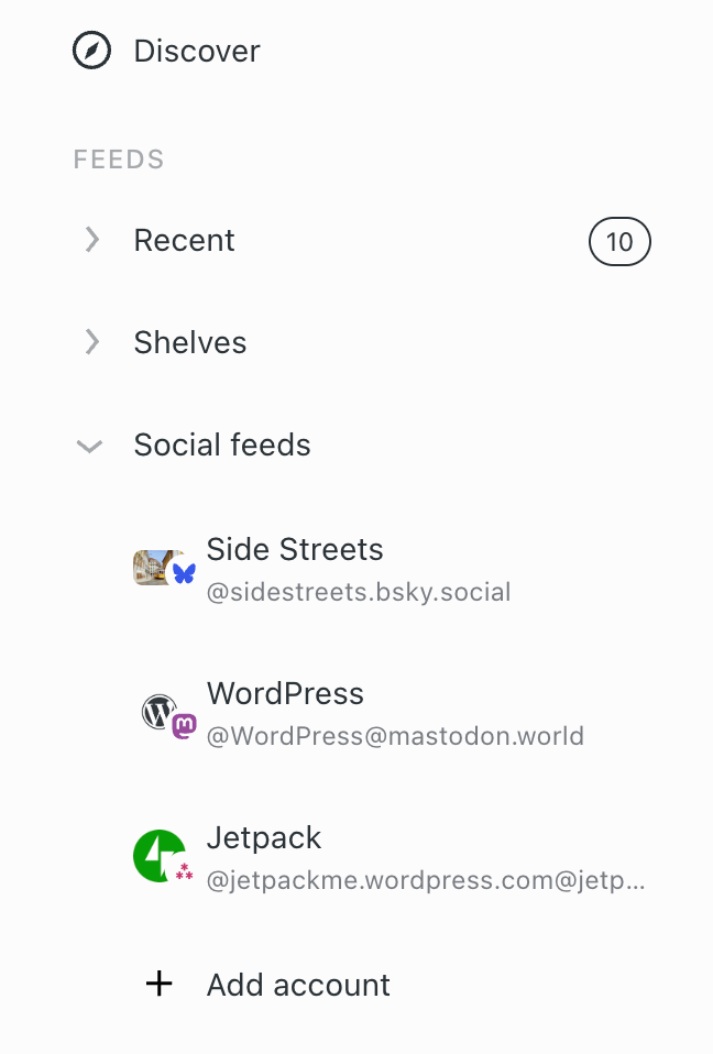
Connect your Bluesky or Mastodon account, and your timeline will show up in the Reader under Social feeds in the sidebar. You can like, repost, reply, and write new posts without switching apps.
Find new writers worth reading
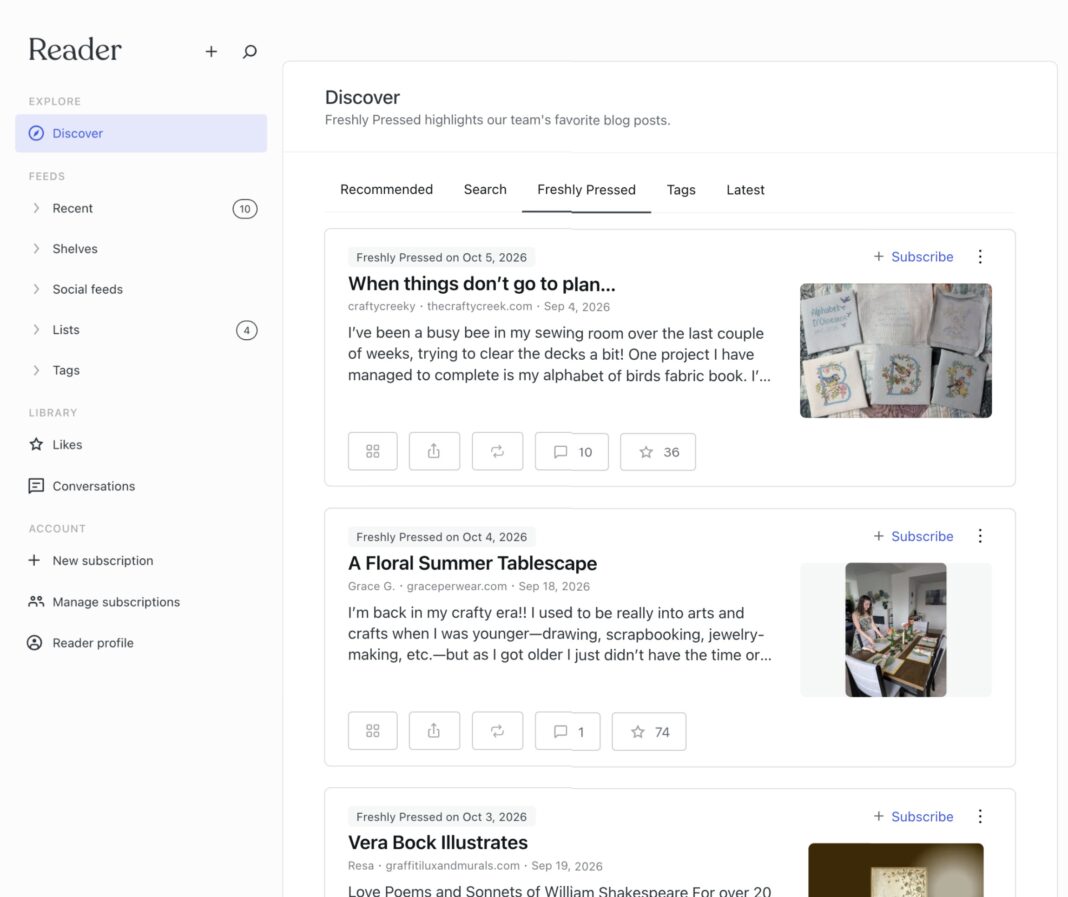
Freshly Pressed is back. Each week, our team picks standout posts from across the WordPress.com community for their storytelling, originality, and point of view — not their viral reach.
You can also see which blogs your favorite writers recommend. When a writer adds recommended blogs to their profile, you can follow any of them in one click.
Read anywhere with the Jetpack app
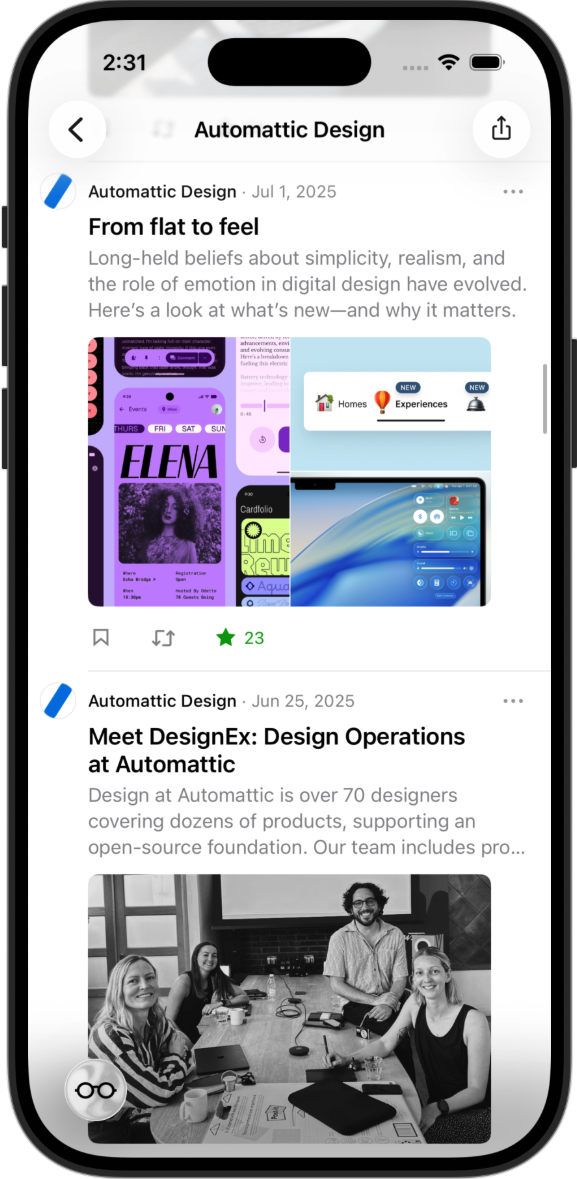
The Jetpack mobile app is the best place to use the Reader. Everything you follow comes with you, and unread counts sit next to each site, so you can catch up in a few spare minutes on the bus or in line for coffee.
On iPhone, the Reader uses Apple’s Liquid Glass design, so posts fill the whole screen and the buttons float on top of them.
Find new readers by reading
Every post you publish on WordPress.com shows up in the Reader for the people who follow you. It also appears in the Reader’s topic feed for every tag you add, where people go looking for something new to read, and every follow there is a new subscriber. Over the past year, people left more than 1.3 million comments from the Reader, on posts from more than 74,000 blogs.
Reading helps too, since every comment or follow you leave sends the writer a notification with a link back to your site. Last month, bloggers without any subscribers who commented on or followed other blogs in the Reader were about 10 times more likely to get their first subscriber.
Make the Reader your own
Just a few favorite blogs, subreddits, or RSS feeds are enough to get started.
Open the Reader, follow a few sites you already love, and make your first shelf. Then tell us what you think in the comments.
Frequently asked questions
What is an RSS reader?
An RSS reader collects new posts from the sites you follow into one feed, so you don’t have to visit each site to check for updates. Most blogs, news sites, newsletters, and podcasts publish an RSS feed, including WordPress sites.
Is the WordPress.com Reader free?
Yes, the Reader is free. You only need a free WordPress.com account, and you don’t need a website or blog to use it.
Can I follow Substack newsletters, YouTube channels, and subreddits?
Yes. Click New subscription in the Reader sidebar and paste the address of the newsletter, YouTube channel, or subreddit. The Reader finds its RSS feed, and you subscribe from there. There are also tabs for Substack, YouTube, Reddit, and Tumblr that show which addresses work.
Can I move my feeds from Feedly or another RSS reader?
Yes. Export your feeds as an OPML file from your old reader. Then open Manage subscriptions in the Reader, click the three dots next to New subscription, and choose Import OPML.
Does the Reader sync across devices?
Yes. What you follow and what you’ve read stay in sync between the Reader on the web and the Jetpack app for iPhone and Android. You can also sync the Reader with RSS apps like Reeder and ReadKit, as long as two-step authentication is turned on for your WordPress.com account.
Can I read Bluesky and Mastodon in an RSS reader?
Yes. Connect your Bluesky or Mastodon account under Social feeds in the Reader sidebar to read your timeline and reply from there. To follow one person without connecting an account, paste their profile address into New subscription.