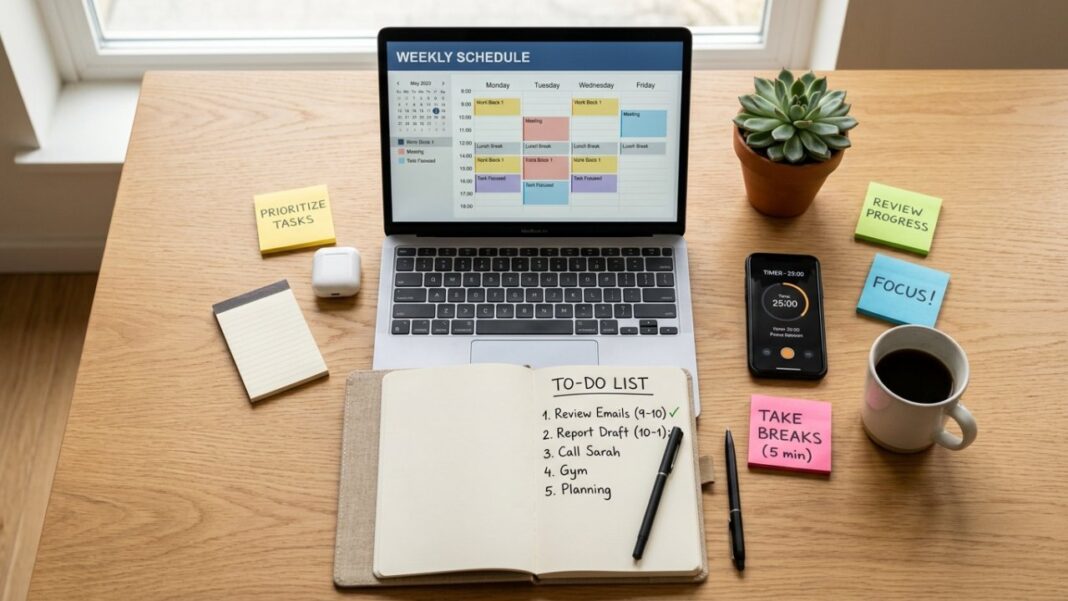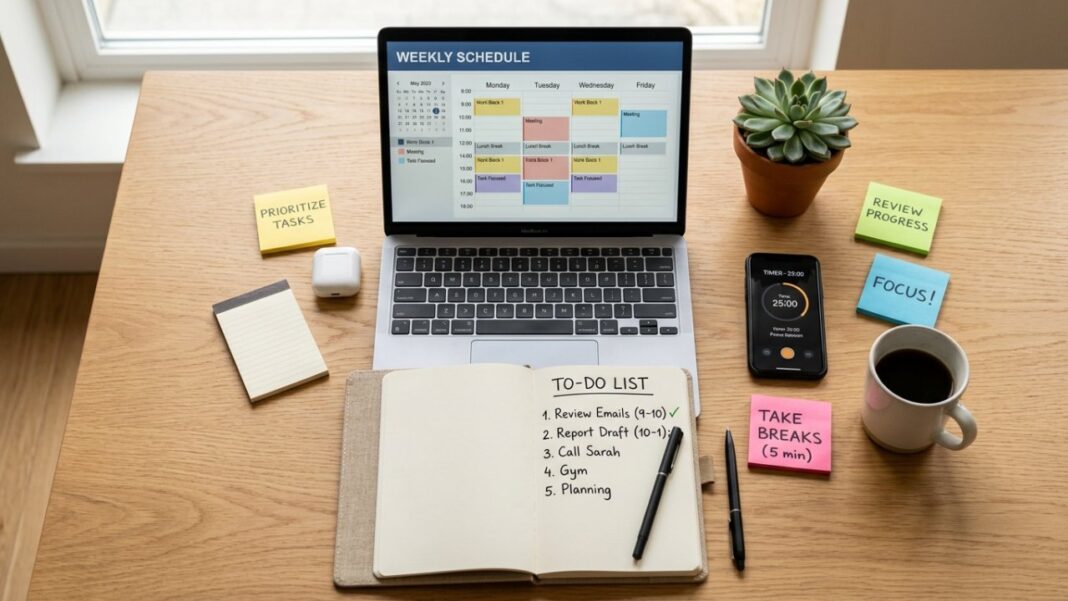

Effective time management is essential for your success at work. Start by evaluating how you spend your time to identify areas for improvement. Use tools like the Eisenhower Matrix to prioritize tasks based on urgency and importance. Then, choose the right planning tools to create a well-organized schedule. By decluttering your workspace and delegating tasks wisely, you’ll enhance your productivity. Next, tackle procrastination with proven strategies. Interested in learning more techniques that can transform your workday?
Key Takeaways
- Track daily activities using a time log to identify time-wasting behaviors and prioritize essential tasks effectively.
- Utilize planning tools like Trello or Google Calendar to create a balanced schedule that incorporates work and personal activities.
- Implement the “Keep, Give Away, Toss” method to declutter your workspace and maintain organization for improved focus.
- Delegate tasks based on team members’ strengths and provide clear instructions to enhance productivity and accountability.
- Set specific, measurable goals with deadlines and break tasks into manageable steps to combat procrastination and maintain motivation.
Assess Your Time Usage: What Are You Spending Time On?

How often do you take a moment to evaluate where your time goes each day? Keeping a time log can be a game-changer.
Try tracking your activities in 15-minute intervals. This simple practice reveals how much time you spend on specific tasks and highlights areas for improvement. By regularly reviewing your time usage, you can pinpoint when you’re most productive and identify time-wasting activities that drain your energy.
Analyzing your time logs helps you distinguish between urgent and important tasks, which is vital for effective scheduling.
Consider using the Eisenhower Matrix, a powerful tool among management techniques, to streamline your task evaluation. This approach allows you to focus on high-impact activities, minimizing time spent on less important tasks.
By implementing these time management techniques at the workplace, you can reduce stress, enhance productivity, and create a more balanced workday.
Start evaluating your time today—you’ll be amazed at what you discover.
Prioritize Tasks: How to Identify What Matters Most?
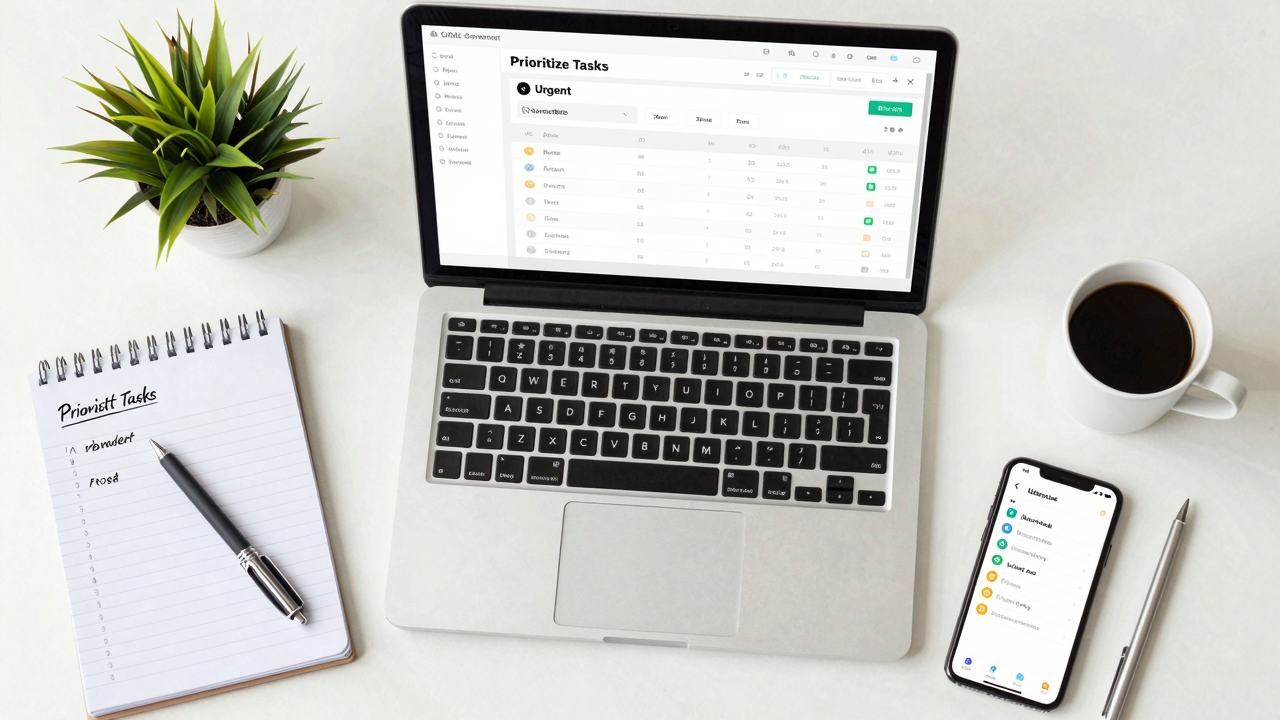
Knowing how to prioritize tasks can greatly boost your productivity and focus. Start by using the Eisenhower Matrix to categorize tasks into four quadrants: urgent/important, urgent/not important, not urgent/important, and not urgent/not important. This helps you see what truly matters.
Next, apply the 80/20 Rule—identify the 20% of tasks that will give you 80% of your results, focusing on high-impact activities. Differentiate between important and urgent tasks; tackle important ones that align with long-term goals to avoid getting bogged down in crises.
Create a daily to-do list highlighting the top three tasks you need to accomplish. This keeps you focused and reduces overwhelm. Finally, regularly reflect on your prioritization strategies. Adjust as necessary based on your evolving goals and feedback to guarantee you’re always aligned with what matters most.
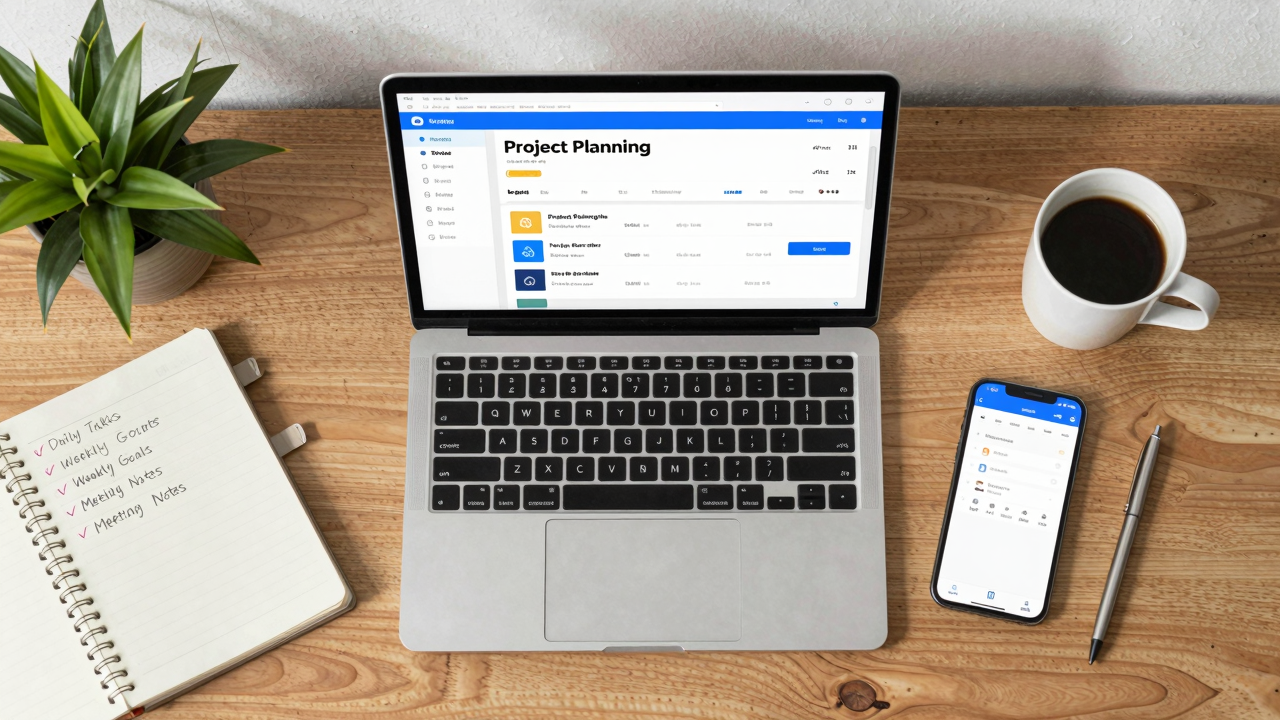
When it comes to planning tools, choosing the right ones can greatly boost your efficiency.
Consider essential features like task tracking, calendar integration, and note organization to find the best fit for your workflow.
Popular options like Trello, Toggl, and Google Calendar can streamline your tasks and help you stay on track, so take time to explore which tools suit your needs.
[embedded content]
Essential Features to Consider
Choosing the right planning tools can greatly boost your efficiency at work, especially if you focus on essential features that align with your needs. Look for tools that integrate seamlessly with your existing systems, like calendars or communication apps, to reduce the learning curve. Customizable features allow you to tailor templates and workflows, enhancing your task management. Confirm the tool has strong collaboration capabilities, such as shared calendars and project boards, to improve team communication. Mobile accessibility is key for managing tasks on-the-go. Finally, consider tools with analytics and reporting features to track productivity and make informed adjustments.
| Feature | Importance | Example |
|---|---|---|
| Integration | Reduces learning curve | Syncs with existing apps |
| Customization | Tailors to your needs | Custom templates |
| Collaboration | Enhances team communication | Shared project boards |
Popular Planning Tools Overview
Effective planning tools can greatly enhance your efficiency at work. Start using digital calendars like Google Calendar or Outlook to schedule tasks and set reminders, which helps you stay organized and sync with your team.
Explore project management apps such as Trello or Asana for visual task tracking, allowing you to assign responsibilities and prioritize effectively.
Time-tracking software, like Toggl or Harvest, can show you where your time goes, helping you identify areas to improve.
Use note-taking apps like Evernote or OneNote to capture ideas and keep important tasks accessible.
Finally, try Pomodoro timers like Focus Booster to break work into intervals, helping you maintain focus while incorporating regular breaks to recharge your energy.
Declutter Your Workspace: Why Organization Matters?
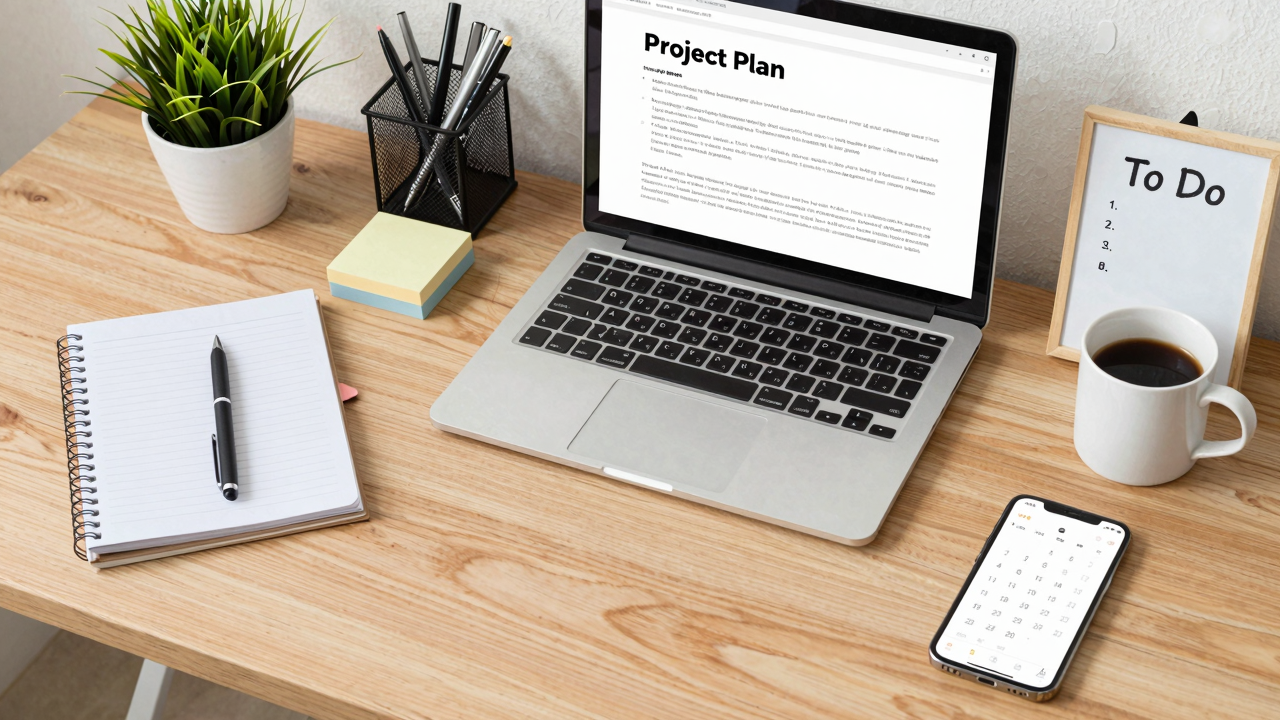
A cluttered workspace can feel overwhelming and chaotic, but organizing it can greatly boost your productivity. When your environment is tidy, you can focus better, and studies show you might increase your efficiency by up to 50%.
Here are some practical steps to help you declutter:
- Use the “Keep, Give Away, Toss” method for items on your desk.
- Set aside 15 minutes daily to organize your space.
- Create designated spots for commonly used items to minimize search time.
- Invest in storage solutions like bins or trays to keep clutter at bay.
- Regularly review and refresh your workspace to maintain organization.
Create a Balanced Calendar: Smart Scheduling Techniques?
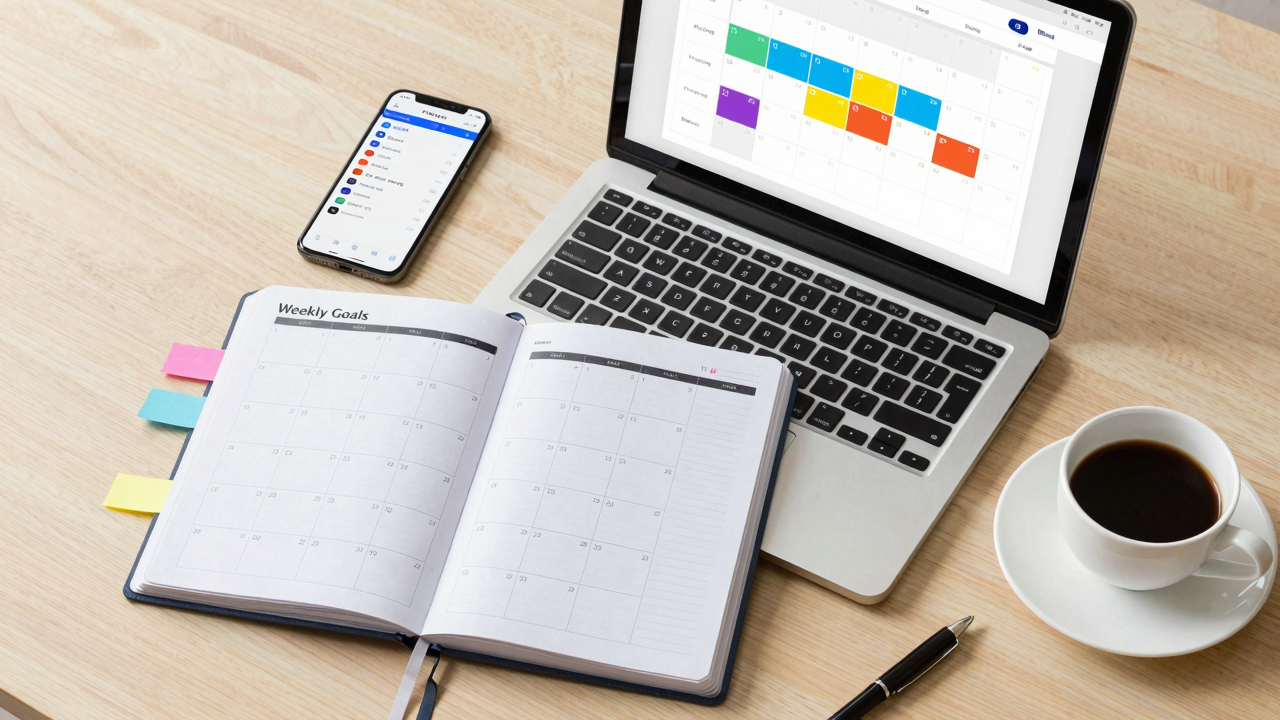
Creating a balanced calendar starts with prioritizing key activities, so you can focus on what truly matters.
Use time blocking to allocate specific periods for work tasks, and don’t forget to integrate personal commitments like family time or self-care.
Prioritize Key Activities
Prioritizing key activities is essential for effective time management, and a balanced calendar can help you achieve that. Start by allocating specific time slots for high-priority tasks, ensuring they get your full attention.
Use techniques like the Eisenhower Matrix to categorize tasks by urgency and importance. Consider these steps:
- Identify your top three daily tasks.
- Schedule uninterrupted blocks for these tasks.
- Review your calendar weekly, adjusting for completed tasks.
- Include personal activities and breaks to maintain balance.
- Limit time on less critical activities to stay focused.
2. Block Time Effectively
Effective time blocking can transform your workday by providing structure and clarity. Start by dividing your day into specific blocks dedicated to different tasks, which helps you focus and reduces distractions.
Prioritize your tasks, scheduling high-importance items during your peak productivity hours. Remember to include short breaks between blocks to recharge—this helps maintain your energy and focus throughout the day.
Use a digital calendar to visually organize your schedule, making adjustments easier as needed. Regularly review your time-blocking strategy, adapting it based on your productivity patterns and any changes in workload.
This proactive approach will optimize your scheduling effectiveness, allowing you to manage your time better and achieve your goals efficiently.
3. Integrate Personal Commitments
How can you balance work and personal commitments without feeling overwhelmed? Integrating your personal life into your work schedule can help you achieve a balanced calendar. Here’s how:
- Create a Centralized Calendar: Use a shared digital calendar for both work and personal commitments to avoid conflicts.
- Block Time for Personal Activities: Treat personal time as non-negotiable appointments in your work calendar.
- Set Reminders for Important Dates: Utilize reminder features to keep track of personal events and deadlines.
- Review Weekly Commitments: Conduct a weekly review to adjust priorities and guarantee a holistic view of your time.
- Prioritize Self-Care in Scheduling: Incorporate self-care and leisure activities to boost your overall productivity and well-being.
Delegate Effectively: Who Can Help You Achieve More?
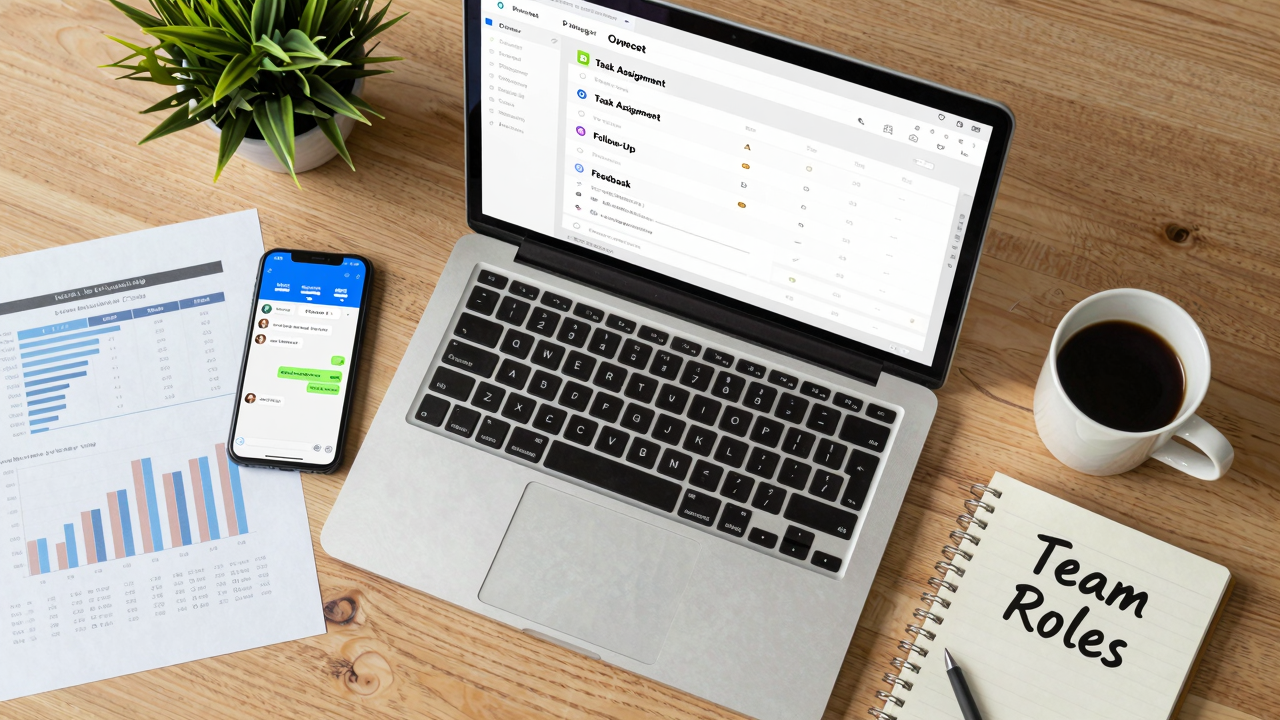
Wondering who can help you achieve more through effective delegation? Start by identifying team members’ skills and interests.
Match tasks to those strengths, ensuring the responsibilities align with what they’re good at. This not only boosts productivity but also empowers your team to grow.
When you delegate, clear communication is key. Provide specific instructions and set expectations to avoid misunderstandings, which can slow progress.
Beat Procrastination: Proven Strategies to Stay on Track?
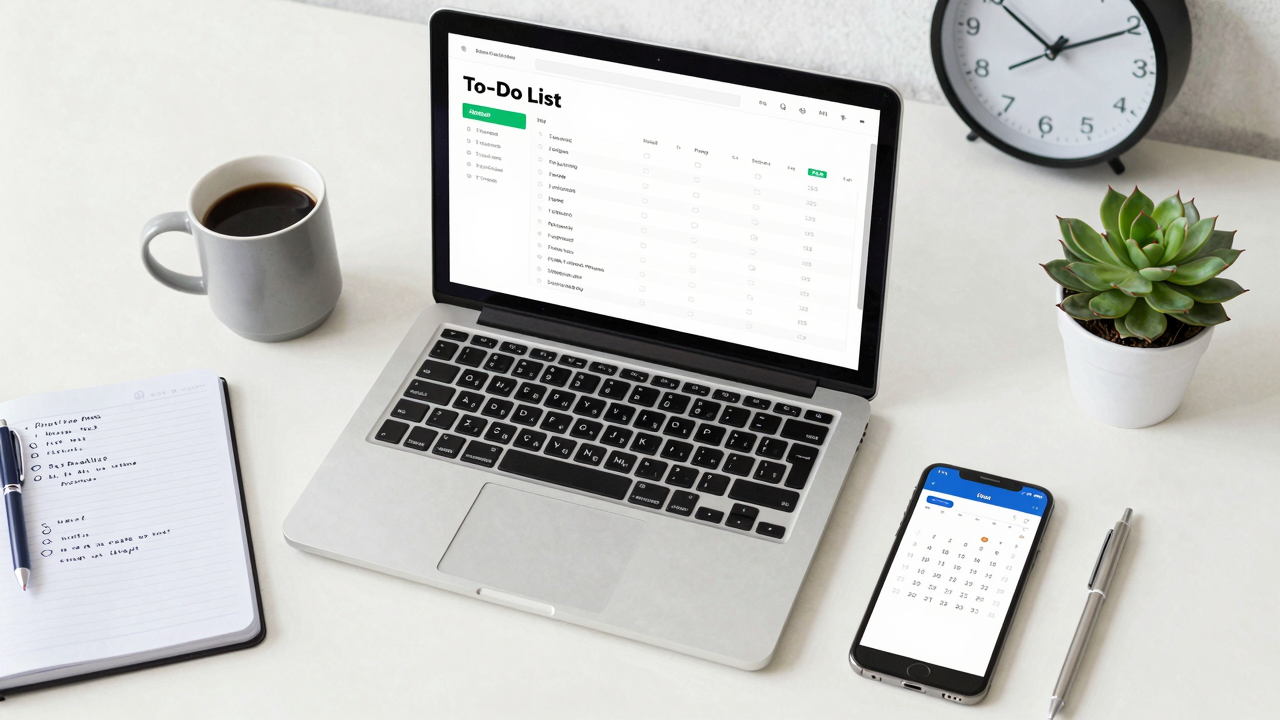
Procrastination can sneak up on you, especially when tasks feel overwhelming or distracting. To combat this, try these effective strategies:
- Identify Triggers: Recognize what makes you procrastinate, like challenging tasks or distractions, and create strategies to address them.
- Set Clear Goals: Establish specific, measurable objectives with deadlines. This clarity boosts focus and motivation.
- Utilize the Pomodoro Technique: Work in focused 25-minute intervals followed by short breaks. This structure helps maintain productivity.
- Break Tasks into Smaller Steps: Divide larger projects into manageable segments. This approach makes starting them less intimidating.
- Implement a Not-to-Do List: Identify habits or activities that distract you and list them out. Avoiding these can help you stay on track.
Frequently Asked Questions
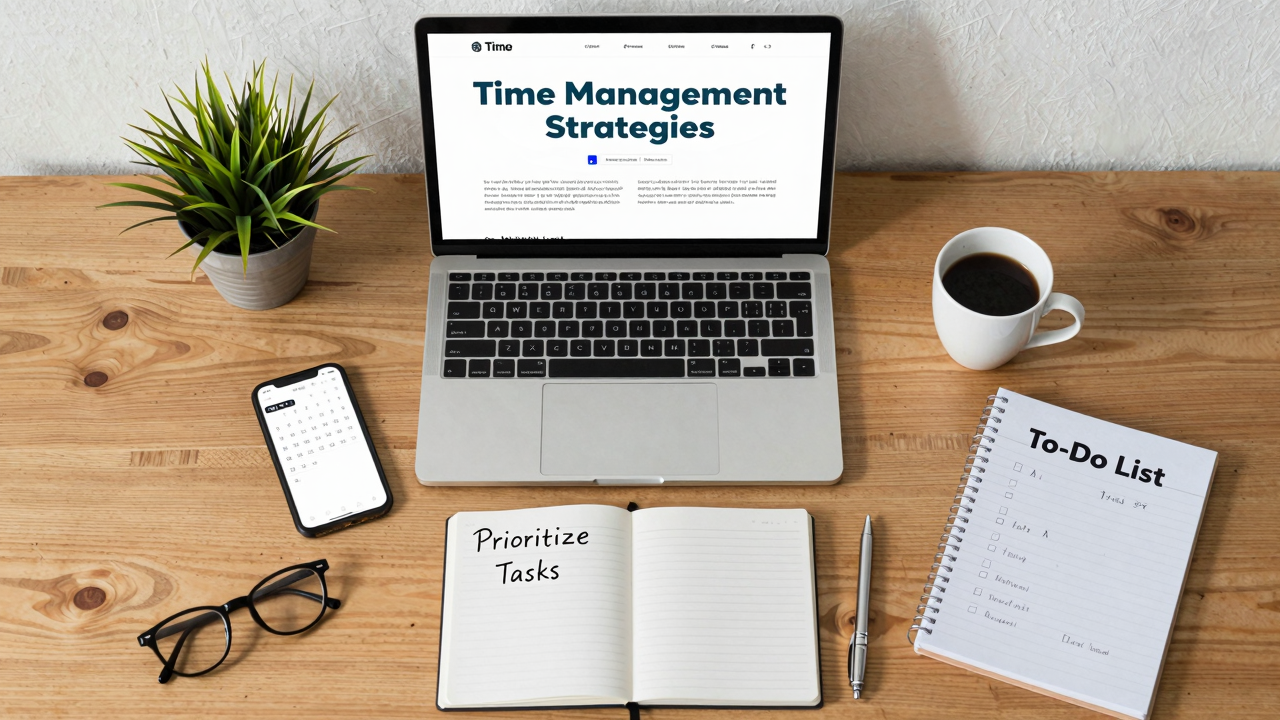
How Can I Maintain Motivation While Managing My Time Effectively?
To maintain motivation while managing your time, set clear goals and break them into manageable tasks.
Use a planner or digital tool to schedule your day, prioritizing tasks by importance.
Take short breaks to recharge, and reward yourself after completing tasks.
Surround yourself with positive influences, like supportive colleagues or inspiring quotes.
Finally, regularly review your progress to celebrate achievements, which boosts your motivation and keeps you focused on your goals.
[embedded content]
What Are the Best Apps for Time Management?
The best apps for time management include Todoist for task organization, Trello for project tracking, and RescueTime for productivity analysis.
Start by downloading these apps, then set up your tasks or projects. Use Todoist to prioritize daily tasks, Trello to visualize ongoing projects, and RescueTime to monitor how you spend your time.
[embedded content]
Regularly review your progress in these apps to adjust your strategies, ensuring you stay focused and productive throughout your day.
How Do I Handle Unexpected Interruptions?
To handle unexpected interruptions, first, stay calm and assess the situation. If it’s urgent, address it quickly, then return to your main task.
Set boundaries by letting colleagues know when you’re unavailable. Use tools like a “do not disturb” sign or noise-canceling headphones.
Prioritize your tasks daily, so when interruptions arise, you can refocus easily.
Finally, schedule specific times to check in on others, reducing unexpected disruptions during work hours.
Can Time Management Techniques Improve Team Productivity?
Yes, time management techniques can boost your team’s productivity. Start by setting clear goals and prioritizing tasks.
Use tools like shared calendars to keep everyone on the same page. Encourage regular check-ins to discuss progress and adjust plans as needed.
Implement the Pomodoro Technique, where you work in focused bursts followed by short breaks, to maintain energy.
Finally, provide feedback and celebrate achievements to keep motivation high and foster collaboration.
What Are the Signs of Poor Time Management?
Signs of poor time management include missed deadlines, frequent distractions, and feeling overwhelmed by tasks.
You might notice you’re constantly rushing or multitasking but not finishing jobs.
To tackle this, prioritize tasks using a simple to-do list, set specific deadlines for each, and limit distractions by creating a focused work environment.
Regularly review your progress, adjusting your plan as needed, to guarantee you’re staying on track and managing your time effectively.
Conclusion
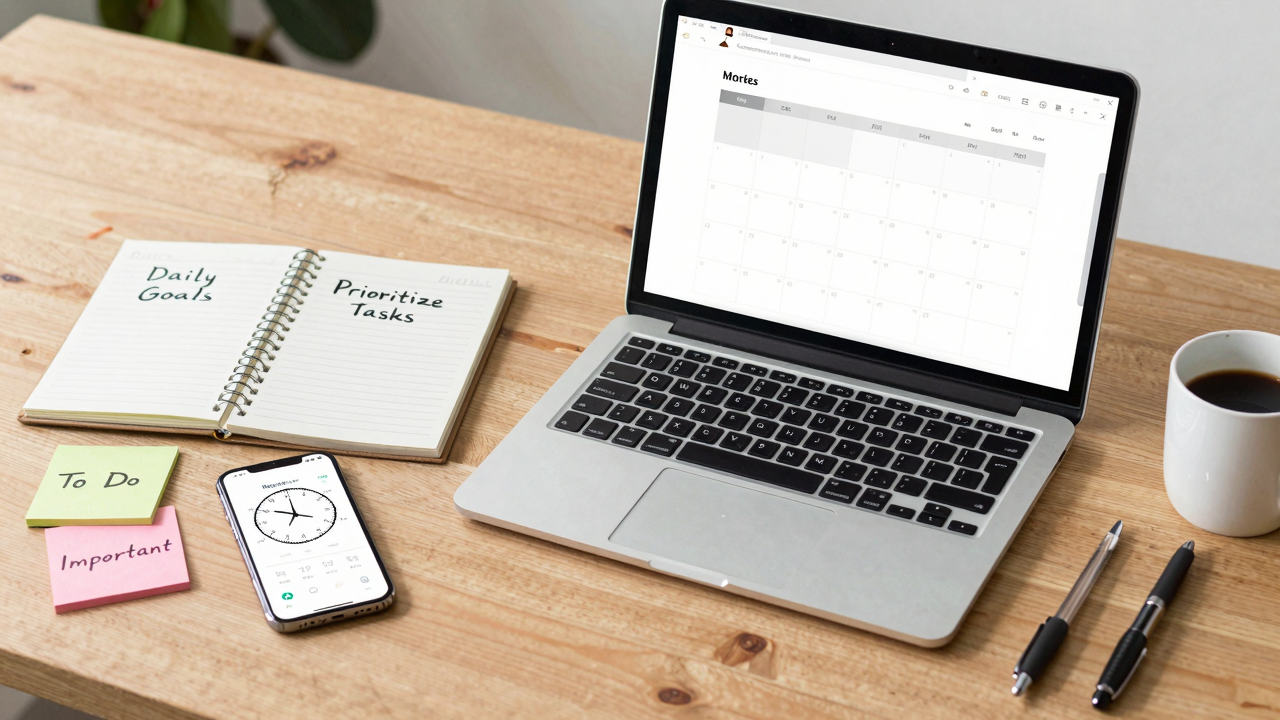
By applying these seven time management techniques, you can greatly enhance your workplace productivity. Start by evaluating how you spend your time and prioritize tasks based on importance. Use planning tools to organize your schedule and declutter your workspace to improve focus. Delegate where possible, and implement strategies to combat procrastination. With consistent effort, you’ll cultivate a proactive mindset, leading to greater efficiency and a clearer path to achieving your goals. Take action today!
Image via Google Gemini and Small Business Trends