
This post was originally published on this site.
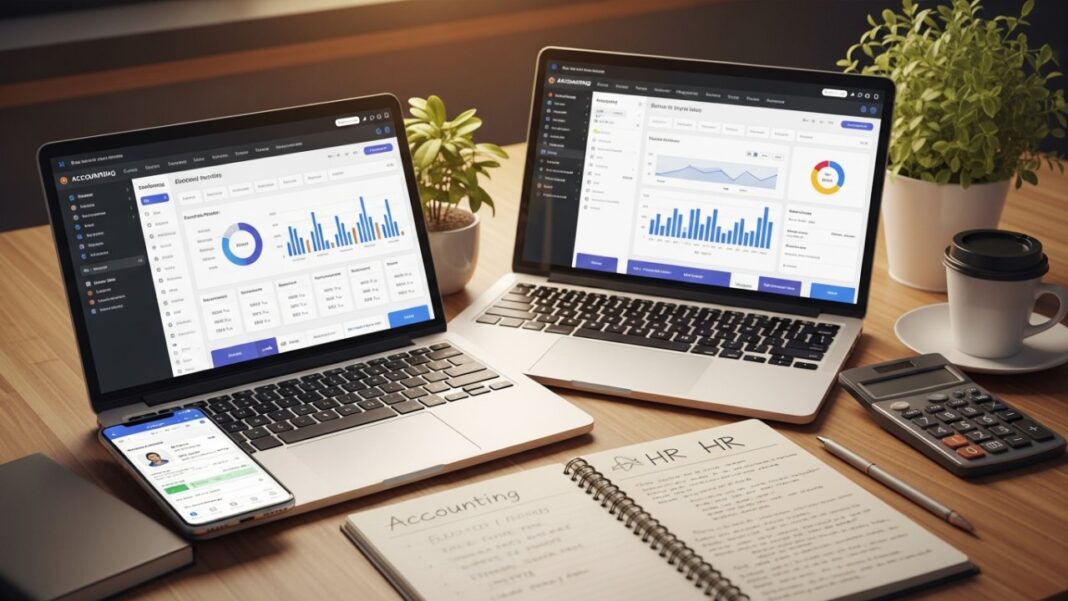
Choosing the right accounting, payroll, and HR software solutions is vital for your business’s efficiency and compliance. With numerous options available, such as Gusto, ADP RUN, and QuickBooks Payroll, it’s fundamental to understand their features and integration capabilities. Each platform offers unique benefits customized to various business needs. As you explore your options, keep in mind the significance of user experience and support. The next steps will help you identify the best fit for your organization.
Key Takeaways
- Gusto offers unlimited payroll runs and integrates with 150+ apps for seamless workflow and compliance management.
- QuickBooks Payroll is ideal for businesses using QuickBooks Online, providing extensive reporting and payroll features.
- ADP RUN provides advanced payroll reporting and customizable solutions, though pricing is not publicly listed.
- Square Payroll simplifies employee onboarding and offers automatic payroll processing at a competitive price.
- Remote specializes in global payroll solutions, ensuring tax compliance across 200 countries for international businesses.
Overview of Payroll Services
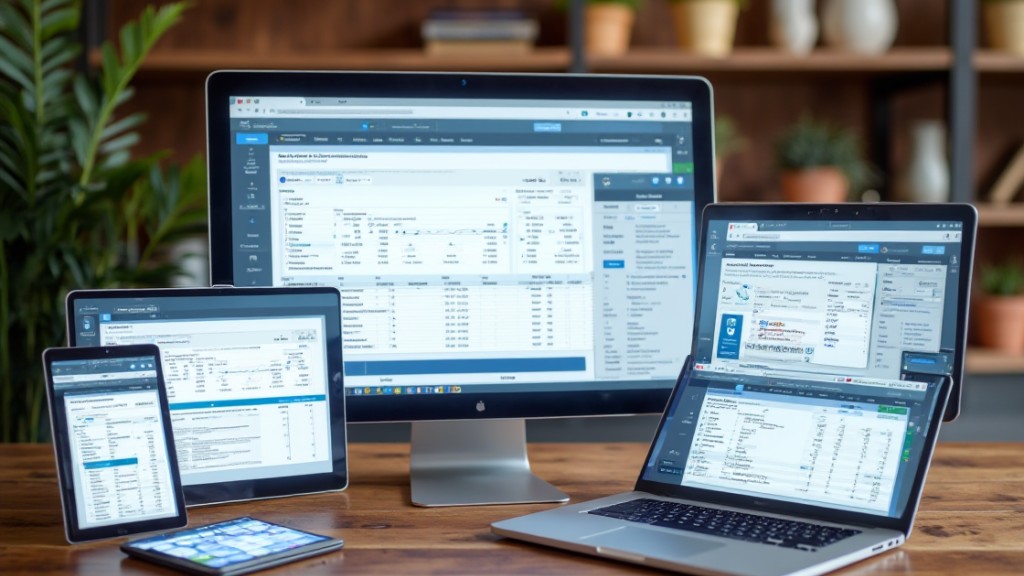
When you run a small business, having reliable payroll services is critical for guaranteeing that your employees receive accurate and timely payments.
These services typically cost less than $100 per month for businesses with five employees, providing a cost-effective solution to payroll management. They automate complex payroll calculations, minimizing errors and saving you time.
Many top online accounting software providers offer features like unlimited payroll runs, next-day direct deposit, and compliance management for various tax requirements, helping you avoid costly penalties from tax agencies.
Thorough accounting and payroll HR software can seamlessly integrate with your existing accounting tools, enhancing your financial management.
Market leaders such as Gusto, OnPay, and QuickBooks Payroll stand out because of their user-friendly interfaces and strong feature sets.
Top Payroll Services Reviewed

Now that you’ve got an overview of payroll services, let’s take a closer look at the top options available.
We’ll compare key features like pricing structures and specific services each provider offers, helping you find the best fit for your business needs.
Comprehending these differences can make a significant impact on your payroll management experience.
Key Features Comparison
How do you choose the right payroll service for your business needs? Evaluating key features is essential. Below, you’ll find a comparison of some top payroll services that integrate well with accounting software and improve your bookkeeping.
| Service | Starting Price | Key Features |
|---|---|---|
| Gusto | $49/month + $6/employee | Unlimited payroll runs, next-day direct deposit |
| Remote | $29/employee | Global payroll in 200 countries, tax compliance |
| Square Payroll | $35 + $6/employee | Automatic payroll, employee self-onboarding |
| QuickBooks Payroll | $50 + $6/employee | Extensive reporting, integrates with QuickBooks |
| ADP RUN | Pricing not listed | Advanced payroll reporting, thorough support |
Each service offers unique benefits designed for various business needs, especially in corporate accounting software programs.
Pricing Structures Analyzed
Understanding the pricing structures of payroll services is essential for making an informed choice that aligns with your business needs.
Most payroll services charge a base monthly fee plus a per-employee fee. For instance, Gusto starts at $49 plus $6 per employee, whereas Square Payroll begins at $35 with the same per-employee fee.
OnPay offers a budget-friendly flat rate of $36 per month plus $4 per employee.
Justworks and QuickBooks Payroll start at $50 per month plus $6 per employee, providing thorough features.
If you need global payroll management, Remote offers pricing starting at $29 per employee per month.
Note that ADP RUN’s pricing isn’t disclosed publicly, focusing instead on customizable solutions customized to your requirements.
Importance of Payroll Services for Small Businesses

For small businesses, the significance of payroll services cannot be overstated. Accurate payroll management is crucial, as 84% of small business leaders face penalties from preventable payroll errors. Payroll services simplify complex calculations, guaranteeing timely employee payments and compliance with tax regulations, which helps you avoid costly IRS penalties. Most payroll solutions cost less than $100 per month for businesses with five employees, making them a cost-effective option.
By using payroll services, you can automate tasks like tax filings and employee payments, reducing administrative burdens and minimizing errors. This allows you to focus on growth as well as guaranteeing accurate wage and tax calculations.
| Benefits of Payroll Services | Details |
|---|---|
| Reduces Errors | Minimizes preventable payroll mistakes |
| Guarantees Compliance | Keeps you aligned with tax regulations |
| Cost-Effective | Typically under $100 per month for small teams |
How to Choose the Best Payroll Service
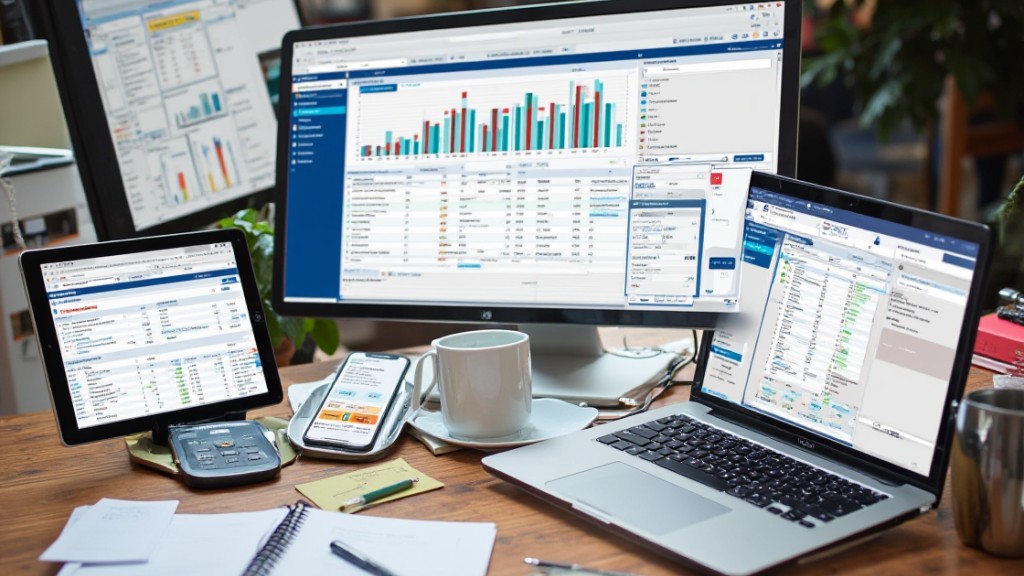
Choosing the right payroll service can be a challenging task, especially with so many options available. First, assess your business size and specific payroll needs. Services like Gusto and OnPay cater well to small and mid-sized businesses, offering user-friendly interfaces and transparent pricing.
Next, consider the features you want, such as automated tax filing and employee self-service; platforms like Gusto and QuickBooks Payroll excel in these areas. Evaluate how well the service integrates with your existing accounting or HR systems, as QuickBooks Payroll, for example, offers seamless integration with QuickBooks Online.
Additionally, examine the pricing structures; some platforms charge a flat monthly fee plus a per-employee cost, whereas others, like Square Payroll, may have lower base fees but lack advanced HR features.
Finally, read user reviews to gauge satisfaction and support quality, with ADP and OnPay often receiving positive feedback for reliability.
Key Features of Payroll Services
When evaluating payroll services, it’s important to understand the key features that can significantly improve your payroll management process. Look for services that offer unlimited payroll runs, ensuring you can process payments whenever necessary.
Next-day direct deposit is another critical feature, providing timely payments to your employees. Automated tax filings can additionally save you time and reduce errors, keeping your business compliant.
Many payroll platforms now integrate HR capabilities, allowing you to manage employee onboarding and performance reviews alongside payroll tasks. Extensive reporting tools are essential for generating insights on tax liabilities and payroll expenses, which helps in strategic planning.
Finally, prioritize user-friendly interfaces that cater to both novice and experienced payroll managers, with mobile access for on-the-go management. By focusing on these key features, you can streamline your payroll process and improve overall efficiency in your business operations.
Pricing Structure of Payroll Services

When choosing payroll services, you’ll notice a tiered pricing structure that typically includes a base monthly fee along with a cost per employee.
Most providers charge between $25 to $50 for the monthly fee and $4 to $10 for each employee, which can impact your overall budget.
Comprehending these pricing models will help you select the right service that fits your business needs without unexpected costs.
Monthly Subscription Costs
Comprehending the monthly subscription costs of payroll services is essential for businesses seeking to manage their payroll efficiently.
Gusto, for example, starts at $49 per month, plus $6 per employee, and provides integrated payroll and HR services for small to medium-sized businesses.
QuickBooks Payroll has a similar structure, beginning at $50 monthly, in addition to $6 per employee, concurrently offering extensive integration with its accounting software.
If you’re looking for affordability, Square Payroll starts at $35 per month, plus $6 per employee.
OnPay presents a flat rate of $36 monthly and $4 per employee, including complimentary initial data entry.
At the same time, ADP RUN’s pricing isn’t publicly available, but it’s customized for growth-focused businesses with robust payroll reporting and compliance management features.
Per-Employee Pricing Rates
Comprehending per-employee pricing rates is crucial for businesses evaluating payroll services, as these fees can greatly influence overall costs.
Usually, payroll services charge a base monthly fee along with a per-employee fee. Here’s what you should know:
- Base Fees: Monthly fees typically range from $29 to $50.
- Per-Employee Fees: Additional costs usually run between $5 and $8 for each employee.
- Examples: Remote starts at $29 per employee, whereas Gusto and QuickBooks Payroll begin at $50 plus $6 per employee. Square Payroll offers a competitive option at $35 per month plus $6 per employee.
Understanding these structures helps you budget effectively and choose the right payroll service that aligns with your business needs.
Payroll Compliance Considerations
Grasping payroll compliance considerations is important for any business aiming to avoid costly penalties and maintain smooth operations.
With 84% of small business leaders reporting fines as a result of preventable payroll errors, it’s critical to get it right. Automated payroll services like Gusto and OnPay can help you adhere to federal and state tax regulations by accurately handling tax calculations and filings.
Many payroll solutions likewise offer built-in compliance tools, such as ADP RUN’s advanced reporting capabilities, which assist in tracking payroll liabilities and meeting regulatory requirements.
If your business operates across multiple states, using software with multi-state tax compliance features is crucial, as each state has its own payroll tax laws.
Regular audits of your payroll practices, paired with software that provides compliance alerts, can greatly reduce the risk of costly errors and improve adherence to labor laws.
Staying compliant isn’t just smart; it’s necessary for success.
Integration Capabilities With Existing Systems
When choosing payroll and HR software, you’ll want to evaluate how well it integrates with your existing systems.
Seamless software connectivity, API integration options, and data migration support can greatly simplify your processes and improve efficiency.
Comprehending these capabilities will help you select a solution that fits seamlessly into your current operations.
Seamless Software Connectivity
How can seamless software connectivity transform your payroll and HR management? By integrating your payroll and HR systems with existing applications, you can streamline processes and improve efficiency.
Here are three key benefits:
- Improved Workflow: Solutions like Gusto connect with over 150 apps, allowing for a cohesive flow of information across platforms.
- Accurate Financial Management: QuickBooks Payroll seamlessly integrates with QuickBooks Online, ensuring precise payroll processing and financial oversight.
- Centralized Functions: Rippling combines HR, payroll, and IT management in one platform, offering automation that simplifies business tasks.
With tools like Homebase and ADP RUN, you can further boost connectivity, enabling thorough reporting and management capabilities for your organization.
Embracing seamless software connectivity is vital for optimizing your operations.
API Integration Options
API integration options play a crucial role in connecting payroll software with existing systems, allowing businesses to operate more efficiently. Many payroll services like Gusto and QuickBooks Payroll provide deep integrations with popular accounting tools, ensuring seamless data transfer and management.
For instance, Rippling’s API capabilities enable you to link existing HR systems, enhancing automation and streamlining payroll processes. Homebase likewise integrates smoothly with QuickBooks and Square, allowing payroll data to sync accurately for better reporting and compliance.
OnPay’s transparent integration options simplify your ability to manage payroll and financial data from a single platform, eliminating manual entry.
Finally, Paychex Flex offers customizable add-ons and integrations, tailoring payroll and HR solutions to meet your specific operational needs.
[embedded content]
Data Migration Support
Effective data migration support is crucial for businesses looking to shift their payroll systems without encountering disruptions or data loss. Many payroll services offer seamless integration with accounting software, which streamlines this process.
Here are three benefits of strong data migration support:
[embedded content]
- Wide Integration: Services like Gusto connect with over 150 applications, enabling smooth synchronization with various HR and business tools.
- Customizable Options: Platforms such as Paychex Flex provide customized integration options to meet specific business needs, ensuring cohesive operation.
- Efficient Shift: Tools like OnPay and ADP focus on migrating existing payroll data into new systems without loss of information, simplifying the shift.
With these features, you can improve your payroll and HR management considerably.
Benefits Administration and Payroll Services

When you integrate benefits administration with payroll services, you create a streamlined approach that simplifies the management of employee benefits whilst guaranteeing compliance with regulations. Many payroll services, like Gusto and Justworks, offer built-in features to manage health insurance, retirement plans, and other perks alongside payroll processing. This integration reduces the administrative burden by automating tax filings and compliance tasks related to employee benefits, which helps you avoid penalties because of errors.
By using integrated solutions, you can improve employee self-service portals, allowing workers to conveniently access pay stubs, tax forms, and benefits information online. Moreover, these integrated systems lead to significant cost savings by minimizing administrative tasks, enhancing accuracy, and improving overall efficiency.
| Feature | Benefit | Example |
|---|---|---|
| Automated Tax Filings | Reduces penalties | Gusto |
| Self-Service Portals | Increases employee satisfaction | Justworks |
| Compliance Management | Guarantees regulatory adherence | ADP |
| Cost Savings | Lowers administrative expenses | Paychex |
User Experience and Support in Payroll Services
User experience and support in payroll services play an essential role in the overall effectiveness of these systems, as they directly impact how easily you can manage payroll tasks.
You want a platform that offers a seamless experience, enabling you to navigate features without hassle. Here are some key considerations:
- Intuitive Design: Gusto and OnPay provide user-friendly interfaces, making payroll management straightforward. Gusto stands out with automated processes, whereas OnPay simplifies tax compliance.
- Integration: If you’re using QuickBooks Online, ADP RUN’s deep integration can improve your workflow, offering a simple user experience with robust pay type management.
- Support Availability: Homebase excels in responsive support, addressing queries efficiently, whereas Gusto and OnPay receive high satisfaction ratings for their customer service, including convenient communication channels and online resources.
Choosing a payroll service with strong user experience and support can greatly ease your payroll management process.
Frequently Asked Questions
What Is the Best HR and Payroll Software?
The best HR and payroll software depends on your business needs.
Gusto offers an all-in-one solution with extensive integrations, perfect for growing companies.
OnPay is budget-friendly for small to mid-sized businesses, whereas QuickBooks Payroll integrates seamlessly with existing QuickBooks accounts.
For scalable solutions, ADP RUN caters to companies of all sizes.
If you’re a small business using Square, Square Payroll provides basic services at a low cost, ensuring you stay within budget.
What Software Do Accountants Use for Payroll?
Accountants typically use various payroll software to streamline their processes.
Gusto offers full-service payroll and HR features, whereas OnPay is known for its budget-friendly pricing and user-friendly interface.
If you’re already using QuickBooks for accounting, QuickBooks Payroll integrates well with it.
ADP RUN provides extensive reports for growing businesses, and Square Payroll is a cost-effective option for those in retail and services.
Each software has unique benefits, so choose based on your specific needs.
What Is the Best Software for Payroll?
Choosing the best payroll software depends on your business size and needs.
Gusto offers strong payroll and HR integration for small to medium-sized businesses.
[embedded content]
If you need global payroll, Remote covers almost 200 countries.
Justworks and QuickBooks Payroll provide solid PEO and accounting integration, respectively.
For a budget-friendly option, Square Payroll offers fundamental features without advanced HR capabilities.
Assess your specific requirements to select the software that best fits your operations.
Who Is Adp’s Biggest Competitor?
ADP’s biggest competitor is Paychex.
Paychex offers extensive payroll and HR services customized for various business sizes, with customizable solutions to meet your specific needs. They provide 24/7 U.S.-based support and multiple payroll processing options, making them a strong alternative.
During ADP uses a custom pricing model, Paychex typically requires consultations for pricing.
Paychex Flex, their payroll platform, integrates with various accounting software, enhancing its competitiveness against ADP’s offerings.
Conclusion

In summary, selecting the right accounting, payroll, and HR software is vital for streamlining your business operations. By comprehending the key features, compliance needs, and integration capabilities of various platforms, you can make informed decisions that suit your specific requirements. Whether you’re a small business or managing global operations, the right software can improve efficiency, simplify payroll processing, and boost employee management. Prioritizing these aspects will help you choose a solution that supports your business’s growth and success.
Image via Google Gemini and ArtSmart