

This post was originally published on this site.
If you’re looking to create stunning videos without spending a dime, you have several excellent free video makers at your disposal. Tools like DaVinci Resolve and Lightworks offer professional-grade features, whereas Shotcut provides an open-source option for those who prefer customization. Browser-based options like Clipchamp and user-friendly platforms like ACDSee Luxea make video editing accessible for everyone. Comprehending these tools’ unique capabilities can greatly improve your video projects, but which one suits your needs best?
Key Takeaways
- DaVinci Resolve offers professional-grade editing tools and a free VFX app, making it ideal for high-quality video projects.
- Lightworks features a user-friendly timeline, perfect for beginners, though exports are limited to 720p in the free version.
- Shotcut is an open-source video editor with essential editing features and a customizable interface for diverse projects.
- Clipchamp allows browser-based editing with tools like green screen effects, facilitating quick and creative video production.
- FlexClip provides an extensive library of customizable templates, enhancing user experience and simplifying video creation for social media.
Overview of Top Free Video Makers

When you’re looking to create high-quality videos without spending money, several free video makers stand out due to their strong features and ease of use.
DaVinci Resolve is a top choice, offering professional-grade tools and a free VFX app, Fusion, which improves your production capabilities.
Lightworks provides a user-friendly layer-based timeline in its free version, allowing exports at 720p, whereas 1080p requires a subscription.
Shotcut, an open-source option, has crucial editing features and a customizable interface, though it struggles with voiceover tools on Mac.
Clipchamp thrives with direct browser editing and useful tools like green screen effects.
Finally, ACDSee Luxea Video Editor is great for beginners, supporting keyframing and 4K video, though its free version limits commercial use.
Creative Ownership and Content Rights

When you create content using free video makers, you maintain full ownership and control over your work, ensuring your rights are protected.
These platforms provide clear usage guidelines, so you know exactly how your creations can be shared and used.
With no hidden clauses or ads, you can focus on expressing your ideas freely, as your content remains secure and private.
Creator Content Control
In an era where digital content is increasingly prevalent, grasping creator content control is essential for anyone looking to produce videos. With the best free video maker, you retain full ownership of your content, ensuring that your intellectual property rights are protected.
There are no hidden clauses or surprise advertisements, which means you can share your work without unexpected commercial implications. Significantly, content can’t be repurposed or licensed without your permission, giving you complete control over how your work is used.
Assurance of content privacy allows you to maintain autonomy over your projects and personal information. A clear comprehension of content usage rights empowers you to make informed decisions about sharing and distributing your videos effectively.
[embedded content]
Clear Usage Guidelines
Grasping the clear usage guidelines regarding creative ownership and content rights is crucial for creators who want to safeguard their work.
When using a free movie creator for Windows, you’ll find that you retain full ownership of your content. This means your work can’t be repurposed or licensed without your explicit permission.
There are no hidden clauses or surprise advertisements, ensuring transparency in content usage. In addition, content privacy and autonomy are guaranteed, allowing you to manage your creations according to your preferences.
You’ll have a clear comprehension of your content usage rights, eliminating confusion about how your work may be utilized. This assurance nurtures trust, encouraging you to produce and share your work confidently.

Creating engaging videos has never been more accessible, thanks to a variety of video creation tools designed for both personal and professional use.
These tools enable you to edit videos customized for platforms like YouTube, TikTok, and Stories, ensuring peak presentation. You can create dynamic product demos or marketing videos by transforming photo presentations into engaging slideshow videos, enhancing visual storytelling.
The video editing timeline allows you to split, splice, crop, resize, and flip clips, refining your content flow. Features like Beat Sync help you synchronize your videos seamlessly with music, improving the viewing experience.
Furthermore, custom animations for video elements can be easily created, adding unique flair to your projects without needing advanced editing skills.
AI Video Creation and Editing Features

As video content continues to dominate online platforms, AI video creation and editing features have emerged as invaluable tools for users seeking to improve their projects efficiently.
Tools like Magic Design™ automate the editing process, trimming and cropping footage as well as adding suitable music. The Highlights feature uses AI to pinpoint and extract the best moments, enhancing your video’s overall quality.
Furthermore, Magic Media allows you to generate videos from text prompts, making it accessible even for those without extensive editing experience. These ai video creation and editing features greatly reduce the time spent on manual tasks.
For those using video editor software open source, you’ll benefit from an extensive library of over half a million music tracks, simplifying audio integration into your videos.
Sound and Music Integration

Integrating sound and music into your videos can greatly elevate their overall impact, making them more interesting for viewers. Many free video makers offer access to extensive licensed music libraries, providing thousands of soundtracks for you to enhance your projects.
Features like Beat Sync automatically align your video clips with the rhythm of your chosen music, creating an enchanting experience. You can easily add sound effects and music overlays, boosting production value without needing advanced editing skills.
Some platforms even provide music-inspired pre-designed templates, simplifying the creation process. If you’re using the best video editor on iPad, you’ll find collaboration tools that enable teams to work together on audio integration, ensuring the perfect sound for your projects through real-time feedback and adjustments.
Sharing, Collaboration, and Support

When you want to improve your video-making experience, utilizing sharing and collaboration features can greatly streamline your workflow. Many video editor freeware options, like Adobe Express and FlexClip, offer seamless cloud storage that allows team members to access projects easily.
These platforms support real-time feedback and commenting on drafts, enhancing teamwork and improving video quality. You can furthermore export your videos in high resolutions, such as 4K, and share them across social media for wider engagement.
Collaboration tools, including multi-user editing and shared branding assets, help maintain a consistent visual identity. Moreover, most open source video makers provide extensive customer support through help centers and tutorials, guiding you through any project-related inquiries as you enhance your editing skills.
How to Create a Video

Creating a video starts with uploading your media files, or choosing a video type on platforms like Adobe Express that provide customizable templates.
You can easily edit your clips using a drag-and-drop interface, which allows you to cut, crop, and improve your video’s flow.
Once you’ve added audio and made any necessary adjustments, you can resize, download, and publish your video to fit the platform you want to share it on.
Upload Media Easily
Video creation has become increasingly accessible, allowing you to bring your ideas to life with ease.
One of the key features of many free video makers is the ability to upload media easily. You can upload files or record directly within the platform, utilizing intuitive drag-and-drop tools that streamline the process. Choosing a video type or selecting from free templates helps you create videos quickly and efficiently.
As you build your project, you can improve it with audio tracks, graphics, animations, and effects, all without needing advanced editing skills. Plus, the platform supports various video formats, allowing for seamless resizing and customization for different social media platforms.
Don’t worry about losing progress; the auto-saving feature keeps your work safe until you’re ready to download.
Customize and Edit Videos
Once you’ve uploaded your media, customizing and editing your video becomes a straightforward process. You can start with free templates or a blank canvas. Utilize drag-and-drop tools to cut, crop, and trim your video for a polished flow. Improve your video by adding audio tracks, adjusting speed, and animating elements for a dynamic look. Once satisfied, resize your video to fit various social media platforms before publishing.
Here’s a quick reference table to guide you through the editing process:
| Action | Tool | Purpose |
|---|---|---|
| Cut | Cut video app | Remove unwanted clips |
| Crop | Editing tools | Frame your shots |
| Add Audio | Audio tracks | Enrich your video |
| Adjust Speed | Speed controls | Modify video pacing |
| Resize | Export settings | Optimize for platforms |
The Best Free Video Maker Online

When you’re looking to create professional-looking videos without spending a dime, several online tools stand out for their features and ease of use.
Adobe Express offers an all-in-one editor with customizable templates and stock content, making it simple to design stunning videos.
FlexClip’s user-friendly interface and extensive templates allow for quick, professional creations, even though you lack editing experience.
Shotcut provides a long-standing open-source solution with crucial features, ideal for beginners.
Clipchamp enables seamless browser-based editing with tools like green screen and stock libraries.
Finally, DaVinci Resolve shines as top free MP4 editing software, delivering professional-grade features and the free VFX app, Fusion, for thorough production capabilities.
Each of these tools caters to different video-making needs.
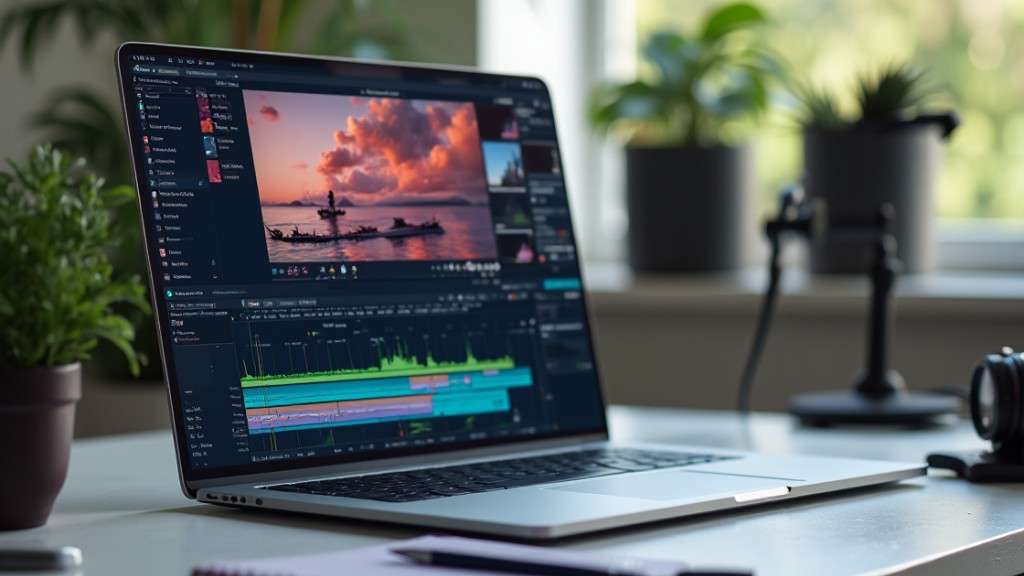
Strong video editing tools come equipped with a variety of features that simplify the editing process and elevate the overall quality of your projects. For instance, good editing software for iPhone typically includes drag-and-drop editing, licensed music libraries, and AI-driven functionalities. These features allow you to refine your videos easily, customize animations, and manage projects collaboratively.
| Feature | Description | Benefit |
|---|---|---|
| Drag-and-Drop Editing | Easily upload clips, images, and audio | Simplifies the workflow |
| Music Libraries | Access to licensed music and sound effects | Improves audio quality |
| AI Functionalities | Auto-editing and highlight identification | Saves time on edits |
| Customization Options | Control animations, filters, and color settings | Aligns videos with brand |
Magic Design™ for Effortless Edits
Magic Design™ for Video transforms the editing process by automating many tasks that typically require extensive manual input.
This innovative feature uses AI technology to analyze your footage, selecting the most fascinating moments for you. As a result, you can create engaging videos quickly and efficiently, perfect for social media or marketing purposes.
Furthermore, you can seamlessly add music to improve your videos, ensuring a mesmerizing experience for your audience. The tool supports various video formats, allowing for easy customization to meet specific platform requirements as it maintains high-quality output.
When you compare video software, Magic Design™ stands out for its ability to greatly reduce editing time, making it a top choice for creators seeking magic design™ for effortless edits.
Enhance Your Videos With Professional Effects
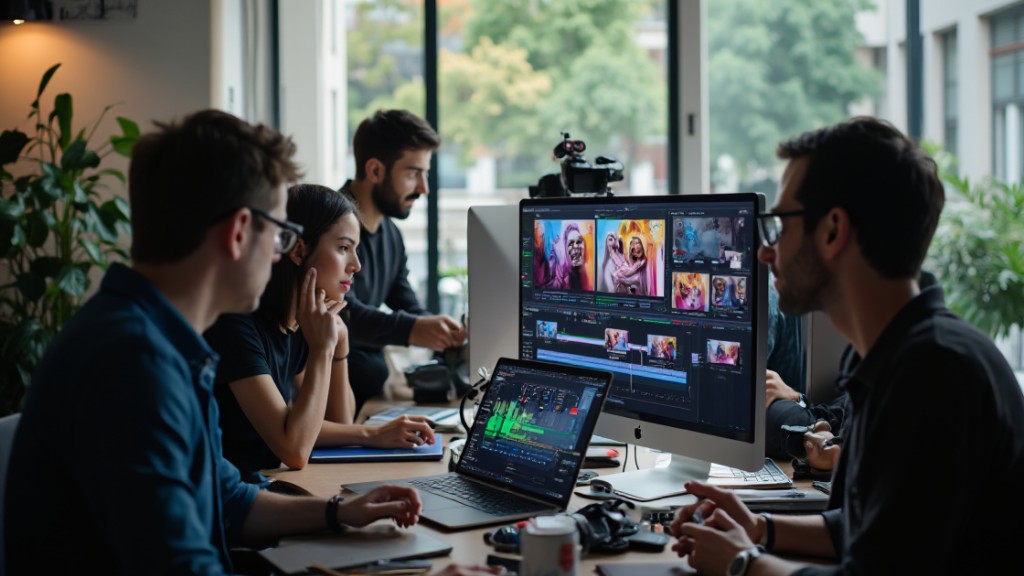
To truly improve your videos, you can incorporate dynamic transitions and custom animations that raise the overall impact of your projects.
By integrating professional-grade soundtracks and audio effects, you’ll create a more immersive experience that resonates with your audience.
With these tools at your disposal, your videos won’t just look polished but likewise sound alluring, making them stand out in an increasingly crowded digital space.
Dynamic Transitions and Effects
Dynamic changes and effects can improve your videos by adding a professional touch that engages viewers.
By incorporating dynamic transitions and effects, you can greatly enhance the visual appeal of your content. Many free video makers provide customizable transition styles like fades, wipes, and 3D effects, allowing you to create seamless edits.
Utilizing effects such as slow motion and speed ramping transforms ordinary footage into engaging scenes. Moreover, advanced features like keyframing give you greater control over how transitions animate, improving the video’s overall flow.
Don’t forget to integrate sound effects and synchronized music, as they amplify the emotional impact, contributing to a more immersive experience for your audience. These elements are vital in achieving a polished final product.
Custom Animations for Impact
When you want to raise your video projects, custom animations can play a crucial role in enhancing viewer engagement and storytelling.
These animations allow you to control video elements and add professional effects that captivate your audience. Many free video makers provide one-click effects for animating videos, making it easy to create dynamic presentations without extensive editing skills.
You can effortlessly add text overlays and cinematic shifts, giving your videos a polished look. Features like Beat Sync let you synchronize animations with music, enhancing the overall experience.
With access to millions of professional stock assets and customizable templates, you can incorporate unique animations for impact, elevating your editing movie to a new level of professionalism.
[embedded content]
Professional-Grade Sound Integration
Professional-grade sound integration is essential for creating enchanting videos that resonate with viewers. By using a video editor and cutter for PC, you can greatly improve your projects.
Here are some key features to take into account:
- Licensed Music Library: Access thousands of soundtracks and effects to raise your audio.
- Beat Sync: Automatically align video clips with your chosen soundtrack’s rhythm for a mesmerizing experience.
- Layered Audio Tracks: Combine voiceovers, sound effects, and background music for a rich soundscape.
With these tools, you can easily customize audio levels and import custom files, ensuring clarity and balance in your projects.
The right sound integration not only boosts engagement but also gives your videos a polished, professional touch.
Collaborate in Real Time
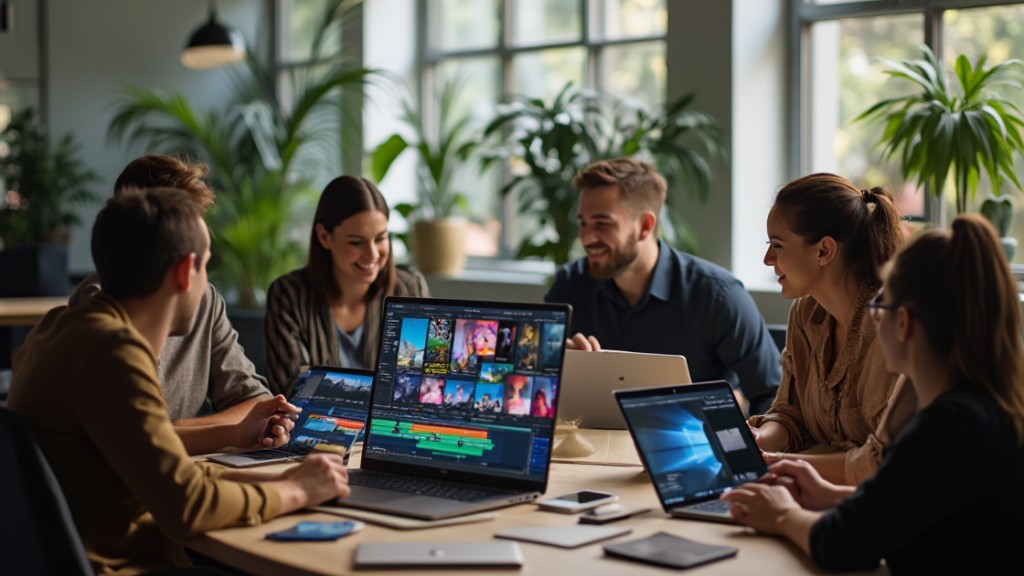
Real-time collaboration is transforming the way teams create video content, allowing multiple users to edit projects simultaneously. This approach improves teamwork efficiency during the editing process, as everyone can contribute their ideas in real-time.
You can leave comments or assign actions on specific scenes, which facilitates immediate feedback and adjustments among team members. With cloud storage, all collaborators have seamless access to files and designs from any location, streamlining the video creation workflow.
Platforms like FlexClip support real-time collaboration, making it easier for teams to brainstorm and implement changes on the fly, regardless of where they are. This collaborative method significantly boosts productivity and creativity, resulting in higher quality video outcomes and faster project completion times.
Explore Video Templates for Every Project

Video templates serve as a valuable resource for anyone looking to create engaging content efficiently, regardless of their experience level. By utilizing these video templates, you can quickly produce high-quality videos customized to your specific needs.
Here are three key benefits:
- Diverse Options: Templates are available for various projects, including social media posts, promotional videos, and educational content.
- Customization: Many free video makers provide extensive libraries of customizable templates, helping you maintain a cohesive branding style.
- Enhanced Engagement: Templates often feature animated elements and shifts, which can greatly improve viewer engagement.
With the ability to easily swap in your media, video templates streamline the creation process, ensuring your content looks professional and is optimized for platforms like YouTube, Instagram, and TikTok.
Get Inspired: Real User Creations

You can find plenty of inspiring examples from real users who’ve created standout projects with FlexClip.
From educational videos to marketing campaigns, these creative use cases showcase how different industries leverage the platform’s features for unique transformations.
Unique Project Highlights
When exploring unique project highlights, it’s evident that many users have transformed their creative visions into impressive videos using FlexClip.
This video creator free download has empowered individuals across various fields. Here are three notable outcomes users have experienced:
- Increased Engagement: Many users reported significant boosts in social media interactions, attracting new customers.
- Versatile Applications: Educators and marketers alike have produced professional videos that resonate with diverse audiences, showcasing FlexClip’s adaptability.
- User-Friendly Experience: Beginners, like Nick Sinclair, have found FlexClip to be the easiest solution for video editing, emphasizing its accessibility.
With an abundance of templates and resources, it’s no wonder FlexClip remains a go-to tool for creating high-quality videos swiftly.
Creative Use Cases
Exploring creative use cases for free video makers reveals a range of innovative applications across various fields. Users have effectively created engaging social media promo videos with tools like Adobe Express, enhancing their brand presence even without prior experience.
Educators benefit by developing dynamic presentations and instructional videos that boost student engagement and learning outcomes. Marketers utilize templates in platforms like FlexClip to craft eye-catching product demos, increasing customer interest and sales.
[embedded content]
Furthermore, creators transform personal photo slideshows into enthralling videos, syncing visuals with music and adding animations for a polished finish. Nonprofits leverage free video editing software to craft compelling storytelling videos, raising awareness and support through impactful visual narratives.
Consider a video creator free download to explore your potential.
Inspiring Transformation Stories
Many creators have utilized the strength of free video makers to transform their ideas into compelling visual stories, showcasing the impressive impact these tools can have on various projects.
Here are some inspiring transformation stories:
- Jamie Lyn Ross used FlexClip to create educational editor movies, enhancing student engagement and improving learning experiences.
- Muhammad Hamza reported that his business saw higher client satisfaction and an increase in customers after incorporating videos made with FlexClip.
- Nick Sinclair praised FlexClip for being the easiest video editing solution for beginners, making video creation accessible for those without prior experience.
These stories highlight how free video makers can considerably boost brand presence, increase social media engagement, and ultimately drive sales, making them valuable tools for any creator.
Frequently Asked Questions

What Is the Best Free Video Creation Software?
When you’re looking for the best free video creation software, consider options like DaVinci Resolve for professional-grade editing, or Shotcut, which is beginner-friendly and open-source.
Lightworks offers a free version with advanced features but limits exports to 720p. ACDSee Luxea is another solid choice for serious beginners, whereas Clipchamp allows easy browser-based editing with useful tools.
Evaluate your needs and choose the software that fits your editing experience and project requirements.
Which Is the Best Free Video Generator?
When looking for the best free video generator, consider options like DaVinci Resolve for its professional-grade features, or Lightworks, which offers solid editing tools in spite of export limitations.
Shotcut stands out for its open-source customization, whereas Clipchamp lets you edit in your browser without heavy hardware demands.
FlexClip is user-friendly, perfect for beginners, offering a variety of templates.
Each option has unique strengths, so choose one that aligns with your specific video creation needs.
How to Beautify a Video for Free?
To beautify a video for free, use software like DaVinci Resolve or Shotcut, which provide professional tools for editing.
You can improve audio by adding licensed music from platforms like Adobe Express.
Utilize customizable templates from tools like FlexClip to create visually appealing designs.
Implement features such as drag-and-drop editing, cropping, and built-in animations to refine your footage and engage your audience effectively, ensuring a polished final product without any costs involved.
How to Create a Beautiful Video?
To create a beautiful video, start by uploading your media and choosing a video type.
Use drag-and-drop features to edit your clips, cutting and trimming for better storytelling.
Improve your video with audio tracks from licensed libraries or personal uploads.
Incorporate animations, text overlays, and shifts to add dynamism.
Finally, resize and export your video in formats suitable for social media, ensuring it looks great across all platforms.
Conclusion

To conclude, selecting the right free video maker can greatly improve your creative projects. Tools like DaVinci Resolve and Lightworks offer professional-grade features, whereas options like Shotcut and Clipchamp cater to various editing preferences. With capabilities for sound integration, real-time collaboration, and extensive templates, these platforms simplify the video creation process. By leveraging these resources, you can produce stunning videos that reflect your unique vision, regardless of your skill level. Start exploring these tools to bring your ideas to life.
Image via Google Gemini and ArtSmart