

This post was originally published on this site.
Creating an effective website satisfaction survey doesn’t have to be time-consuming. Start by defining clear goals for what you want to learn. Choose a mix of rating and open-ended questions to capture both quantitative and qualitative feedback. Limit your survey to 10-15 questions, aiming for completion in under 15 minutes. Consider using logic features to tailor questions based on user responses. Ready to explore how to craft those engaging questions?
Key Takeaways
- Use a mix of rating and open-ended questions to enhance engagement and gather comprehensive feedback.
- Keep the survey concise, aiming for 10-15 clear questions to minimize user fatigue.
- Implement logic features to tailor questions based on previous answers for relevancy.
- Utilize on-site pop-up surveys and exit surveys to capture timely feedback during user interactions.
- Analyze feedback with visual tools and prioritize actionable insights for continuous improvement.
Why A Website Satisfaction Survey Is Essential For Your Business
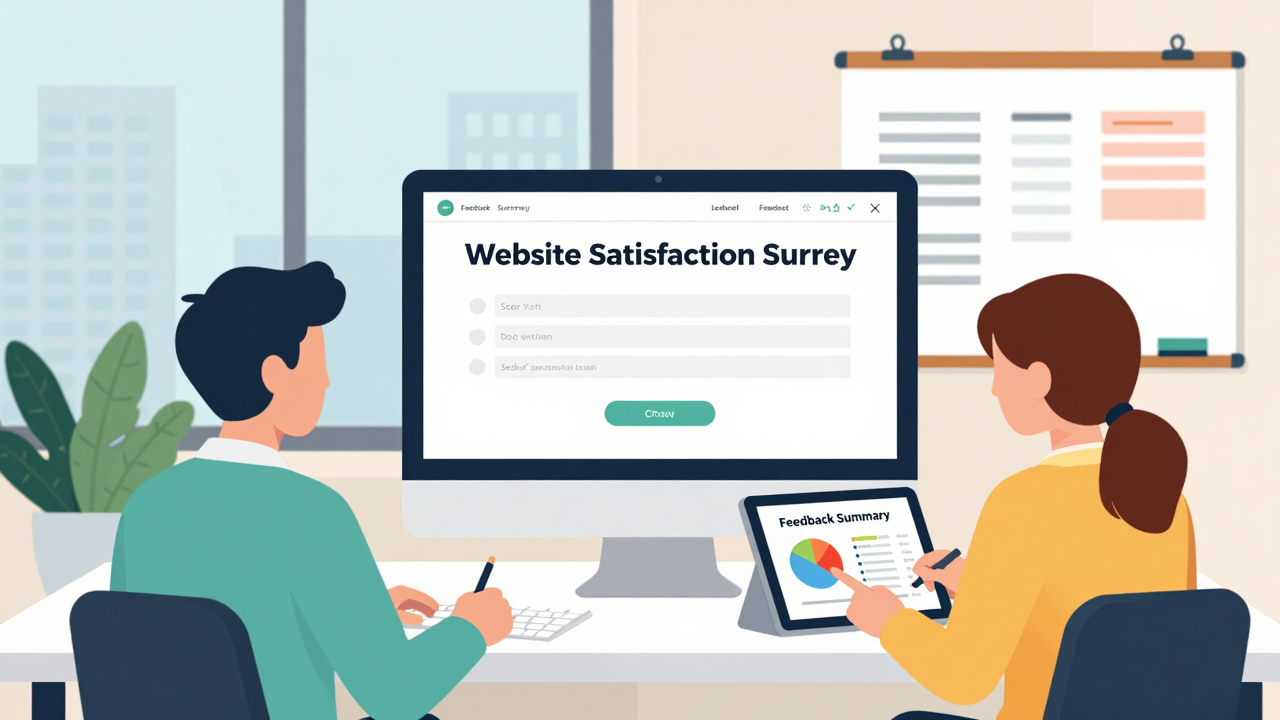
A website satisfaction survey is vital for your business because it directly gathers insights from your users. This customer feedback tool helps you pinpoint usability issues, which can greatly boost customer retention and loyalty.
With 52% of customers likely to switch to competitors after a negative experience, understanding user sentiment is essential. By implementing user feedback tools, you can identify specific areas for improvement, like navigation ease and content clarity, ultimately optimizing user experience and increasing conversion rates.
Moreover, these surveys validate your design choices, fostering trust with a typical Customer Satisfaction Score (CSAT) of 70-85%.
Implementing a website satisfaction survey also alerts you to errors and outages, allowing for timely resolutions that enhance user experience and minimize potential revenue loss.
Key Components Of An Effective Website Satisfaction Survey

When crafting an effective website satisfaction survey, it’s vital to prioritize the needs and goals of your visitors. Start by using a site feedback tool that incorporates concise, relevant website survey questions. These should include a mix of rating scales and open-ended questions to enhance engagement and gather varied feedback.
Implement logic features to tailor the experience based on previous answers, allowing respondents only to see relevant questions. This can boost completion rates and yield better insights.
Consider using preloaded essential questions designed by experts to streamline the survey creation process. Finally, utilize an online feedback platform with visual analytics tools to evaluate responses. This will help you uncover key trends and insights, facilitating informed decision-making.
Here’s a quick overview of key components:
| Component | Description | Benefits |
|---|---|---|
| Question Variety | Mix of rating and open-ended questions | Increases engagement |
| Logic Features | Tailors questions based on responses | Improves completion rates |
| Preloaded Questions | Essential questions from experts | Streamlines creation |
| Visual Analytics | Tools for evaluating responses | Uncovers insights |
| Conciseness | Clear, relevant questions | Guarantees actionable feedback |
How To Clearly Define Your Survey Goals?

Defining your survey goals helps you focus on key aspects of user experience, like usability and content clarity. Start by identifying measurable objectives, such as raising your Customer Satisfaction Score (CSAT) from 70% to 80%. This gives you a clear target to work toward.
Next, determine key metrics like task completion rates or Net Promoter Score (NPS) to structure your understanding of user satisfaction.
Align your website feedback survey questions with specific business goals, such as reducing bounce rates or increasing conversions. This guarantees you’re gathering actionable insights that directly impact your website’s performance.
Additionally, consider how to get customer feedback online effectively by leveraging an online customer feedback system.
Finally, set a timeline for your goals. This keeps your data collection and analysis on track, allowing you to make timely adjustments based on the feedback you receive.
Choosing The Right Survey Type For Your Needs
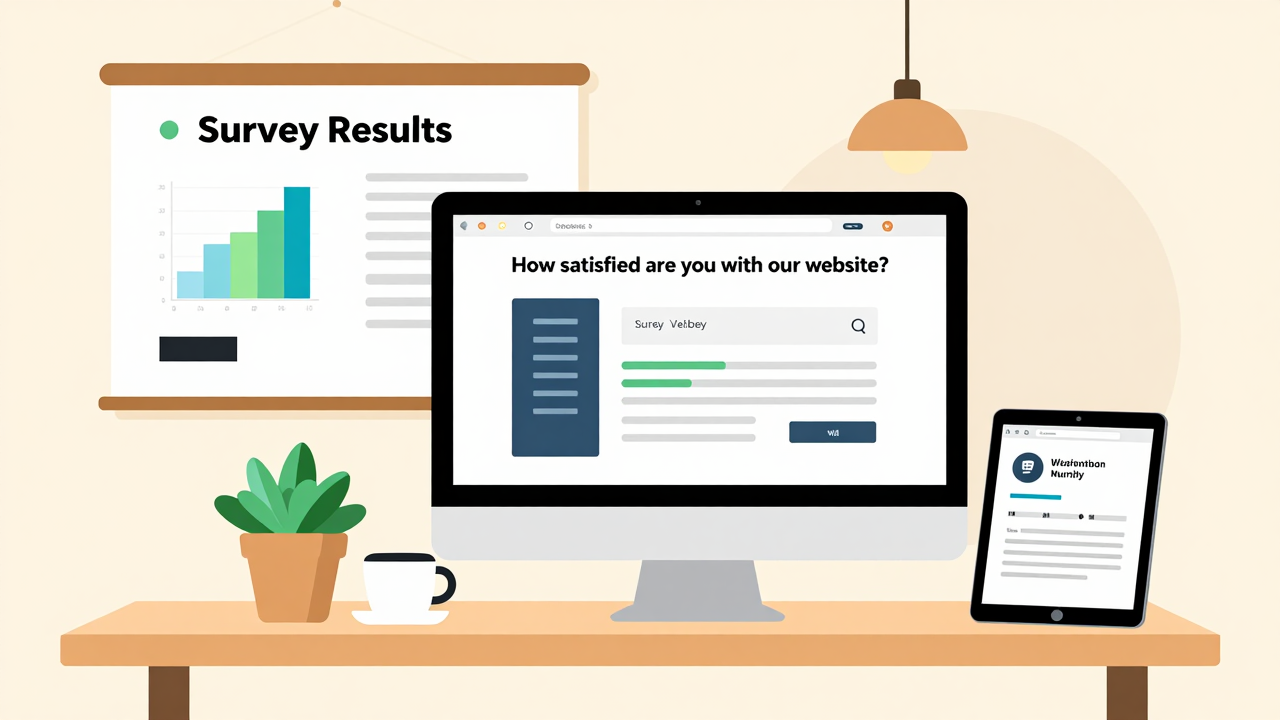
When choosing the right survey type for your needs, think about your audience and the specific insights you want to gather.
For immediate feedback, on-site pop-up surveys can engage users as they browse, while exit surveys capture reasons for leaving.
If you want detailed responses on particular pages, consider embedded feedback forms to target your questions effectively.
Types of Surveys Available
Choosing the right survey type can feel overwhelming, but it doesn’t have to be. Start with on-site pop-up surveys to capture immediate feedback on user interactions. They’re great for evaluating real-time experiences.
If users are leaving, consider post-visit or exit surveys; these can reveal why visitors abandon your site. For detailed insights, use embedded feedback forms on specific pages, focusing on content or functionality.
You might also implement Customer Satisfaction Score (CSAT) surveys to gauge overall satisfaction, aiming for scores between 70–85%.
Finally, don’t overlook Net Promoter Score (NPS) surveys; these measure users’ likelihood to recommend your site.
Explore these website survey examples with an online feedback tool or a customer feedback application to find what fits best.
Target Audience Considerations
Understanding your target audience is key to selecting the right survey type for gathering valuable feedback. For immediate insights, consider on-site pop-up surveys, which generally yield higher engagement.
If you want to gather targeted feedback, use a user feedback form on specific pages, capturing experiences in real-time. For a broader view, post-visit surveys can help you understand overall satisfaction after users have interacted with your site.
To assess loyalty, utilize Customer Satisfaction Score (CSAT) or Net Promoter Score (NPS) surveys. Tailor your website survey questionnaire based on user behavior, aligning questions with their actions to increase the chances of meaningful feedback.
This approach will enhance relevance, leading to higher completion rates.
Craft Engaging Questions For Better Insights
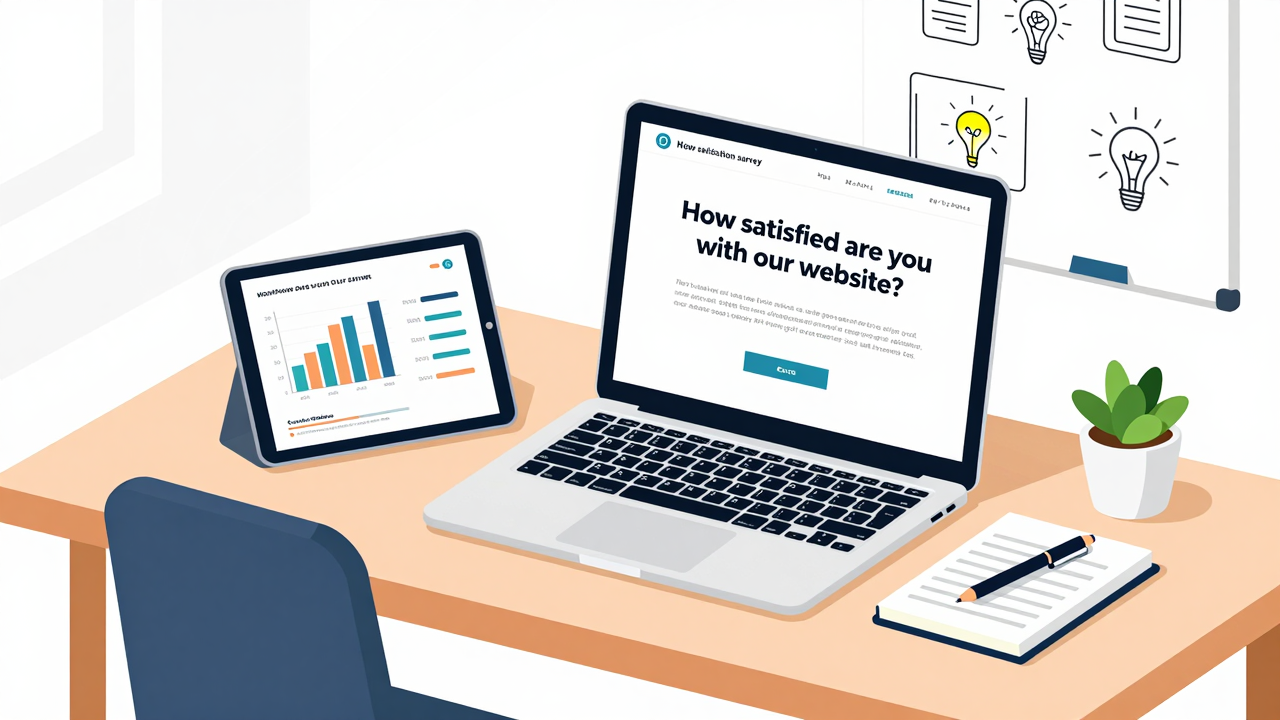
To get valuable insights from your website satisfaction survey, start by crafting engaging questions that resonate with your audience.
Use a blend of key metrics and open-ended questions to capture both quantitative data and personal feedback, ensuring you cover all bases.
Personalize your questions based on previous responses, and keep your survey concise—aim for 10 to 15 questions to maintain interest and avoid fatigue.
Key Metrics to Consider
Gathering insights from your website satisfaction survey requires crafting engaging questions that focus on key metrics. Key metrics help you evaluate user experience effectively, so consider these during your site feedback survey design:
| Metric | Description | Importance |
|---|---|---|
| Customer Satisfaction Score (CSAT) | Measures overall satisfaction, ideally 70–85%. | Gauges user happiness. |
| Net Promoter Score (NPS) | Assesses user loyalty; good scores range from 0-30. | Indicates likelihood of recommendation. |
| Usability Questions | Queries about navigation ease and error encounters. | Identifies user experience barriers. |
Using tools for feedback, you can create a website survey sample that includes conversion-related questions to spot checkout obstacles. These metrics will guide your improvements effectively.
Open-Ended Question Benefits
How can open-ended questions transform your website satisfaction survey? By incorporating them into your survey using digital feedback tools, you invite respondents to express their thoughts freely.
Unlike closed questions, open-ended questions can reveal unexpected issues or valuable suggestions, enhancing your understanding of user experiences. Research shows that including these questions can boost actionable feedback by 30%.
When crafting your website feedback questions, consider asking, “What features do you wish we had?” This fosters a stronger connection with respondents, making them feel valued.
Additionally, analyzing their responses can help you uncover themes or trends, enabling you to prioritize improvements based on direct user input. Embrace open-ended questions to gain deeper insights and enhance your website’s effectiveness.
[embedded content]
Personalization for Relevance
When crafting your website satisfaction survey, personalizing questions is essential for engaging your audience effectively. Use conditional logic to tailor questions based on previous answers, which can lead to a 32% higher response rate.
Consider leveraging the best free smiley face survey tools for small businesses to make the experience enjoyable. Incorporate diverse formats like rating scales and open-ended questions; these can uncover deeper user sentiments and preferences.
Make sure your language is concise and clear to minimize confusion, ensuring you get accurate site feedback. Finally, utilizing a free website feedback tool can help streamline the process, making it easier to gather targeted insights that truly matter to your audience.
Best Practices For Website Satisfaction Survey Length And Structure

To create an effective website satisfaction survey, it’s vital to strike a balance between brevity and depth. Aim for a survey length of 10-15 questions to prevent respondent fatigue while still gathering essential insights.
Here are some best practices to follow:
- Keep questions clear and concise: Make certain each question is easy to understand, allowing participants to respond quickly.
- Mix question types: Use a combination of multiple-choice and open-ended questions to maintain engagement and gather diverse feedback.
- Implement conditional logic: Tailor the survey based on previous answers to guarantee relevance and efficiency.
Design the entire survey to be completed in under 15 minutes, as shorter surveys often yield higher response rates.
Timing And Placement: Ideal Moments To Ask For Feedback?

Gathering feedback effectively depends a lot on the timing and placement of your surveys. To maximize responses, consider these strategies:
| Timing | Placement | Engagement Tips |
|---|---|---|
| After task completion | On scrolling behavior | Avoid interrupting flow |
| After 30 seconds | On click events | Capture immediate thoughts |
| Post-visit | Exit surveys | Use fresh experiences |
Surveys prompted after users complete a task or spend time on a page typically yield higher response rates, boosting engagement by over 20%. Use on-site pop-ups triggered by user actions, like scrolling, to gather immediate impressions without breaking their browsing experience. Additionally, post-visit surveys can provide valuable insights as users leave, ensuring feedback is still fresh. By strategically timing your surveys during peak engagement moments, you can greatly increase completion rates, making feedback collection efficient and effective.

Creating surveys doesn’t have to be an intimidating task, especially with AI tools at your disposal. These platforms can streamline your survey creation process, saving you time and effort. Here’s how you can get started:
- Utilize Pre-Built Templates: Many AI tools offer customizable templates, allowing you to jump right in without designing from scratch.
- Leverage Tailored Questions: AI can generate questions based on user preferences and behaviors, ensuring your survey is relevant and engaging.
- Incorporate Conditional Logic: This feature allows you to create personalized survey pathways, so respondents only see questions that matter to them.
With real-time analytics, you can visualize results instantly and make adjustments based on feedback.
Embrace these AI tools to create effective surveys quickly, enhancing your overall data collection process.
Personalizing Your Survey For Enhanced Engagement
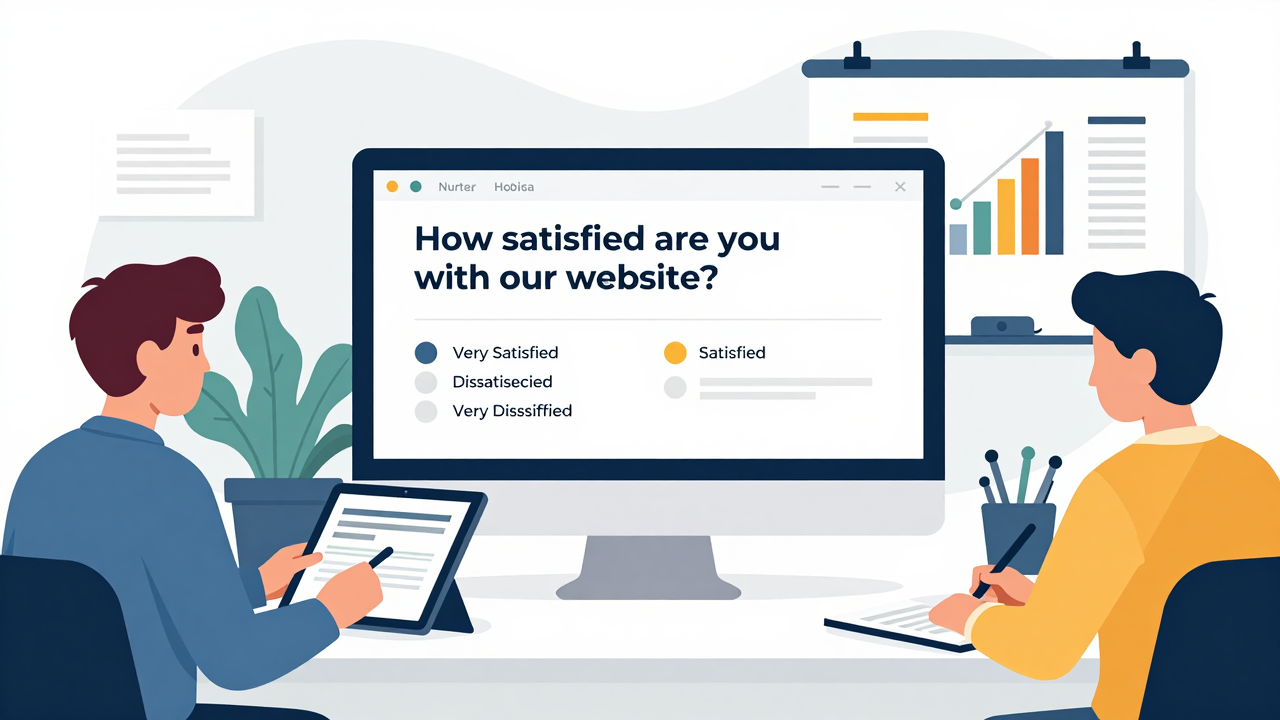
Personalizing your survey can considerably boost engagement and response rates. Start by using conditional logic, which tailors questions based on previous answers. This makes questions more relevant, potentially increasing your response rates by over 20%.
Incorporate diverse response options, like multiple-choice and open-ended questions, to gather varied feedback that offers deeper insights into user experiences.
When inviting participants, consider using their names or specific website references to create a personal connection. This simple touch can enhance the likelihood of responses.
Additionally, design your survey to reflect your brand’s aesthetics; engaging designs can increase response rates by 32% compared to standard layouts.
Lastly, offer immediate rewards, such as discounts or small incentives, for completing the survey. This approach not only boosts participation but also improves user satisfaction.
Measuring User Experience: Key Metrics To Track?

To effectively measure user experience on your website, focus on key metrics that reveal how users interact with your platform. Tracking these metrics can help you pinpoint areas for improvement and enhance user satisfaction.
Here are three critical metrics to monitor:
- Customer Satisfaction Score (CSAT): Aim for a score between 70-85% to gauge overall user satisfaction with your website experience.
- Net Promoter Score (NPS): A score between 0-30 indicates good performance in user loyalty, revealing how likely users are to recommend your site.
- Task Completion Rate: Aim for a benchmark of around 78%, showing how effectively users complete desired actions like purchases or information searches.
Analyzing Survey Results: Turning Data Into Actionable Insights

When you analyze survey results, focus on identifying key metrics that reveal user experience trends.
Use visual data representations, like charts and graphs, to spot patterns easily and communicate findings with your team.
Identifying Key Metrics
Identifying key metrics in your website satisfaction survey is essential for turning raw data into actionable insights. Focus on these critical metrics to gauge user experience effectively:
- Customer Satisfaction Score (CSAT): A score of 70–85% indicates good satisfaction levels.
- Net Promoter Score (NPS): A score between 0 and 30 is generally favorable, showing user loyalty.
- Interaction Statistics: Monitor completion rates and drop-off points to identify user frustrations.
Utilize pre-built analytics dashboards to track these metrics on closed-ended questions.
For open-ended feedback, consider AI-driven reports to perform sentiment analysis.
Visualizing Data Trends
Visualizing data trends from your website satisfaction survey can greatly enhance your understanding of user feedback.
Use visual analytics tools to convert raw data into clear graphs and charts, making trends and patterns easier to spot. Track metrics like Customer Satisfaction Score (CSAT) and Net Promoter Score (NPS) to benchmark your website’s performance.
Monitor engagement and completion rates to identify where users drop off, allowing you to target specific improvements. Implement AI-driven sentiment analysis to gain deeper emotional insights from open-ended responses.
Finally, utilize pre-built analytics dashboards to efficiently track key performance indicators over time, ensuring you make informed decisions based on user experience trends.
This approach empowers you to respond effectively to user feedback.
Prioritizing Actionable Recommendations
Transform your survey data into actionable insights by focusing on key metrics like Customer Satisfaction Score (CSAT) and Net Promoter Score (NPS). Aim for a CSAT of 70-85% and an NPS between 0-30%.
Here’s how to prioritize your recommendations:
- Categorize Feedback: Organize responses into themes, such as usability issues or content clarity, to identify specific areas needing improvement.
- Utilize Visual Analytics: Use tools to spot trends and patterns in your data, enabling targeted enhancements based on user feedback.
- Track Interaction Stats: Regularly monitor engagement and completion rates to assess the impact of your changes on overall user satisfaction.
Top Pitfalls To Avoid In Survey Design

When designing a website satisfaction survey, it’s essential to steer clear of common pitfalls that can compromise your results. First, keep your survey under 10-15 questions to prevent participant fatigue. Long surveys often lead to lower completion rates.
Next, avoid complex question formats, like matrix questions, which can confuse respondents. Instead, use straightforward, single-choice questions.
Be careful with leading or loaded questions; they can skew results and misrepresent user opinions. Additionally, make sure your survey is mobile-friendly. Many users access surveys on their smartphones, and a poor mobile experience can alienate them.
Finally, always have a clear purpose for your survey. Irrelevant questions can dilute your data and hinder actionable insights. By avoiding these pitfalls, you’ll create a more effective website satisfaction survey that yields reliable, useful feedback.
How To Boost Participation And Response Rates?
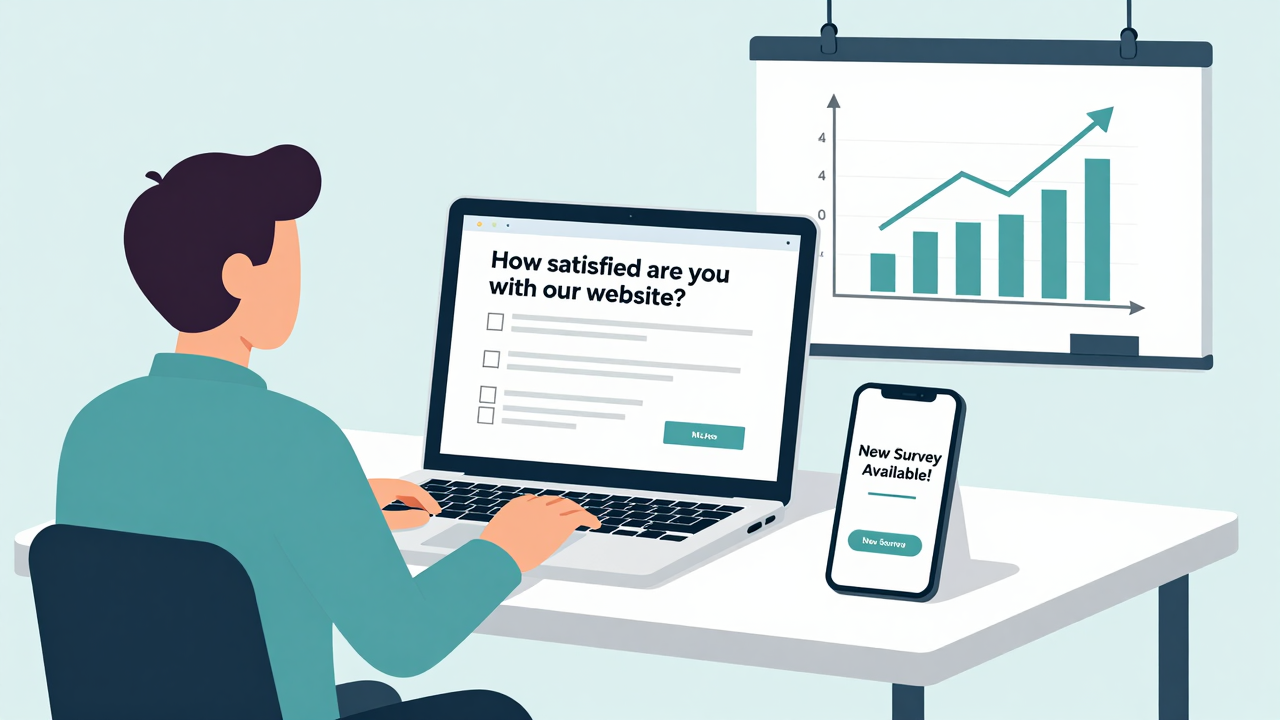
To boost participation and response rates for your website satisfaction survey, start by personalizing your survey invitations. Tailored messages can increase engagement by over 20%, making respondents feel valued.
Next, focus on design; an engaging layout can lead to a 32% higher response rate compared to standard ones. Finally, consider the format of your survey:
- Use a one-question-at-a-time approach to simplify the process, increasing participation by more than 20%.
- Limit your survey to 10-15 questions to reduce survey fatigue and improve completion rates.
- Send up to three follow-up reminders spaced a week apart to encourage responses without being overwhelming.
Integrating Feedback Into Your Website Improvement Strategy

To effectively integrate feedback into your website improvement strategy, start by regularly analyzing user insights from your surveys.
Prioritize actionable recommendations that can directly enhance usability and engagement, ensuring you focus on the most impactful changes first.
Finally, measure your improvements over time to track progress and adjust your strategy as needed, keeping customer satisfaction at the forefront of your efforts.
[embedded content]
Analyze User Insights Regularly
Analyzing user insights regularly is essential for improving your website, especially since 52% of customers switch to competitors after a negative experience.
To effectively integrate feedback, follow these steps:
- Monitor Key Metrics: Keep an eye on your Customer Satisfaction Score (CSAT) and aim for a benchmark of 70-85%. This helps you gauge the effectiveness of your changes.
- Track NPS Trends: Regularly assess your Net Promoter Score. Shifts in loyalty can reveal important areas for improvement, guiding your strategic adjustments.
- Implement Quick Responses: Set up mechanisms to address user feedback swiftly. Timely resolutions can greatly enhance satisfaction and foster trust.
2. Prioritize Actionable Recommendations
Prioritizing actionable recommendations is essential for transforming user feedback into meaningful website improvements.
Start by analyzing the collected feedback to pinpoint key usability issues; remember, 52% of customers switch to competitors after just one negative experience.
Use insights from your Customer Satisfaction Score (CSAT) and Net Promoter Score (NPS) to set clear improvement targets, aiming for a CSAT of 70–85%.
Focus on implementing changes that enhance website navigation and loading speed, as these can greatly boost engagement and conversion rates.
Pay special attention to open-ended feedback, as it reveals specific pain points.
Finally, regularly update your surveys to keep the feedback loop active and responsive to evolving user needs, ensuring continuous improvement.
3. Measure Improvement Over Time
Measuring improvement over time is essential for maintaining a website that meets user expectations and fosters loyalty.
To effectively integrate feedback, follow these steps:
- Establish Benchmark Scores: Set a target, like a CSAT score of 70-85%, to monitor your progress and adjust goals based on user feedback.
- Analyze Historical Data: Regularly review past survey results to identify successful changes and areas needing attention, enabling data-driven decisions.
- Utilize NPS Tools: Gauge customer willingness to recommend your site, providing insights into long-term satisfaction and loyalty trends.
Why Follow-Up Questions Matter For Deeper Insights?
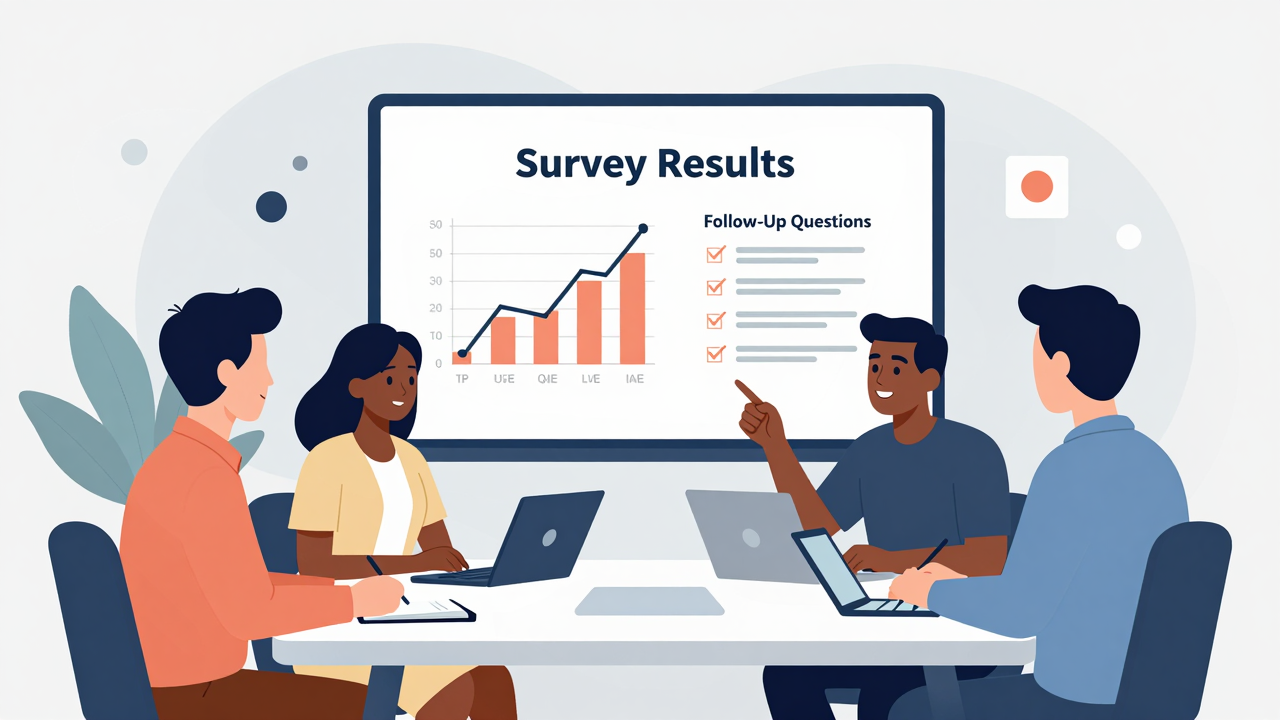
When you want to gain deeper insights from your website satisfaction survey, follow-up questions become vital tools. They let you explore initial responses, providing context that reveals user motivations and experiences.
For instance, if a respondent rates their experience as low, a follow-up question asking why can uncover specific pain points. Research shows that 70% of respondents share more when prompted, enhancing the richness of your data.
Using open-ended follow-up questions can highlight issues and suggestions that closed-ended questions might miss. Surveys with these follow-ups see a 20% higher engagement rate, leading to more thorough insights.
By targeting your follow-up questions, you can pinpoint specific areas for improvement, ensuring that your decisions are based on actual user feedback rather than assumptions.
Leveraging Feedback To Build Customer Loyalty

To build customer loyalty effectively, gather and leverage feedback from your website users. By understanding their experiences, you can address pain points, which is essential since 52% of users might switch to competitors after a negative encounter.
Here are three steps to maximize feedback:
- Integrate Insights: Use customer feedback to make data-driven improvements on your site. This enhances user experience, boosts engagement, and increases conversion rates.
- Foster Trust: Regularly collect feedback to show customers their opinions matter. When they see changes based on their input, it encourages repeat visits and builds loyalty.
- Measure Satisfaction: Utilize metrics like CSAT and NPS to set improvement goals. Tracking these scores helps you understand progress in enhancing customer loyalty over time.
Effective Website Satisfaction Survey Examples
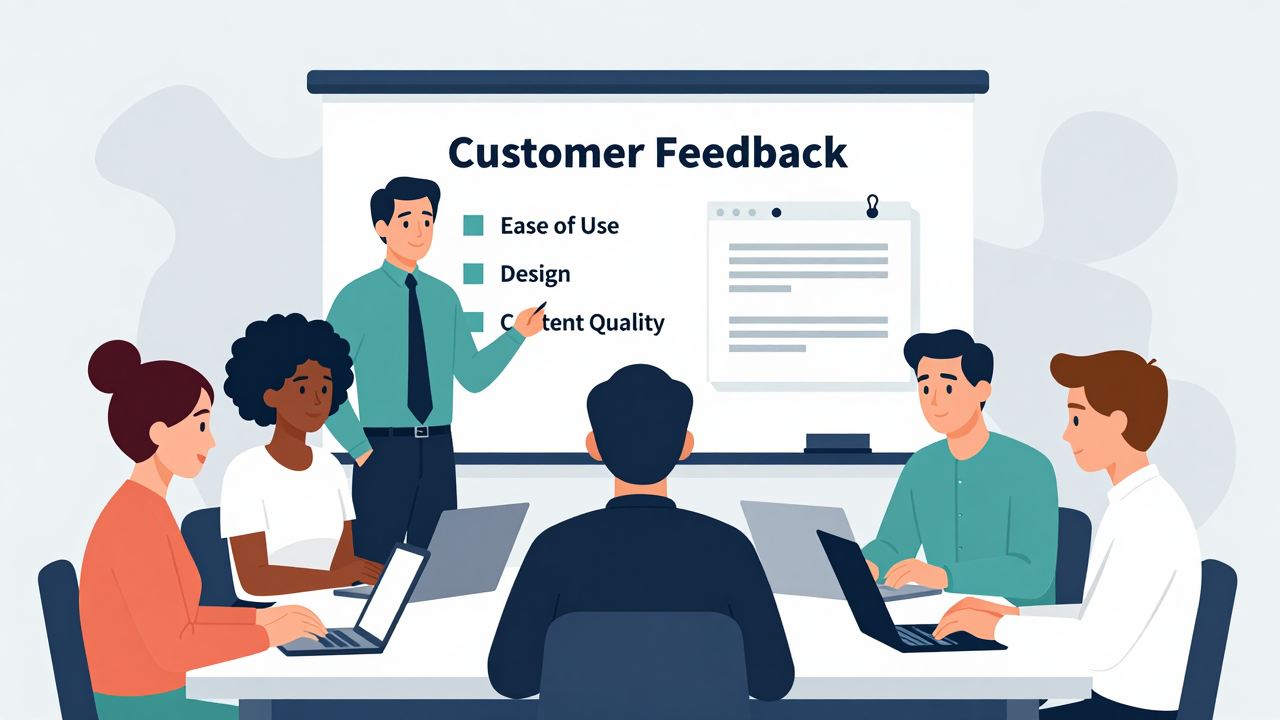
How can you create an effective website satisfaction survey that truly captures user insights? Start by focusing on key metrics like usability and content clarity. Your survey should ideally have 10-15 concise questions to keep users engaged and minimize fatigue. A mix of question types—rating scales, multiple-choice, and open-ended—can provide richer feedback.
Here’s a simple example of what your survey could look like:
| Question Type | Example Question | Purpose |
|---|---|---|
| Rating Scale | How would you rate your overall experience? | Assess overall satisfaction |
| Multiple Choice | What feature do you use the most? | Identify popular features |
| Open-Ended | What improvements would you suggest? | Gather detailed feedback |
Aim for a completion rate of 70-85% for your Customer Satisfaction Score (CSAT), ensuring you capture valuable insights that can guide improvements.
Next Steps: Implementing Changes Based On Feedback

Now that you’ve gathered feedback, it’s time to prioritize key insights that matter most to your users.
Start by categorizing the feedback into themes, focusing on areas like usability and loading speed, so your team can tackle the most pressing issues first.
As you implement changes, keep testing and measuring their impact, ensuring that each update genuinely enhances the user experience.
Prioritizing Key Insights
While feedback from your website satisfaction survey reveals valuable insights, prioritizing these insights is essential for making effective changes.
Start by focusing on the most critical areas that impact user experience:
- Identify Usability Issues: Look for patterns in feedback, especially concerning navigation and loading speeds. These are often key pain points for users.
- Address Customer Concerns: Prioritize changes based on the feedback from at least 70% of users who feel more satisfied when their concerns are acknowledged.
- Utilize Real-Time Analytics: Monitor survey responses to make immediate adjustments, ensuring you create a responsive environment that values user input.
Actionable Change Implementation
Implementing changes based on feedback is essential for enhancing your website’s user experience. Start by analyzing survey responses to pinpoint key issues, like navigation challenges that 52% of users mention.
[embedded content]
Prioritize changes that address high-impact areas to boost customer satisfaction scores, aiming for 70–85%. Regularly update your site to reflect ongoing feedback, as users prefer sites that meet their needs.
Use benchmark data to set clear improvement goals; aim for task completion rates around 78% to guarantee efficient navigation. After making changes, follow up with users to assess their satisfaction.
This not only reinforces your commitment to feedback but can also enhance your Net Promoter Score, encouraging more users to recommend your site.
Frequently Asked Questions
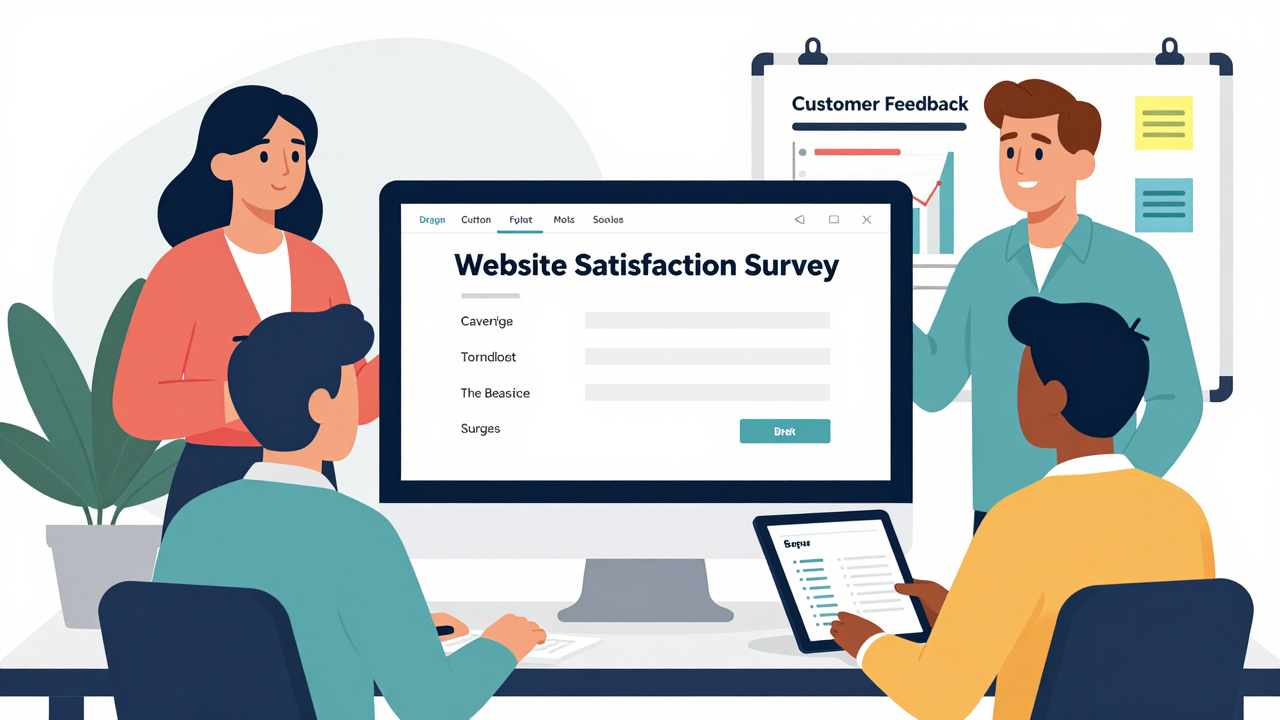
How to Create a Website Survey?
To create a website survey, start by choosing an AI-driven tool or customizable template.
Keep your survey short, with 10-15 questions, mixing multiple-choice and open-ended formats.
Use embedded surveys or pop-ups based on user behavior to improve visibility.
Once you’ve gathered responses, analyze the results in real-time with analytics tools.
This approach helps you gather relevant feedback efficiently, guiding your website improvements and enhancing user satisfaction.
What Is the 5 Point Rating Scale for Satisfaction?
The 5-point rating scale for satisfaction lets you gauge user feelings clearly. You’ll ask respondents to rate their experience from 1 (very dissatisfied) to 5 (very satisfied).
This scale simplifies responses, encouraging more participants to share their feedback. Include a midpoint option, like 3, to capture neutral feelings.
Aim for a Customer Satisfaction Score between 70-85% to understand overall satisfaction better. Use this feedback to identify areas for improvement effectively.
How Many Questions Are in a 2 Minute Survey?
In a 2-minute survey, you should aim for about 5 to 10 questions. This keeps it concise, allowing respondents to provide valuable feedback without feeling overwhelmed.
Each question typically takes 12 to 15 seconds to answer, so focus on essential topics that directly assess satisfaction.
Use a mix of question types, like multiple-choice or rating scales, to gather varied insights efficiently while maintaining engagement.
Prioritize clarity and purpose in every question you include.
Can AI Help Create Better Surveys?
Yes, AI can definitely help create better surveys. It generates tailored questions based on your input, making them more relevant.
Use AI-driven analytics for real-time sentiment analysis to spot trends in feedback. Incorporate machine learning to identify common themes in open-ended responses.
AI can also suggest ideal question formats and send automated reminders to boost participation.
Conclusion

Now that you know how to create an effective website satisfaction survey, it’s time to put your plan into action. Start by defining your goals and selecting the right type of survey. Craft engaging questions, and don’t forget to include follow-up questions for deeper insights. Once you gather feedback, analyze it using visual tools, and implement changes based on what users say. This process will help you enhance user experience and build customer loyalty over time.
Image via Google Gemini and Small Business Trends