

This post was originally published on this site.
Creating a video involves several structured steps that help you convey your message effectively. First, you need to determine the purpose of your video and identify your target audience. Once you have that clarity, you can script your content and gather the necessary equipment. From planning the recording to editing the footage, each step is vital to ensuring your video is engaging and polished. Comprehending these processes will set the foundation for successful video production. So, how do you start?
Key Takeaways
- Define the video’s purpose and target audience to tailor content effectively and increase engagement.
- Create a structured script or storyboard outlining key points, visuals, and a call-to-action for clarity.
- Gather quality equipment, including a high-resolution camera, microphone, and lighting, for optimal recording conditions.
- Record footage in a quiet environment, utilizing proper framing techniques, and edit to trim unnecessary sections and enhance viewer experience.
- Optimize video for the platform by adjusting aspect ratio, creating engaging thumbnails, and incorporating captions for accessibility.
Determine Your Purpose and Audience
When you set out to create a video, it’s essential to start by determining your purpose and audience, as these factors will shape your entire approach. Clearly defining your video’s intent—whether to educate, entertain, promote, or inform—guides your content creation process.
Next, identify your target audience by considering demographics like age, interests, and viewing habits; this helps tailor your message effectively. Utilize audience research tools and analytics to understand what resonates with viewers, enhancing engagement.
Remember, establishing a clear intent for the video makes it more likely that viewers will respond positively.
Finally, consider the platform where you’ll share your video, as different platforms attract distinct audiences and may require varied approaches when you learn how to create content for YouTube.
Research and Script Your Content
After defining your video’s purpose and audience, the next step involves researching and scripting your content. Conduct thorough research to gather accurate information, improving your video’s credibility.
Identify trending topics using tools like Google Trends and social media, which can guide your content direction. Create a structured script or storyboard that outlines key points and the flow of your video. This guarantees clarity in your messaging.
Tailor your content to resonate with your target audience’s preferences, interests, and pain points, boosting engagement. A well-researched script not only boosts the quality of your video but additionally makes it more informative, ultimately increasing viewer retention rates.
Focusing on these elements will elevate the effectiveness of your video.
Gather Your Equipment and Software
Gathering the right equipment and software is essential for producing a high-quality video that captures and retains viewer attention. To achieve this, consider the following key elements:
- Camera/Smartphone: Select a high-quality camera or smartphone with good video capabilities. Quality is important since nearly 93% of internet users engage with video content.
- Microphone: Invest in a reliable microphone to guarantee clear audio. Poor sound quality can greatly detract from the viewer experience and engagement.
- Lighting: Utilize lighting equipment, such as softboxes or ring lights, to improve visibility. Good lighting dramatically enhances overall video quality.
Lastly, choose video editing software that matches your skill level and needs to refine your content effectively.
Plan Your Recording Process
Before you start recording, it’s essential to define your objectives clearly and know your target audience.
This helps you create content that resonates with viewers.
Once you’ve outlined your script, you’ll have a structured plan that guides your recording process effectively.
Define Your Objectives
Defining your objectives is crucial when planning your recording process, as it sets the foundation for your entire video project.
[embedded content]
Start by clearly identifying the purpose of your video, whether it’s to educate, entertain, or promote a product. This clarity will guide your content creation.
Next, consider your target audience to tailor your message effectively, ensuring it resonates with viewers.
Finally, outline the key points and visuals, which streamlines your recording and editing.
Here are three key elements to focus on:
- Purpose: Define what you want to achieve with your video.
- Audience: Identify who’ll watch your video and their interests.
- Outline: Create a storyboard to map out your content structure.
Outline Your Script
Outlining your script is vital for maintaining focus and clarity throughout your recording process, as it helps you organize your thoughts and key messages effectively.
[embedded content]
Start by defining the video’s purpose and identifying significant messages you want to convey. Creating a storyboard can assist in visualizing the sequence of scenes, ensuring you capture all necessary shots.
Thoroughly research your topic to present accurate information and anticipate audience questions. It’s also important to determine the video’s length beforehand; shorter videos typically perform better, especially on social media.
Finally, don’t forget to include a call-to-action in your script, as it encourages viewer engagement and guides them on the next steps after watching your video.
When you’re ready to record your footage, start by ensuring you have quality equipment, like a high-resolution camera or smartphone.
Pay attention to your setup; proper lighting and a clear background are essential for professional results.
Don’t forget to test your audio and video settings before the final shoot to avoid any technical hiccups.
Equipment and Setup
To create high-quality video footage, you’ll need to focus on several key pieces of equipment and setup techniques.
Here are three crucial items to take into account:
- Camera or Smartphone: Make sure it has at least 1080p resolution for clear footage, as this is the standard for most online platforms.
- Tripod or Stabilizer: Use this to keep your shots steady and professional-looking; shaky footage can distract viewers.
- Lighting Equipment: Invest in softbox lights or ring lights to improve visibility and create a polished look, as poor lighting negatively impacts the viewer’s experience.
Additionally, think about an external microphone for better audio quality, and always test your setup beforehand to verify everything is functioning properly, checking framing, lighting, and audio levels.
Filming Techniques
Filming your footage effectively requires careful attention to various techniques that boost the overall quality of your video. Here are some crucial tips:
| Technique | Description |
|---|---|
| Use a Tripod | Stabilizes your shots, preventing shaky footage. |
| Pay Attention to Lighting | Utilize natural light or softbox/ring lights indoors. |
| Rule of Thirds | Frame your shots by positioning key elements along intersecting lines. |
| Record Audio Externally | Use an external microphone for clearer sound quality. |
| Plan Your Shots | Create a storyboard or shot list to capture necessary footage. |
Implementing these techniques will improve your filming process, ensuring a polished final product that resonates with viewers. Focus on these aspects for a more engaging and professional video.
Ensure Good Lighting and Audio Quality
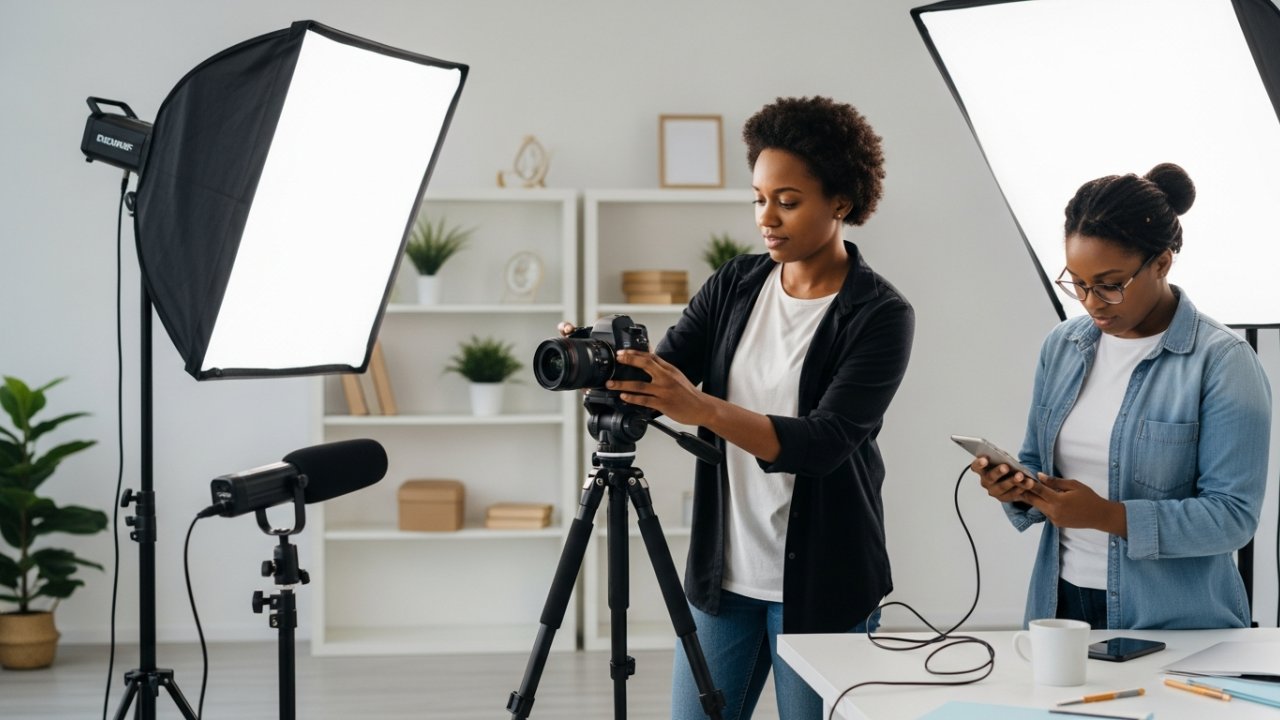
How can you guarantee that your video stands out with high-quality visuals and sound? Good lighting and audio are crucial components. Here are three key tips to help you achieve this:
- Lighting: Use natural light or softbox lights positioned at a 45-degree angle to your subject. This setup helps create flattering shadows and reduces harsh contrasts, enhancing visual clarity.
- Microphone: Invest in an external microphone. Built-in device microphones often pick up background noise and lack the clarity needed for professional sound.
- Sound Environment: Record in a quiet room with minimal echo. This guarantees better audio fidelity, allowing your message to come through clearly.
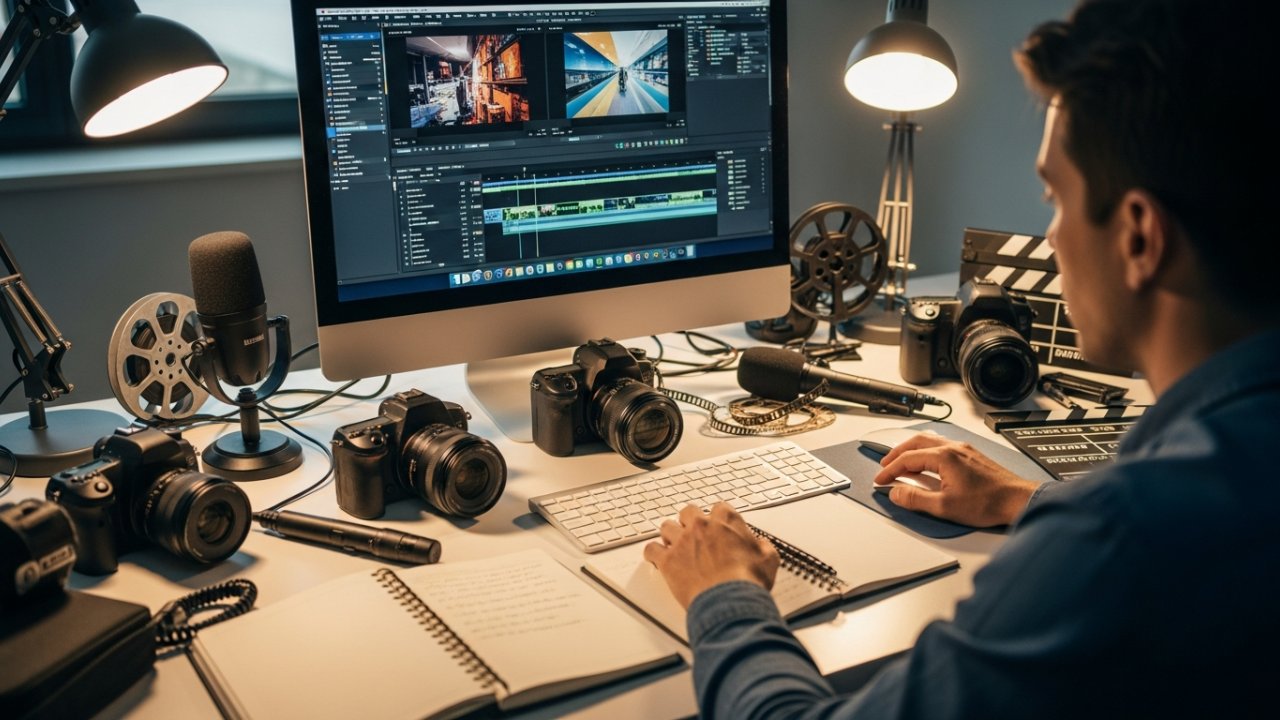
Editing your video footage is a vital step in the creation process, and it starts with uploading your clips to an editing platform.
You’ll want to trim unnecessary sections and add music or effects to improve your content, making it more engaging for viewers.
Customizing video elements like graphics and text overlays will help guarantee your final product stands out across social media platforms.
Trimming unnecessary footage is essential for crafting a polished video that keeps viewers engaged, especially on social media where attention spans are short.
By removing extraneous content, you improve the overall flow of your video, ensuring key messages are delivered effectively.
Here are three tips to help you trim your footage:
- Use drag-and-drop editing tools: These features allow you to easily cut, crop, and splice clips, making edits quick and straightforward.
- Aim for a length of 1-3 minutes: Studies show that videos of this duration perform considerably better regarding viewer completion rates.
- Leverage editing software features: Platforms like Adobe Express help identify unwanted sections, streamlining the trimming process for ideal viewer retention.
Adding Music and Effects
To raise your video’s impact, adding music and sound effects is essential, as they can improve the viewer’s experience and emphasize key moments.
Utilize a licensed music library that offers thousands of soundtracks, ensuring your content remains engaging and compliant with copyright laws. The Beat Sync feature is particularly useful; it allows you to match your video clips rhythmically to the music, creating a dynamic viewing experience.
Furthermore, incorporating sound effects can amplify the emotional impact of your video, so consider using thrilling effects to captivate your audience.
You can also use AI tools like Magic Design to automatically edit your footage and seamlessly integrate music, saving time during the enhancement of quality.
Remember to adjust audio levels for balance.
Customizing Video Elements
When you want to customize your video elements, using intuitive drag-and-drop tools can greatly simplify the process.
These features make it easy for you to tailor your video, even though you’re a beginner. Here are three effective ways to improve your project:
- Add Text Overlays and Animations: This helps convey your message clearly and keeps viewers engaged.
- Adjust Video Speed and Sync Clips: Use Beat Sync to align your footage with music, creating a dynamic flow.
- Incorporate Branding Elements: Save your color schemes, fonts, and logos to guarantee consistency across all your videos, reinforcing your brand identity.
Add Effects and Transitions
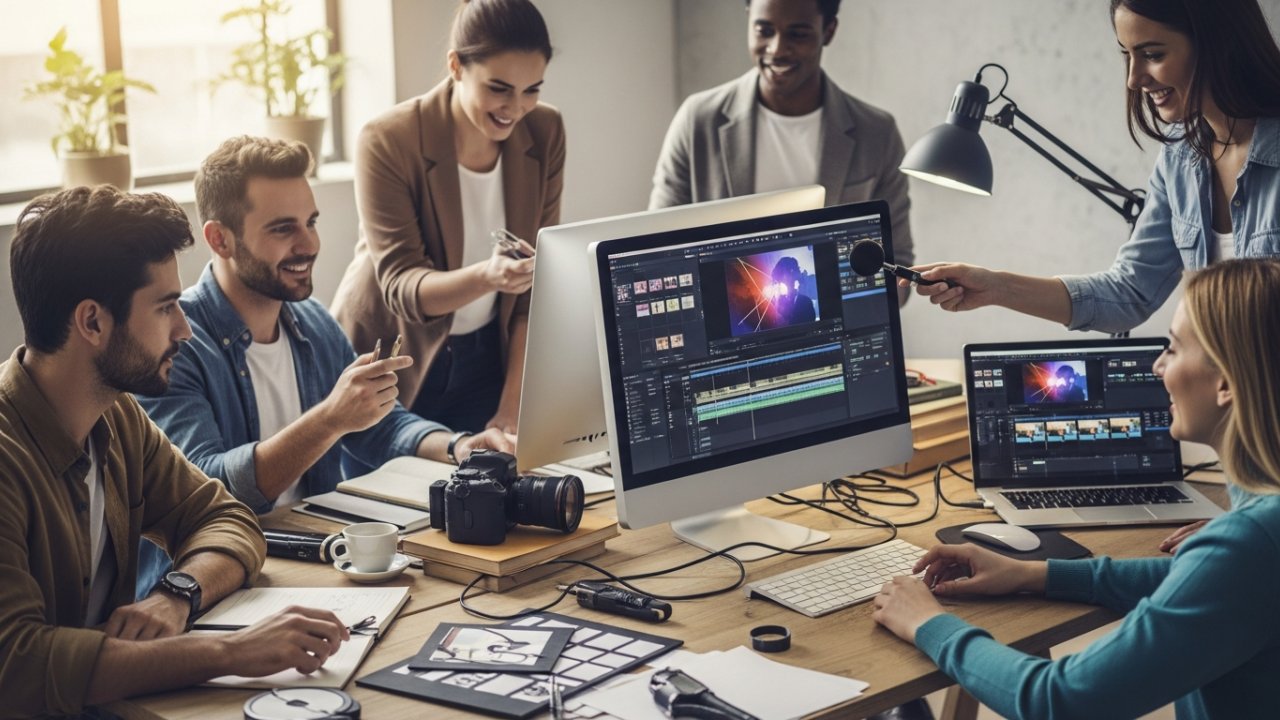
Adding effects and transitions can greatly improve your video, as they boost its visual appeal and keep viewers engaged. Popular effects include filters, color adjustments, and animations applied to clips or the entire video for a cohesive look. Changes like fades, wipes, or cuts help create a seamless flow between scenes, enhancing the narrative structure. Most video editing platforms offer drag-and-drop functionality, making it easy to apply these without advanced skills. You can even use the Beat Sync feature to synchronize changes with music beats, enhancing rhythm and engagement.
| Effect Type | Description | Example Usage |
|---|---|---|
| Filters | Alters colors and tones | Vintage or black-and-white effects |
| Color Adjustments | Modifies brightness and contrast | Enhancing visuals in a dark scene |
| Animations | Adds motion to static elements | Text appearing with motion |
| Changes | Connects scenes smoothly | Fade to black between clips |
| Beat Sync | Aligns changes with music beats | Syncing cuts to the music rhythm |
Incorporate Music and Sound Effects
Music and sound effects play a vital role in enhancing the overall impact of your video. By carefully selecting audio elements, you can increase viewer retention markedly.
Here are three key strategies to take into account:
- Licensed Music Libraries: Utilize these resources to find soundtracks and sound effects that comply with copyright regulations, ensuring your video remains enchanting and legal.
- Beat Sync Feature: Use this tool in your video editing software to align your clips with the rhythm of your chosen music, creating a seamless and immersive experience.
- Strategic Sound Effects: Incorporate sound effects at essential moments to amplify your message and engage your audience, making your content more dynamic and memorable.
Optimize Your Video for Platforms
To effectively reach your audience, optimizing your video for the specific platform where it will be shared is crucial. Start by verifying the aspect ratio aligns with platform specifications, like 16:9 for YouTube and 9:16 for TikTok, to maintain visual integrity.
Create engaging thumbnails and titles customized to each platform’s audience to improve click-through rates. Adjust your video’s length according to platform norms; shorter videos under 60 seconds often perform better on social media like Instagram and TikTok.
Incorporate captions and subtitles, as over 85% of videos on social media are watched without sound, enhancing accessibility.
Finally, optimize your video file sizes to guarantee quick loading times, as delays can lead to significant viewer drop-off rates.
Publish Your Video

Once you’ve optimized your video for the platforms where it will be shared, the next step is publishing it effectively. Proper publishing can improve visibility and engagement. Here are some crucial tips:
- Export in the right format: Confirm your video is in the desired resolution and format suitable for the platform, whether it’s social media or a website.
- Schedule strategically: Use a Content Calendar to plan your releases, maximizing audience engagement.
- Add captions: Including captions or subtitles improves accessibility and can increase viewer retention, making your content more appealing.
Don’t forget to share directly from your editing tool to streamline the process.
After publishing, monitor engagement metrics to evaluate performance and gather insights for your next video project.
Promote Your Video Content

Promoting your video content effectively can greatly improve its reach and engagement.
First, share your video across multiple social media platforms, as videos generate 1200% more shares than text and images combined. Use engaging thumbnails and titles; studies reveal that 90% of the most engaging videos feature compelling visuals.
Incorporate relevant hashtags and keywords in your descriptions to improve discoverability, since 70% of YouTube users find new content via search and recommendations.
Collaborate with influencers in your niche to tap into their audiences, potentially increasing engagement rates by 30%.
Finally, schedule your video releases with a Content Calendar to guarantee consistent posting, as this can boost audience retention by up to 50%.
Analyze Viewer Engagement and Feedback
How can you effectively analyze viewer engagement and feedback to improve your video content?
Start by examining key metrics that reveal how your audience interacts with your videos. Here are three important aspects to contemplate:
- Watch Time: Longer watch times indicate that your content resonates well, whereas shorter times may suggest it needs improvement.
- Feedback Collection: Use surveys or comments to gather viewer opinions, identifying strengths and weaknesses in your content.
- Analytics Tools: These can help you pinpoint where viewers drop off, allowing you to adjust your content accordingly.
Frequently Asked Questions
How Do I Create My Own Video?
Creating your own video starts with defining its purpose and knowing your audience.
Gather your equipment, like a camera or smartphone, and select editing software.
Plan your video by writing a script or creating a storyboard to maintain clarity.
When recording, focus on good lighting and audio quality.
After filming, edit your footage by trimming unnecessary parts, adding effects, and including music to improve the final product before sharing it with your audience.
[embedded content]
How Do I Start Creating Video Content?
To start creating video content, first determine your purpose and audience to guide your approach.
Next, research your topic thoroughly, which helps in crafting a clear script or storyboard.
Utilize recording tools that guarantee high-quality footage, as this impacts viewer engagement.
Once you have your footage, edit it for clarity and flow, adding effects as needed.
Finally, publish your video on platforms suited to your audience, making sure the format and length are ideal.
How to Make a Video With Photos and Music?
To make a video with photos and music, upload your chosen images to a user-friendly video editing platform.
Select a music track that fits the mood, either from a licensed library or your own collection.
Adjust the timing on the timeline to control how long each photo appears, ensuring smooth changes.
Finally, improve your project with effects or text overlays before exporting the video in your preferred format for sharing.
What Do I Need to Create a Video?
To create a video, you’ll need a clear plan that defines the video’s purpose and target audience.
Crucial equipment includes a quality camera or smartphone, a microphone for capturing clear audio, and adequate lighting.
You’ll additionally require video editing software to refine your footage and add effects.
A well-structured script or storyboard will guide your recording process, whereas access to royalty-free music can improve the overall viewer experience.
Conclusion
Creating a video involves a structured approach, from identifying your purpose to analyzing viewer feedback. By thoroughly researching and scripting your content, you guarantee clarity and engagement. Gathering the right equipment and planning your recording are crucial for quality results. After recording, editing and optimizing your video for the intended platform improve its reach. Finally, promoting your content and reviewing audience engagement will help refine your future projects, making each video better than the last.
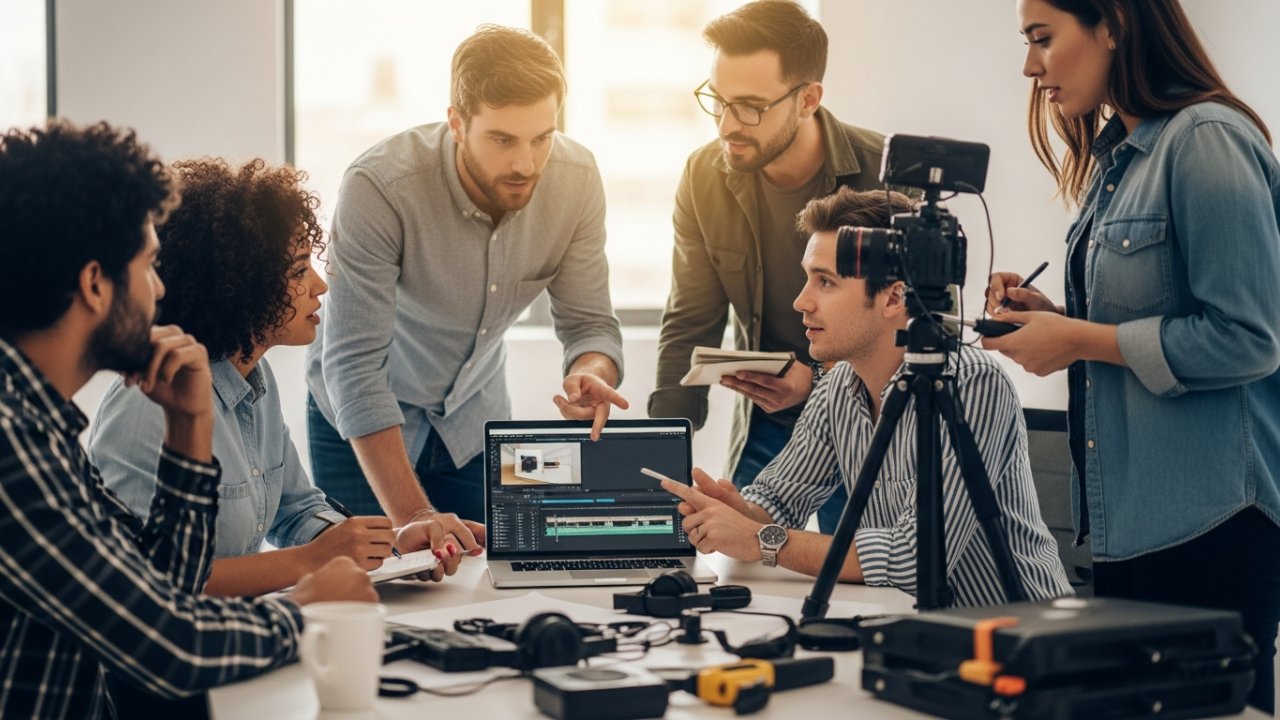
Image via Google Gemini