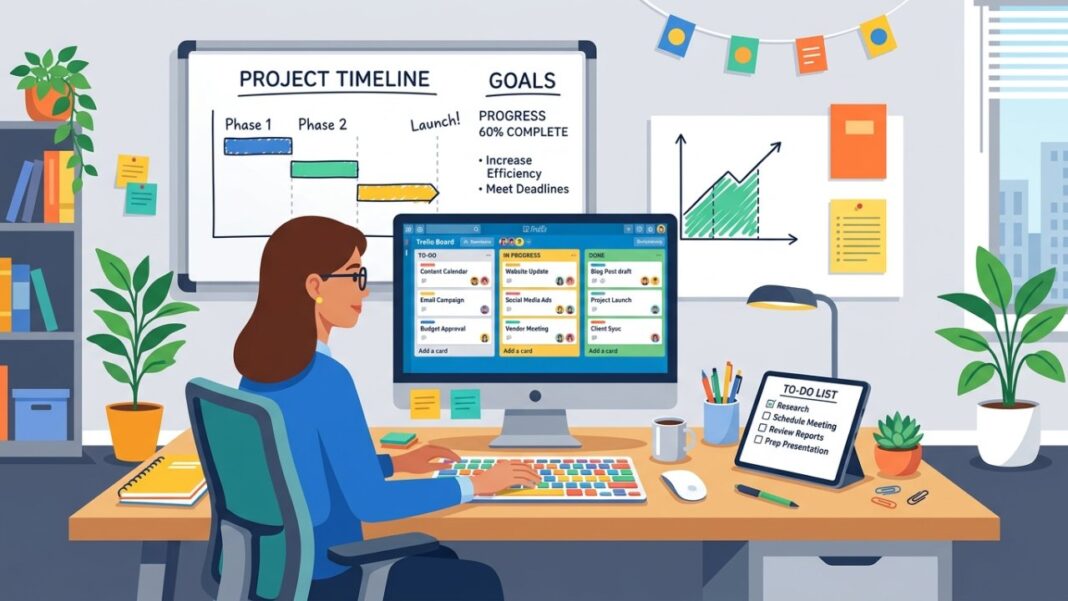

To manage resources effectively in Trello, start by clearly defining tasks with specific descriptions and due dates. Use Trello’s Calendar and Dashboard Views for quick visual tracking. Break projects into smaller, manageable tasks and adjust plans regularly based on team progress. Don’t forget to incorporate tools like the Expense Trackello Power-Up for budget monitoring. With these strategies, you can streamline your projects and enhance team collaboration. Let’s explore how to build an efficient project plan next.
Key Takeaways
- Utilize Trello Views: Leverage Calendar and Dashboard Views for visual tracking of tasks, deadlines, and team workload to enhance resource management.
- Assign Clear Tasks: Ensure each Trello card has concise descriptions, due dates, and relevant attachments for effective task execution and accountability.
- Monitor Budgets: Integrate Expense Trackello to keep track of project expenses and ensure budget compliance throughout the resource management process.
- Implement OKRs: Use the OKRs template to prioritize tasks and align team efforts with overarching project goals for better resource allocation.
- Regularly Adjust Plans: Continuously review and update project plans based on team capacity and task progress to maintain momentum and prevent burnout.
Get to Know Resource Management in Trello
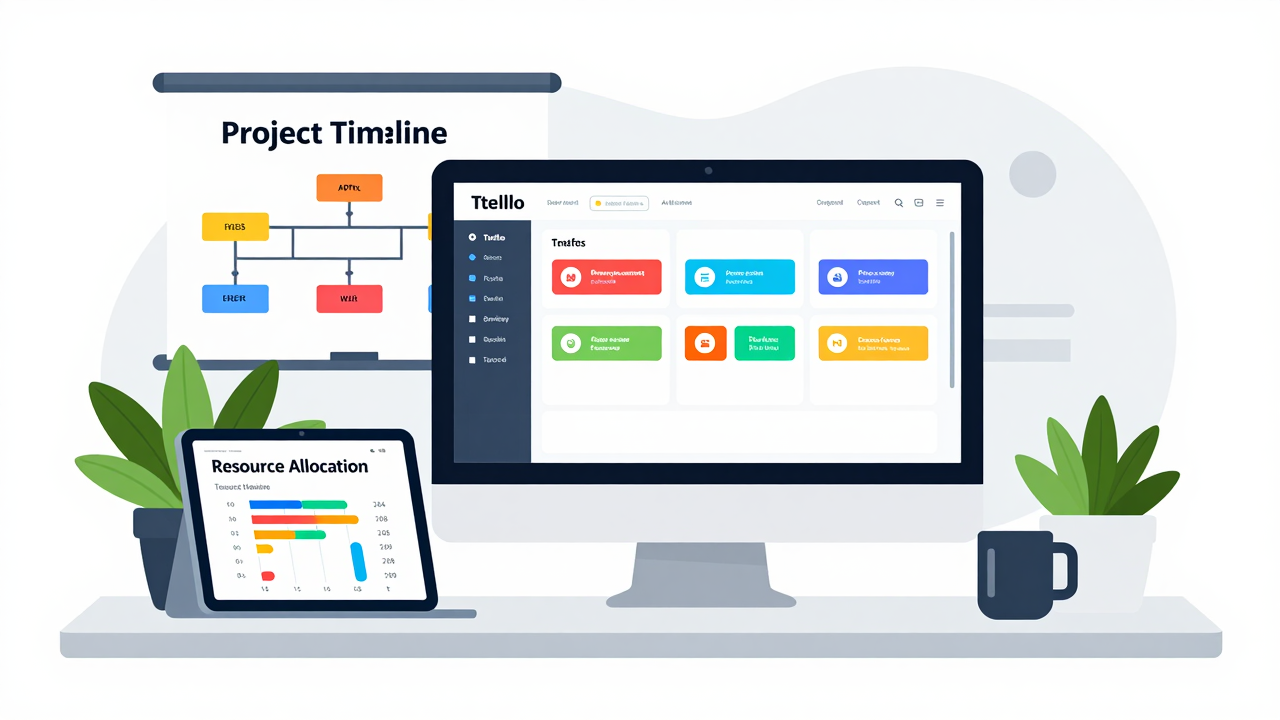
When you plunge into resource management in Trello, you’re not just organizing tasks; you’re optimizing your team’s efforts to avoid burnout and achieve project goals.
Start by utilizing Trello Views, like Calendar and Dashboard View, to visually track milestones and task distribution. This transparency helps you manage resources effectively. Use Trello’s card management system to assign clear task descriptions, due dates, and attachments, which streamlines progress tracking.
Consider integrating Expense Trackello for monitoring spending, ensuring you stay on budget. Additionally, leverage the OKRs (Objectives and Key Results) template in Trello to prioritize resources based on your project goals.
[embedded content]
For enhanced efficiency, explore resource management tools free or workflow management software freeware. If your team uses Microsoft Teams, look for project management software that integrates smoothly.
Finally, try free time management applications to boost overall productivity. By following these steps, you’ll navigate resource management with confidence.
How to Build an Efficient Project Plan
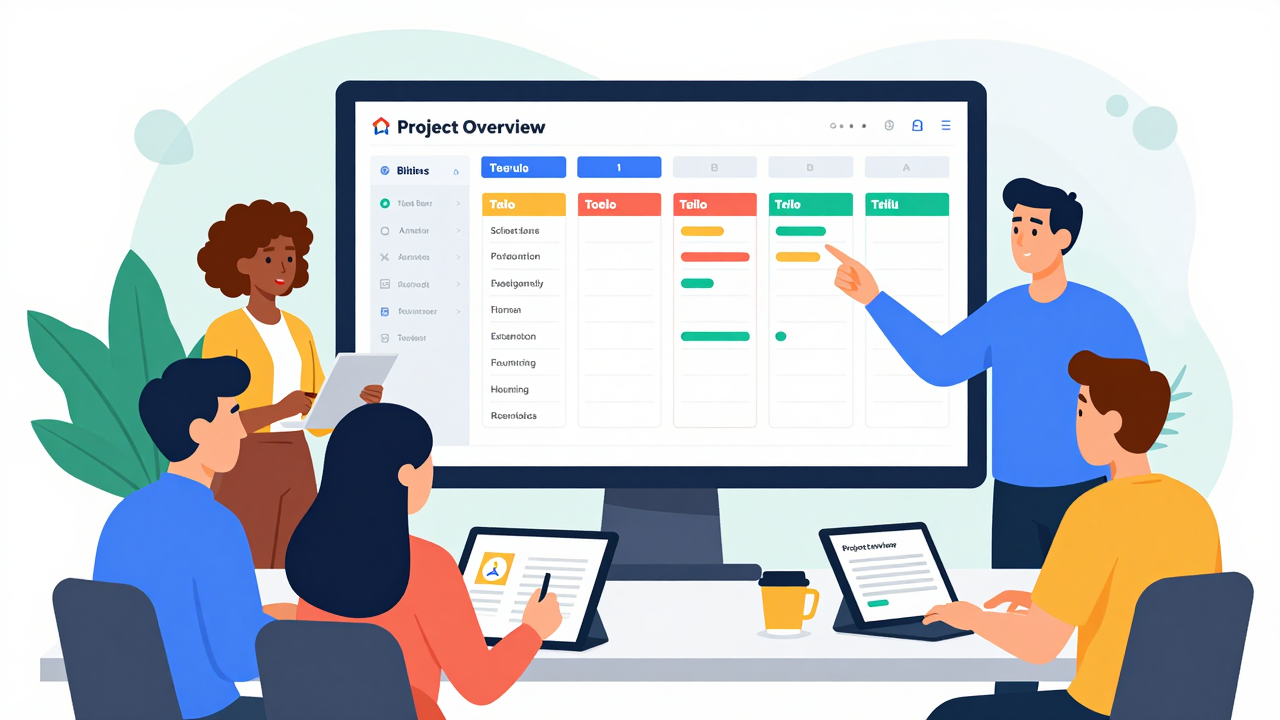
Building an efficient project plan starts with breaking your project down into specific tasks. Use project management cards to list these tasks clearly, and prioritize them for a streamlined workflow.
Incorporate a project planning sheet to visualize your tasks and set clear deadlines for each one, which improves time management and helps your team stay focused.
Leverage task mgmt software and a project management tracking template to monitor progress effectively. This setup allows you to distribute work evenly and prevents team overwhelm.
Regularly adjust your project plan online by reassigning and rescheduling tasks as needed, which keeps the momentum going.
Utilize a resource planning app or team workflow software to optimize resource allocation. By employing these tools, you’ll guarantee your project tasks template is efficient and adaptable, making your planning process more straightforward and effective.
How to Accurately Estimate Task Durations in Trello
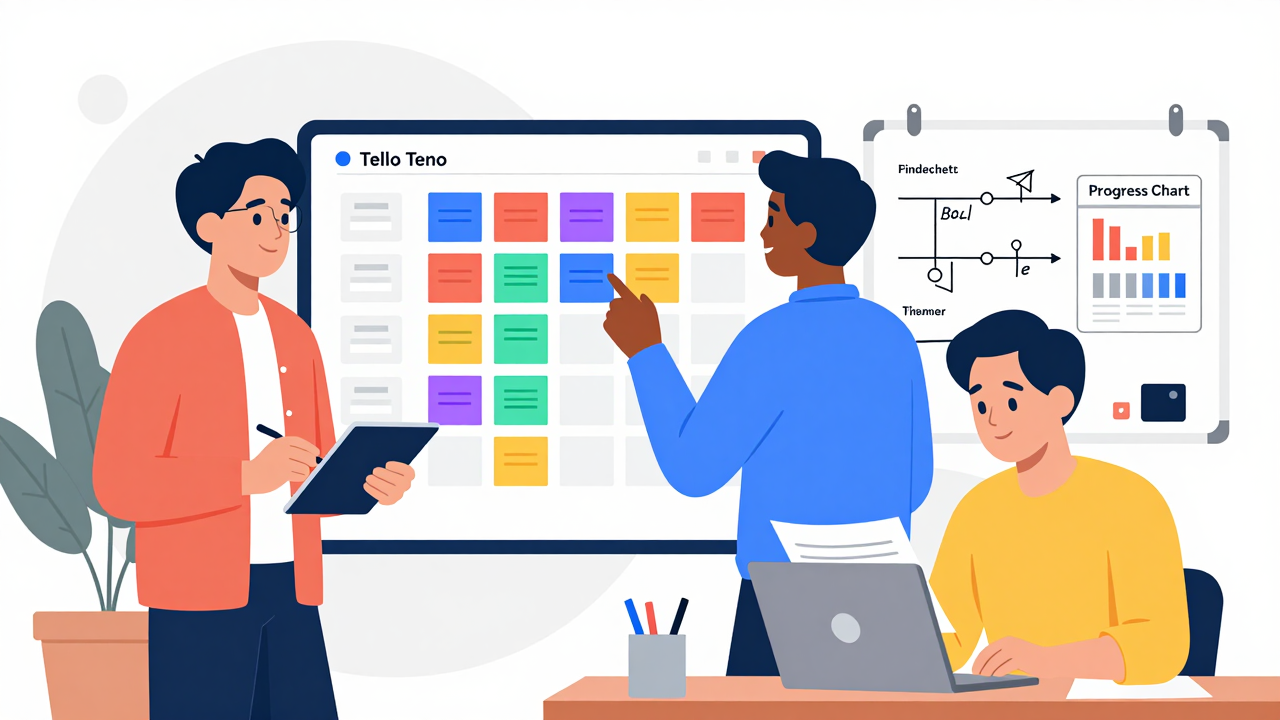
Accurately estimating task durations in Trello is crucial for keeping your projects on track. Start by breaking down larger tasks into smaller, manageable components, making it easier to gauge the time needed for each segment.
Use historical data from similar projects as a guide; this can greatly enhance your forecasting accuracy. Involve your team in the estimation process, as their insights into task complexity and obstacles can lead to more realistic timelines.
[embedded content]
Utilize Trello’s Calendar View and other visual time management tools to visualize task durations and deadlines, helping you adjust based on overall project timelines. Regularly review and adjust your estimates based on actual time spent, promoting a culture of continuous improvement.
Consider using free PMO software or resource scheduling software free for better tracking. By implementing these strategies, you’ll improve your project task tracker and guarantee smoother collaboration with your team.
Effective Work Distribution and Deadline Management

Effective work distribution and deadline management in Trello can greatly enhance your team’s productivity. Start by using Trello’s visual task tracker to assign tasks based on each team member’s capacity. This approach prevents burnout and promotes effective work distribution.
Set clear deadlines for every task; doing so not only enhances time management but keeps your entire project on track.
Break tasks into smaller, prioritized segments to monitor progress easily. Utilize Trello’s Calendar View to visualize upcoming deadlines and milestones, fostering accountability among your team.
Regularly review your workflow management platforms to reallocate tasks based on performance data, which can lead to improved efficiency.
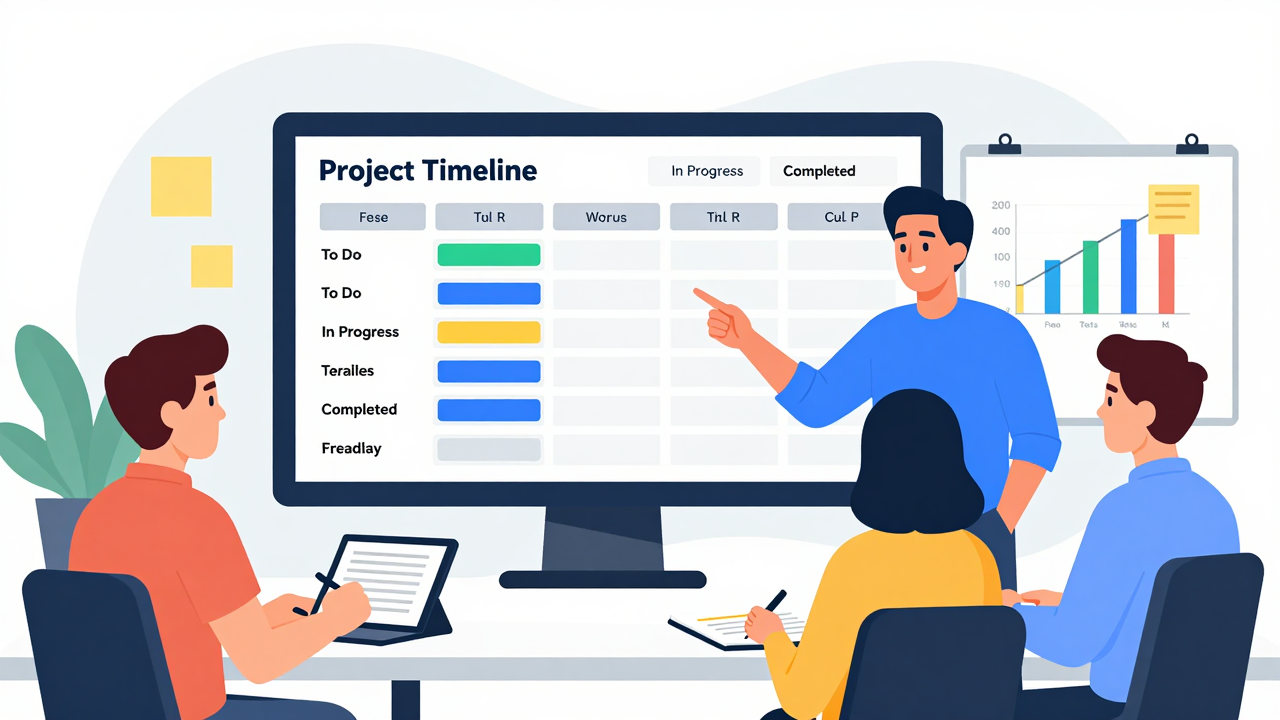
Release your team’s potential by leveraging Trello’s powerful tools for collaboration and reporting. These features can help you optimize your project management framework and enhance team collaboration effectively.
- Integrate with Tools: Use Trello integration with Slack and Google Drive to centralize communication and document sharing.
- Utilize Dashboard View: Monitor task distribution and resource allocation visually to prevent overload and guarantee balanced workloads.
- Track Expenses: Employ the Expense Trackello Power-Up to keep real-time tabs on project expenditures, offering a clear financial overview.
- Set Goals with OKRs: Implement Trello’s OKRs template to define clear project goals, promoting alignment and effective tracking of progress.
Frequently Asked Questions
What Are the Five Steps to Good Resource Management?
To manage resources effectively, start by identifying your resource needs, including skills and tools.
Next, set clear goals using OKRs to align your team.
Then, plan and schedule tasks by breaking them into manageable parts, estimating durations, and setting deadlines.
Monitor progress regularly to spot bottlenecks and adjust resources as needed.
Finally, foster collaboration by encouraging open communication, ensuring everyone has access to updates and necessary resources for success.
How to Use Trello Most Effectively?
To use Trello most effectively, start by organizing your projects with boards and lists.
Assign tasks using cards, adding due dates and descriptions for clarity.
Utilize Trello Views like Calendar to track deadlines and monitor team workloads.
Integrate tools like Slack for communication and Google Drive for document access.
Automate repetitive tasks with Trello’s features, allowing your team to focus on higher-priority work.
[embedded content]
Regularly review progress to adjust resources as needed.
What Are the Key Elements of Effective Resources Management?
Key elements of effective resource management include clear task assignments, regular tracking of team hours, and utilizing visual tools.
Assign specific roles to team members to promote accountability and streamline workflow. Track time with tools like timesheets to identify discrepancies between estimated and actual hours.
Use visual boards to monitor resource allocation, ensuring workloads are balanced.
Finally, set clear goals and consider templates for objectives to keep the team focused and aligned.
What Are the Few Tips in Managing the Resources Efficiently?
To manage resources efficiently, start by using Trello’s Calendar and Dashboard views to balance workloads.
Clearly assign tasks on cards with due dates and multiple assignees for accountability.
Regularly check team capacity with integrated timesheets to spot time discrepancies.
Implement an OKRs template to align objectives and prioritize resources.
Finally, leverage automation features to cut down on repetitive tasks, allowing your team to focus on high-priority work and boost overall efficiency.
Conclusion
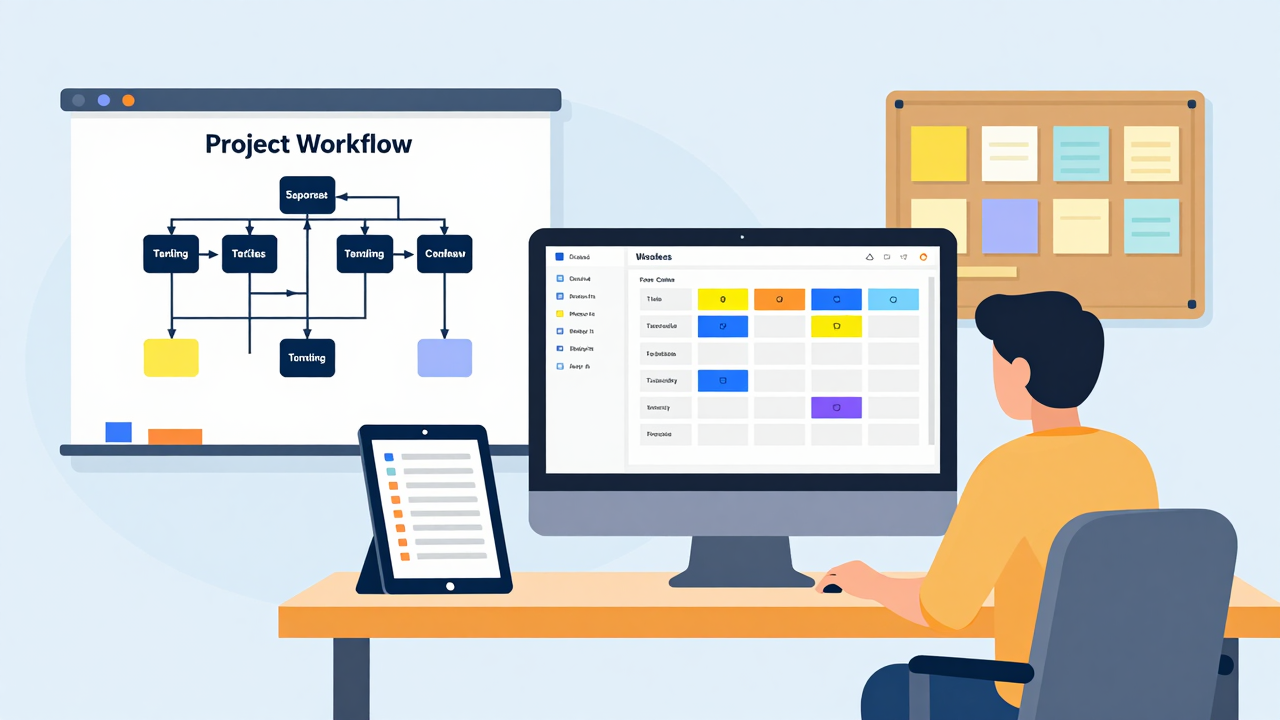
By following these tips, you can enhance your resource management in Trello. Start by clearly defining tasks and deadlines, then break projects into smaller steps for easier tracking. Use Trello’s tools like the Expense Trackello Power-Up to manage budgets effectively. Integrate communication platforms to keep your team connected. Regularly review progress and adjust your plans as needed. With these strategies, you’ll streamline your workflow and keep your projects on track.
Image via Google Gemini and Small Business Trends