
This post was originally published on this site.
As an accountant, you know the importance of leveraging technology to streamline your work. Crucial software tools can greatly improve your productivity and accuracy. From cloud-based accounting solutions that enable real-time collaboration to automated invoicing systems that simplify billing, these tools are fundamental for managing financial tasks efficiently. With so many options available, selecting the right software can be intimidating. Let’s explore the key tools that can transform your accounting practice.
Key Takeaways
- Accounting Software: Automates routine tasks and enhances accuracy in financial reporting, saving firms time and reducing manual errors.
- Invoicing Tools: Streamlines invoicing processes, cutting time by up to 50% and minimizing manual entry errors significantly.
- Expense Management Software: Improves tracking and reporting of expenses, offering real-time insights and reducing manual entry time by half.
- Payroll Systems: Automates payroll processing, ensuring compliance and reducing errors by up to 90%, while providing employee self-service portals.
- Time Tracking Software: Enhances billing accuracy and productivity, automating time management and providing insights on project time allocation.
Understanding the Importance of Accounting Software
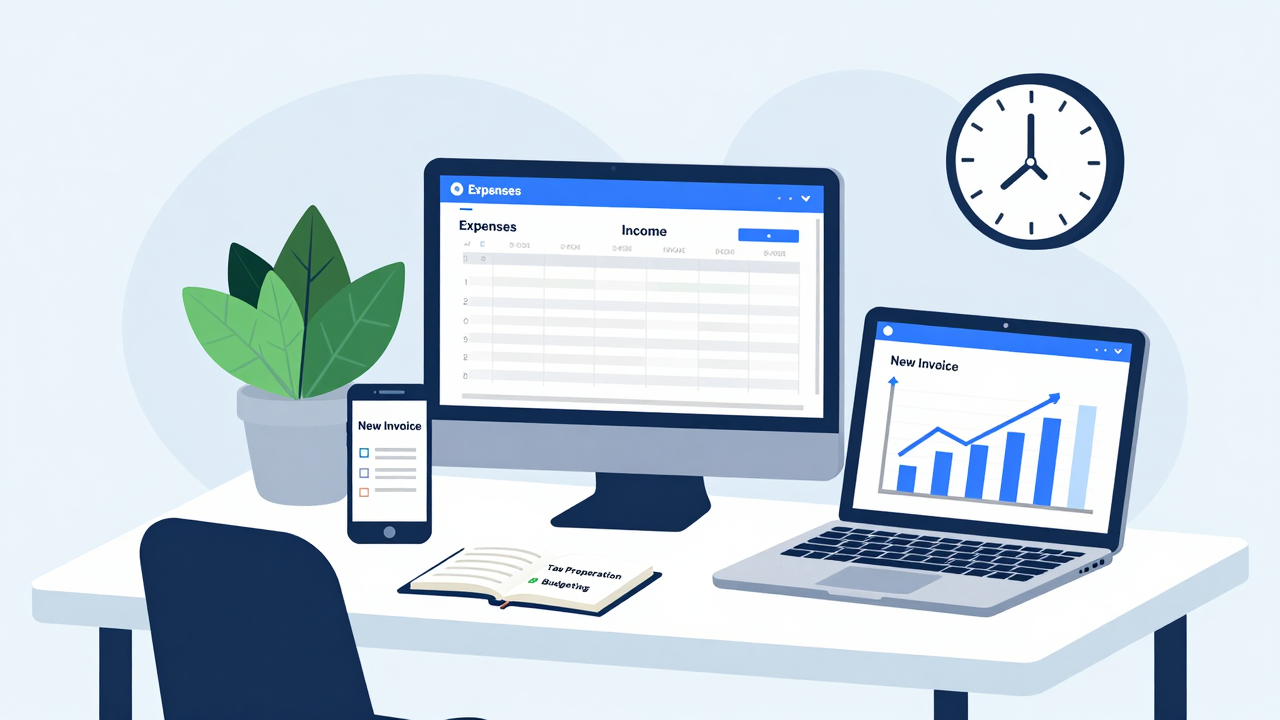
As businesses endeavor for efficiency, comprehending the significance of accounting software becomes critical for accountants and firms alike. This software is fundamental for automating routine tasks, which drastically reduces manual data entry.
By utilizing accounting software for accountants, you can focus more on strategic activities, saving your firm hundreds of hours each month. The global market for accounting tools is projected to reach $11.8 billion by 2025, indicating a growing reliance on these solutions for effective financial management.
Furthermore, advanced software can improve accuracy in financial reporting by up to 90%, minimizing errors from manual calculations. Cloud-based accounting solutions further bolster collaboration, granting real-time access to financial data and streamlining communication with clients.
In addition, accounting software simplifies compliance with ever-changing tax laws and accounting standards, reducing the risk of non-compliance and costly errors in financial reporting. Recognizing what software do accountants use is imperative for success in today’s competitive environment.
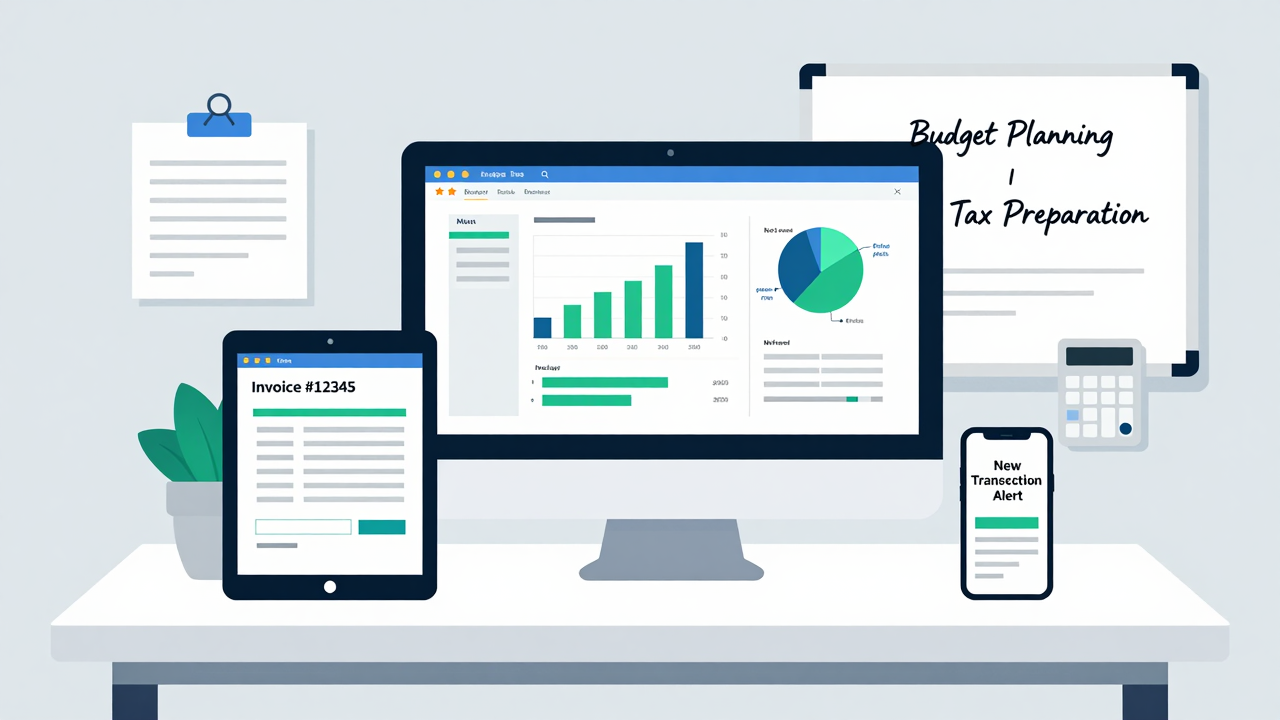
What should you prioritize when selecting accounting tools for your firm? First, consider cloud accessibility, which allows for remote work and real-time collaboration, fundamental in today’s fast-paced environment.
Next, look for automated invoicing and expense tracking features; these can reduce manual entry errors by up to 90%, saving you valuable time.
Extensive reporting capabilities are likewise critical, as they provide quick insights into financial performance, aiding in strategic decision-making.
A user-friendly interface shouldn’t be overlooked, as it minimizes the learning curve, promoting faster adoption among your team members.
Finally, make sure you have strong customer support in place, as it’s crucial for swiftly resolving issues and maintaining uninterrupted operations.
Cloud-Based Accounting Software: Advantages and Options
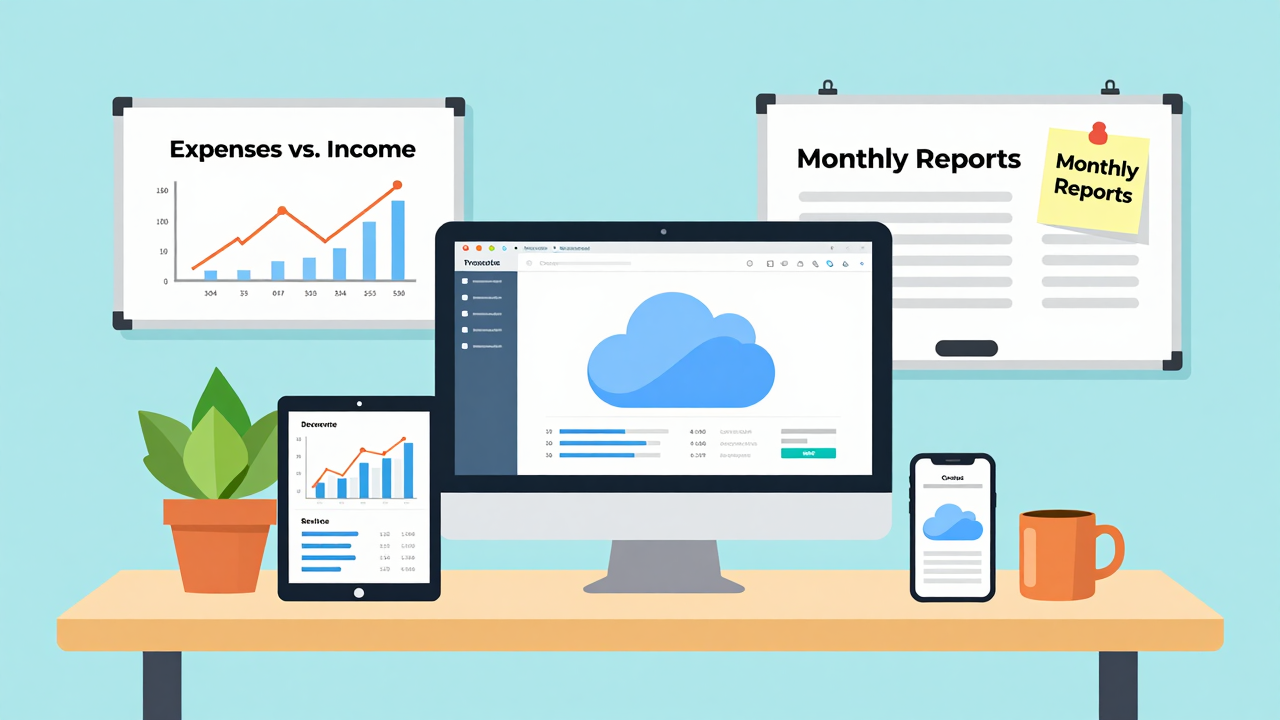
Cloud-based accounting software offers you the ability to access your financial data from anywhere, which greatly improves your flexibility and efficiency.
With built-in security features, these tools protect sensitive information during compliance with regulations, giving you peace of mind.
As you explore these options, consider how remote accessibility and strong security can transform your accounting practices.
Remote Accessibility Benefits
In today’s fast-paced work environment, the ability to access financial data remotely is more important than ever for accountants. Cloud-based accounting software allows you to work from any location, making it easier to adapt to flexible work arrangements.
This accessibility has become essential, especially after the surge in remote work because of COVID-19. With real-time collaboration, multiple team members can work on projects simultaneously, boosting efficiency and reducing errors.
Moreover, cloud solutions seamlessly integrate with other business tools, enhancing your workflow. Surveys indicate that half of businesses view cloud-based accounting as a modern data protection strategy, highlighting the growing reliance on these systems for maintaining accurate financial records whilst ensuring you’re always connected to crucial information.
Enhanced Security Features
As businesses increasingly rely on digital solutions, enhancing security features in accounting software has become a top priority for firms.
Cloud-based accounting software offers several key benefits that you should consider:
- Advanced Encryption: Sensitive financial data is protected through robust encryption methods, safeguarding against unauthorized access and cyber threats.
- Automated Backups: These solutions frequently perform backups, ensuring your data is safe and accessible even during unexpected events, promoting business continuity.
- Role-Based Access Controls: You can limit access to sensitive information, allowing only authorized personnel to view critical data, which helps reduce the risk of internal breaches.
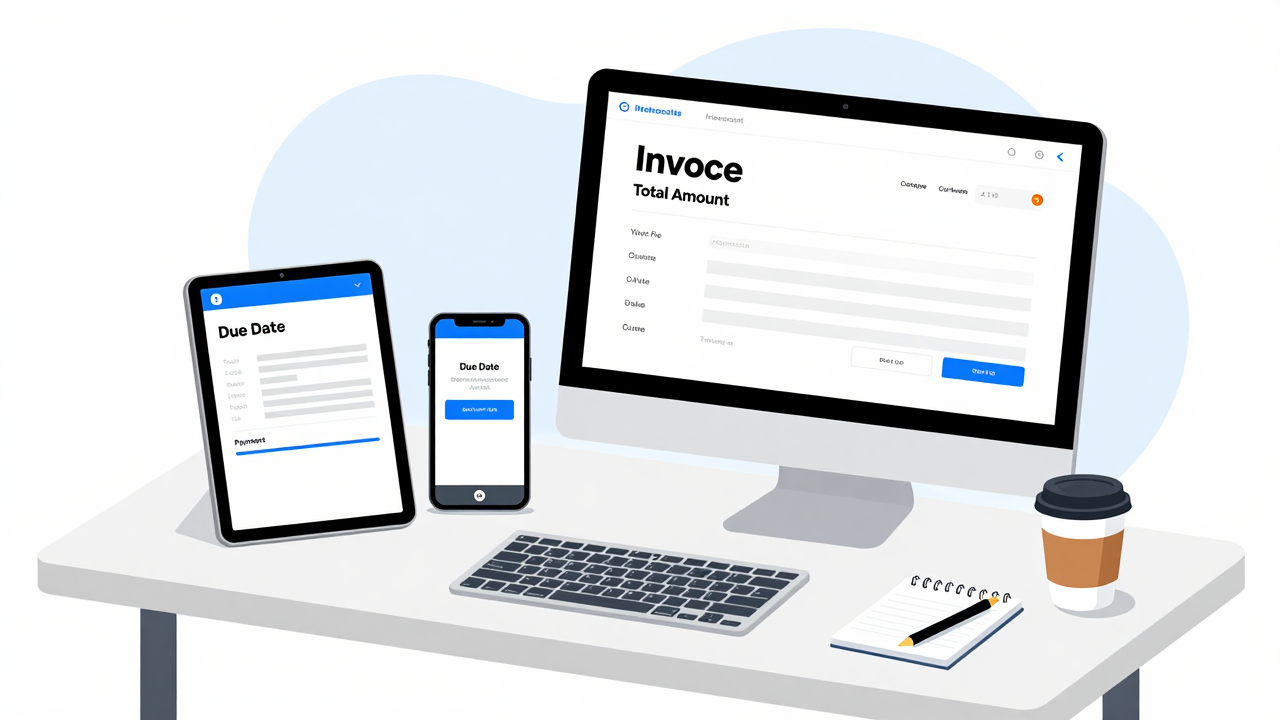
Automated invoicing tools have transformed the billing process for accountants, allowing you to streamline operations and improve efficiency. Tools like FreshBooks and Invoice Ninja can cut invoicing time by up to 50% through pre-built templates and automated reminders. This not only speeds up the billing cycle but likewise improves expense management by enhancing tracking and reporting capabilities.
You’ll find it easier to reconcile transactions and manage client accounts quickly. By automating calculations and compliance reporting, these tools free you up to focus on strategic advisory roles rather than getting bogged down in manual tasks.
Furthermore, integration with existing accounting software enables real-time synchronization of financial data, reducing manual entry errors by up to 90%. Faster approval response times from clients result in better cash flow management, leading to quicker payments.
Expense Management Software: Keeping Track of Costs
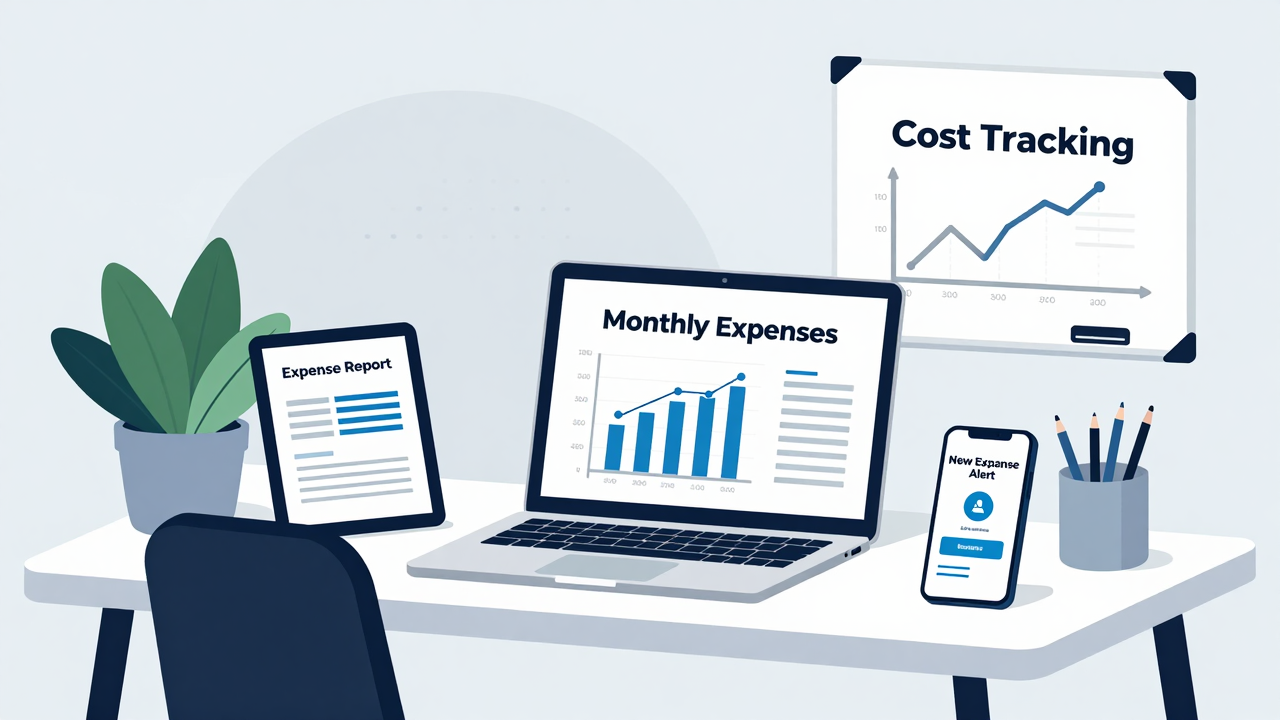
Expense management software automates the tracking of your business expenses, allowing you to reduce manual entry time by up to 50%.
With real-time reporting features, you can monitor spending patterns and gain insights that help with financial planning.
Utilizing these tools not just streamlines your accounting processes but additionally improves accuracy and efficiency in managing costs.
Automated Expense Tracking
Managing expenses can be a challenging task, especially when relying on traditional methods that involve manual entry and reconciliation.
[embedded content]
Automated expense tracking software, like FreshBooks and Expensify, simplifies this process considerably. Here are three key benefits you’ll enjoy:
- Improved Accuracy: These tools can boost accuracy by up to 90% by minimizing manual entry errors.
- Effortless Categorization: With features like receipt scanning and automatic categorization, you can easily capture and classify transactions.
- Remote Collaboration: Cloud-based systems allow your team to submit and approve expenses from anywhere, supporting modern work environments.
Real-Time Reporting Features
In today’s fast-paced business environment, having access to real-time reporting features is crucial for accountants who need to keep track of costs effectively.
These features allow you to monitor spending as it happens, enabling immediate adjustments to your budget forecasts and financial strategies. Automated expense categorization reduces manual entry errors by up to 90%, enhancing accuracy in financial reporting.
Many expense management solutions integrate seamlessly with accounting software, providing instant updates to your financial statements and improving cash flow visibility.
With real-time insights, you can quickly identify spending trends and anomalies, empowering you to make proactive decisions to mitigate financial risks.
Plus, cloud-based software lets you access these reports from anywhere, enhancing team collaboration and responsiveness to client needs.
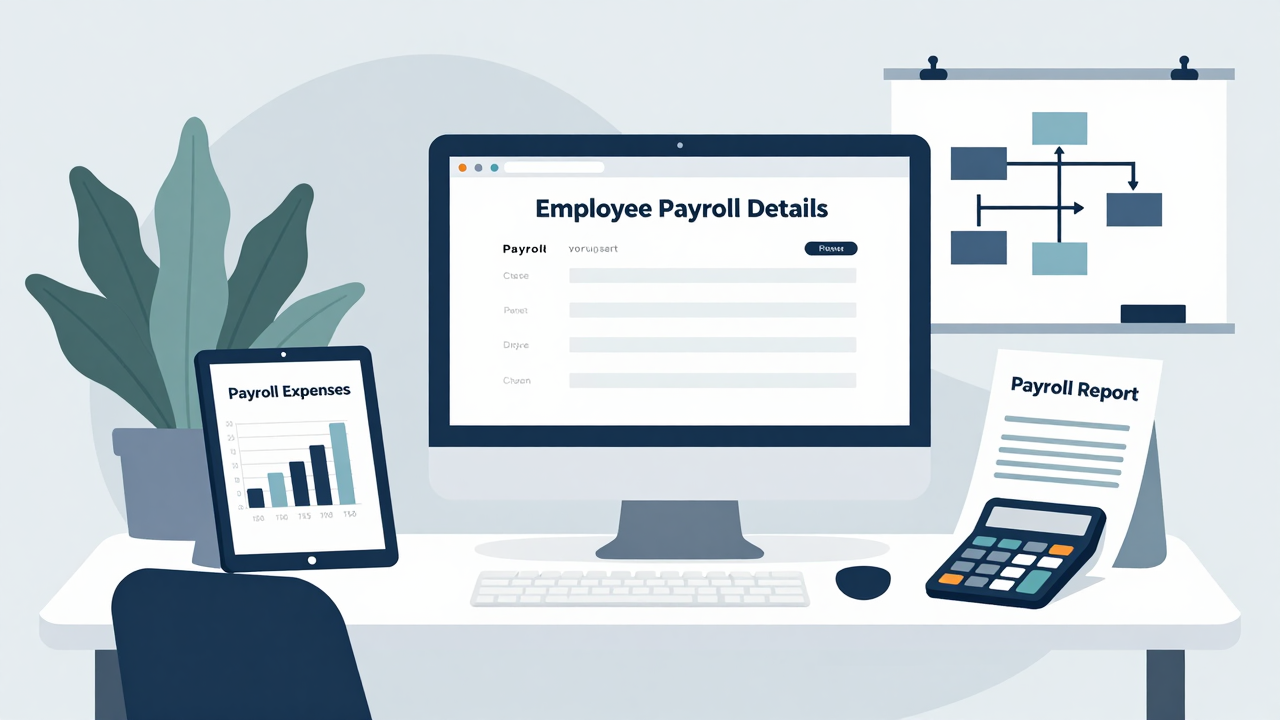
As businesses work toward greater efficiency, payroll management tools have become essential for ensuring compliance and accuracy in employee compensation. These tools automate compensation calculations, drastically reducing manual entry errors and ensuring employees receive timely payments.
They likewise integrate with tax compliance software, keeping you updated with changing tax laws and minimizing penalties.
Here are three key benefits of using payroll management tools:
- Error Reduction: Automating payroll can reduce manual entry errors by up to 90%.
- Employee Self-Service: Many systems offer portals for employees to access payslips and tax documents, enhancing transparency.
- Complex Scenario Management: Advanced software handles multi-state and multi-entity operations, ensuring compliance across various jurisdictions.
Financial Reporting Software: Generating Insightful Reports
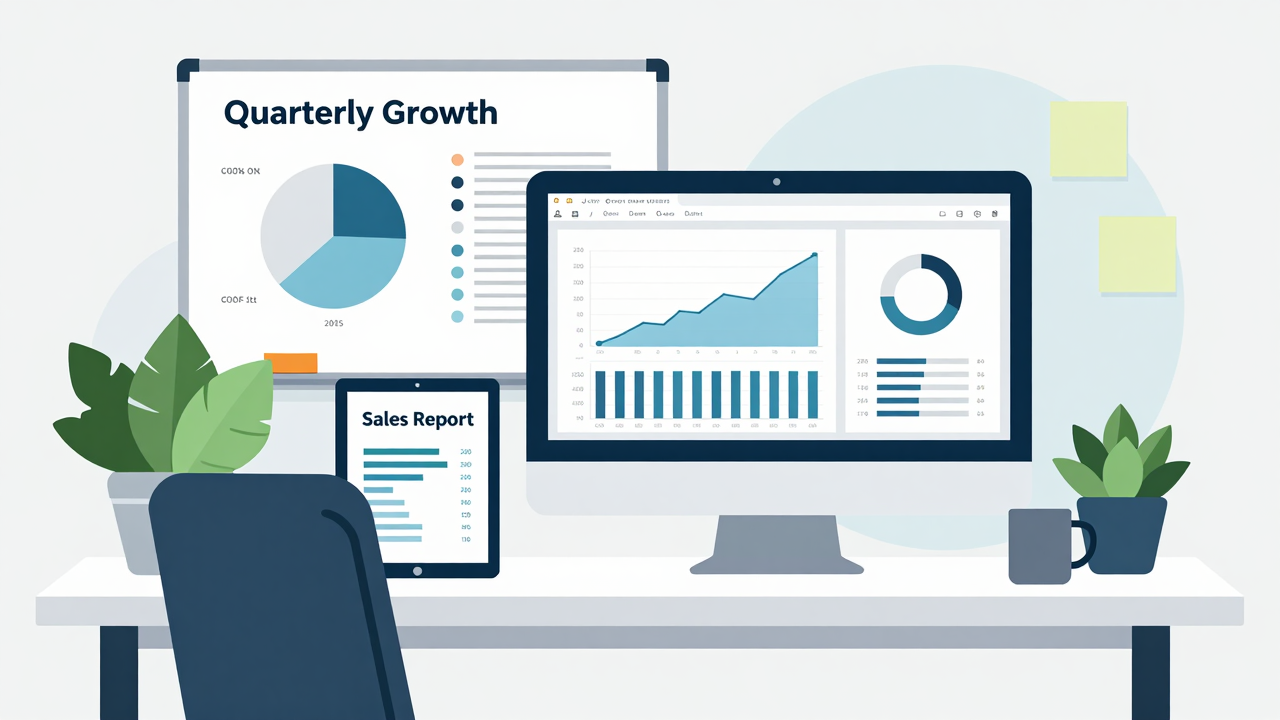
With payroll management tools streamlining employee compensation, accountants can now shift their focus toward financial reporting software, which plays a pivotal role in generating insightful reports.
This software enables you to create extensive reports and dashboards that summarize and interpret financial data effectively, improving your decision-making capabilities. Tools like Glasscubes offer real-time insights into audit processes, ensuring compliance with financial regulations and promoting timely data submission.
Automated reporting features can reduce manual work by up to 90%, allowing you to concentrate more on strategic advisory roles. Furthermore, reports generated through this software are customizable, giving you the flexibility to present data in a way that suits your clients’ needs.
The operational efficiency gained from using financial reporting software can lead to significant improvements, with organizations experiencing up to a 40% increase in customer response rates as a result of improved reporting practices.
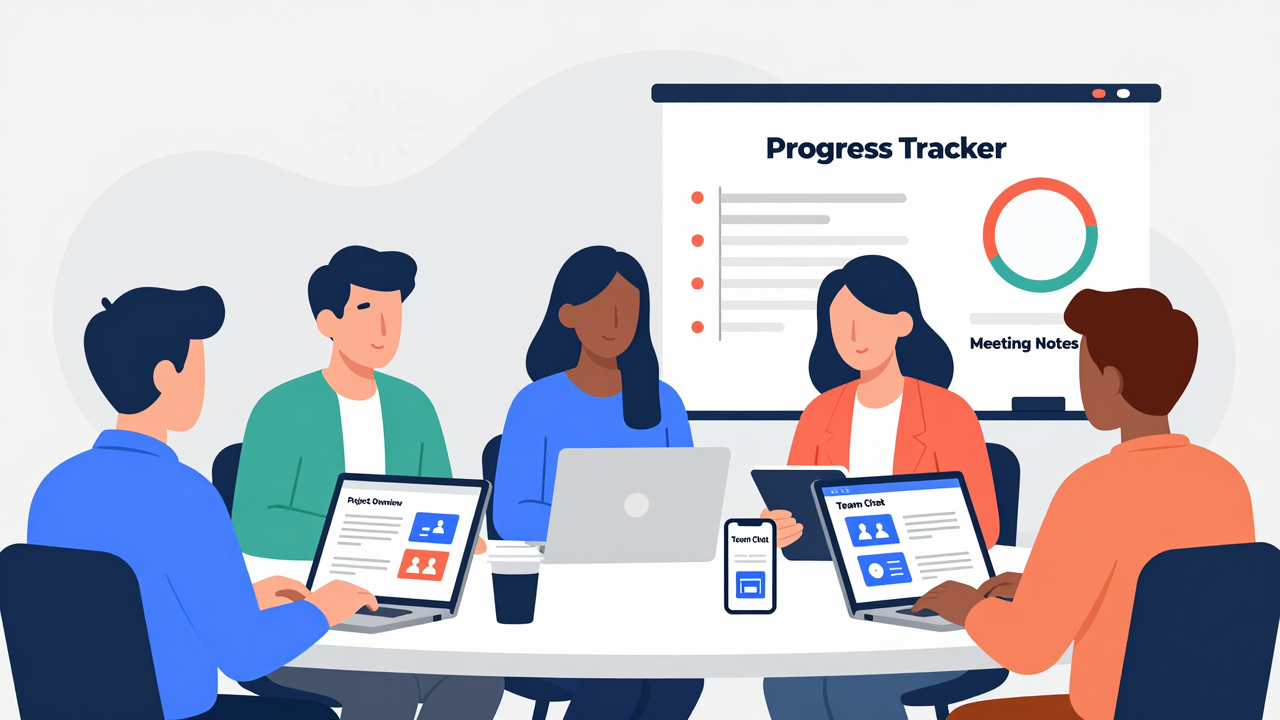
Collaboration tools are crucial for improving communication within accounting teams, especially as remote work becomes more common.
By enabling real-time discussions and streamlined project management, these tools help reduce miscommunications and promote better teamwork.
As you explore the benefits of improved communication, you’ll find that these tools not just improve project outcomes but also raise client satisfaction through timely interactions.
[embedded content]
Streamlined Project Management
Effective project management is vital for accountants, especially in a remote work environment where team dynamics can be challenging.
Collaboration tools like Microsoft Teams and Slack can greatly improve your team’s communication, promoting a more organized and productive atmosphere.
Here are three key benefits:
- Real-Time Messaging: Instant messaging allows for quick questions and feedback, streamlining decision-making.
- Organized Channels: By categorizing discussions, you minimize miscommunication and guarantee everyone has access to relevant information.
- Integrated Document Editing: Tools like Microsoft Teams enable simultaneous document edits, facilitating secure collaboration on sensitive financial matters.
Using these collaboration tools not just improves productivity but also contributes to a positive work culture, which is vital when working remotely.
Real-Time Communication Benefits
Real-time communication tools like Microsoft Teams and Slack play a crucial role in ensuring your accounting team collaborates effectively, especially in a remote setting. These platforms facilitate immediate responses and reduce miscommunications, which boosts productivity. They support asynchronous communication, allowing flexibility for team members across different time zones. Features like document sharing and simultaneous editing streamline workflows by cutting down on back-and-forth emails. Effective communication can lead to a 40% increase in customer response rates, according to users of these technologies. Dedicated channels for specific projects help maintain clarity and organization in discussions.
| Feature | Benefit |
|---|---|
| Immediate responses | Reduces miscommunications |
| Asynchronous support | Flexibility across time zones |
| Document sharing | Streamlines workflows |
| Simultaneous editing | Improves efficiency |
| Dedicated channels | Promotes organized communication |
Enhanced Team Collaboration
To improve team collaboration, utilizing tools designed for seamless communication and project management is crucial.
These collaboration tools not only improve communication within accounting teams but likewise streamline workflows, leading to increased productivity.
Here are three key benefits of using collaboration tools:
- Real-Time Data Sharing: Enable instant access to financial information, reducing delays and errors in reporting.
- Timely Responses: Apps like Microsoft Teams and Slack facilitate quick interactions, minimizing miscommunications that could impact client satisfaction.
- Fostering Workplace Culture: These tools support informal interactions, vital for maintaining relationships and a positive work environment, especially in remote settings.
Time Tracking Software: Maximizing Productivity
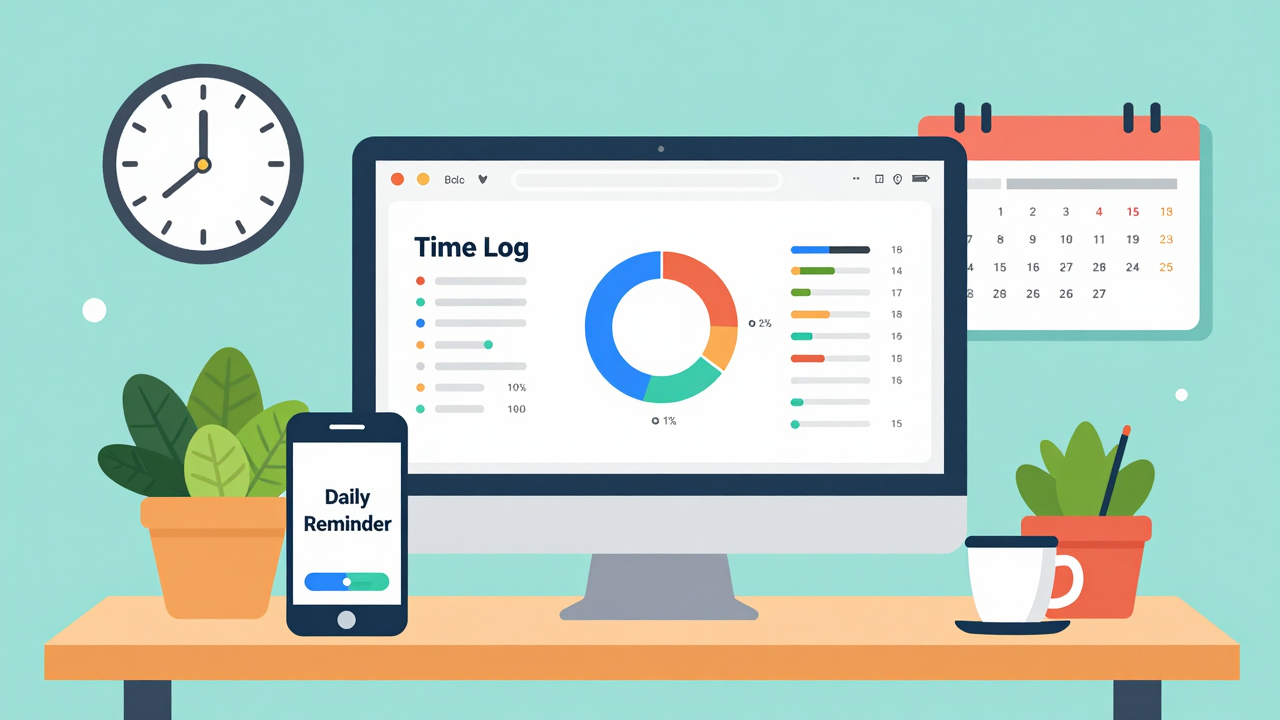
How can time tracking software transform the way accountants manage their work? By implementing these tools, you can improve accuracy in billing, ensuring clients are charged for the exact hours worked.
Studies show that firms using time tracking solutions can boost productivity by up to 30%. These applications allow you to see how your time is allocated across different projects and clients, providing insights that help optimize your workflows.
[embedded content]
Many solutions, like Toggl, offer easy one-click functionalities, enabling you to track time without distractions. This automation not only saves you hundreds of hours each month that would otherwise be spent on manual tracking but likewise maintains transparency with clients, reducing disputes over invoices.
In the end, by automating your time management, you can concentrate more on strategic tasks and advisory services, improving overall effectiveness in your accounting practice.
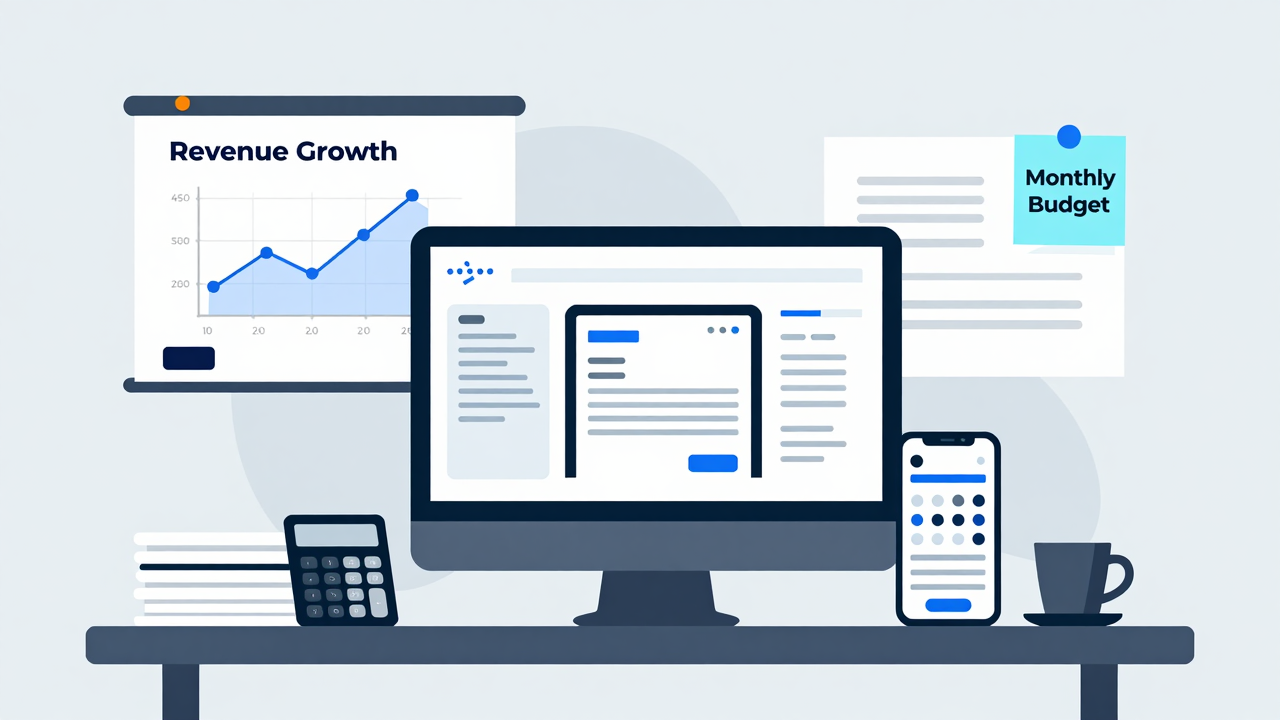
As emerging technologies continue to evolve, they promise to reshape the terrain of accounting tools considerably.
With advancements like artificial intelligence (AI) and machine learning, you can expect to see more automation in routine tasks, enhancing your data analysis capabilities by 2025.
Here are three key trends you should consider:
- Increased Efficiency: AI can reduce manual data entry errors by up to 90%, saving you hundreds of hours each month.
- Cloud-Based Solutions: These are set to dominate the market, providing you with remote access and collaboration features that make accounting more flexible and efficient.
- Real-Time Analytics: Business intelligence tools enable you to make informed decisions quickly, with 79% of corporate strategists highlighting the importance of data analytics.
As firms adopt these technologies, the demand for accountants skilled in these tools will rise, positioning you as a strategic advisor rather than just a number cruncher.
Frequently Asked Questions
What Software Do Accountants Use the Most?
Accountants most commonly use cloud-based software like QuickBooks and Xero for efficient financial management.
These tools offer features for invoicing, payroll, and expense tracking. Furthermore, automated invoicing platforms like FreshBooks streamline billing, during collaboration tools such as Microsoft Teams and Slack improve communication among teams.
Business intelligence tools like Microsoft Strength BI help transform data into actionable insights.
Time tracking apps like Toggl guarantee accurate billing and improve workflow efficiency.
What Software Do Big 4 Accounting Firms Use?
Big 4 accounting firms like Deloitte, PwC, EY, and KPMG use advanced software solutions such as SAP and Oracle for enterprise resource planning and financial management.
They likewise leverage data analytics tools like Tableau and Microsoft Power BI to improve financial reporting.
For smaller clients, they utilize cloud-based software like QuickBooks Online and Xero.
Furthermore, specialized audit software, including ACL and IDEA, increases audit efficiency, whereas Microsoft Teams and Slack facilitate communication across global teams.
What Tools or Equipment Do Accountants Use?
Accountants use a variety of tools to streamline their work.
Cloud-based accounting software, like QuickBooks and Xero, helps with bookkeeping and reports.
Time tracking tools, such as Toggl, guarantee accurate billing and productivity insights.
Collaboration apps like Microsoft Teams or Slack improve communication within teams.
Furthermore, business intelligence tools, like Power BI, assist in analyzing financial data for better decision-making, as automated invoicing solutions reduce billing time considerably.
These tools improve efficiency and accuracy.
Which Accounting Software Should I Use?
Choosing the right accounting software depends on your firm’s size and needs.
If you’re a small CPA firm, QuickBooks Online Accountant or Canopy might suit you well, thanks to their user-friendly features and strong ratings.
For mid-sized to large firms with complex tax situations, consider UltraTax CS or Sage for their advanced capabilities.
Always review your specific requirements and read user ratings to make an informed decision that aligns with your firm’s goals.
Conclusion
Incorporating crucial software tools into your accounting practice can greatly improve your efficiency and accuracy. By leveraging cloud-based solutions, automated invoicing, and strong reporting tools, you can streamline workflows and improve client satisfaction. Furthermore, embracing emerging technologies will prepare you for future challenges in the industry. In the end, selecting the right tools customized to your needs will not just optimize your operations but likewise position you for success in an increasingly digital world.
Image via Google Gemini and Small Business Trends