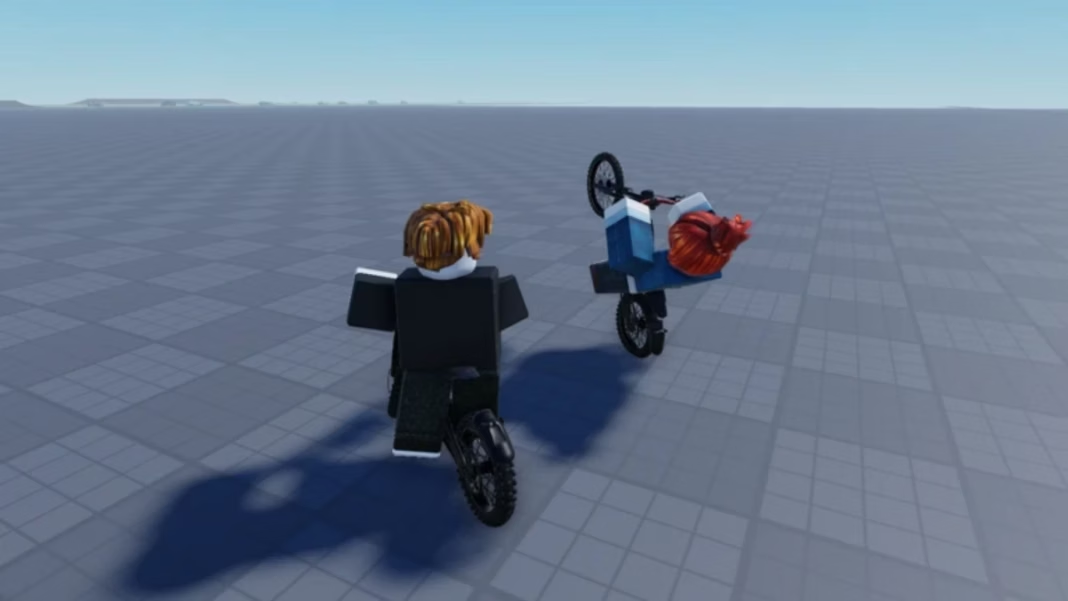


Bike Universe is a biking-focused experience where you can ride a bike and perform tricks to earn Cash. The Cash you earn can be used to unlock new vehicles with better stats and the potential to earn even more funds in the process. You can also participate in races against friends and other Robloxians, if you wish to partake in competitive gameplay.
This guide explores Bike Universe, going over its basic gameplay mechanics in detail.
Getting started in Bike Universe
Overview
Bike Universe is a sandbox-style game, where you can ride your bike and perform tricks to earn Cash. Chaining multiple tricks together is the best way to earn more money in this game; the more elaborate the sequence of tricks, the more Cash you get. Once you accrue a decent sum, you can visit the Bike Dealership to purchase new bikes with better stats.
A bike’s stats are vital to its performance when performing tricks or racing against other players. Higher stats help you remain in mid-air for longer, giving you a larger window to chain multiple tricks. Furthermore, better bike stats can help you outpace other players in races, potentially helping you emerge victorious.
The core gameplay loop is fairly open-ended, where you can take every aspect of the gameplay experience at your own pace. So, you may experiment with the controls, the in-game physics, and the general feel of the gameplay to your heart’s content before exploring its more involved mechanics.
Also read: Grapple Cart Obby: A beginner’s guide
Controls
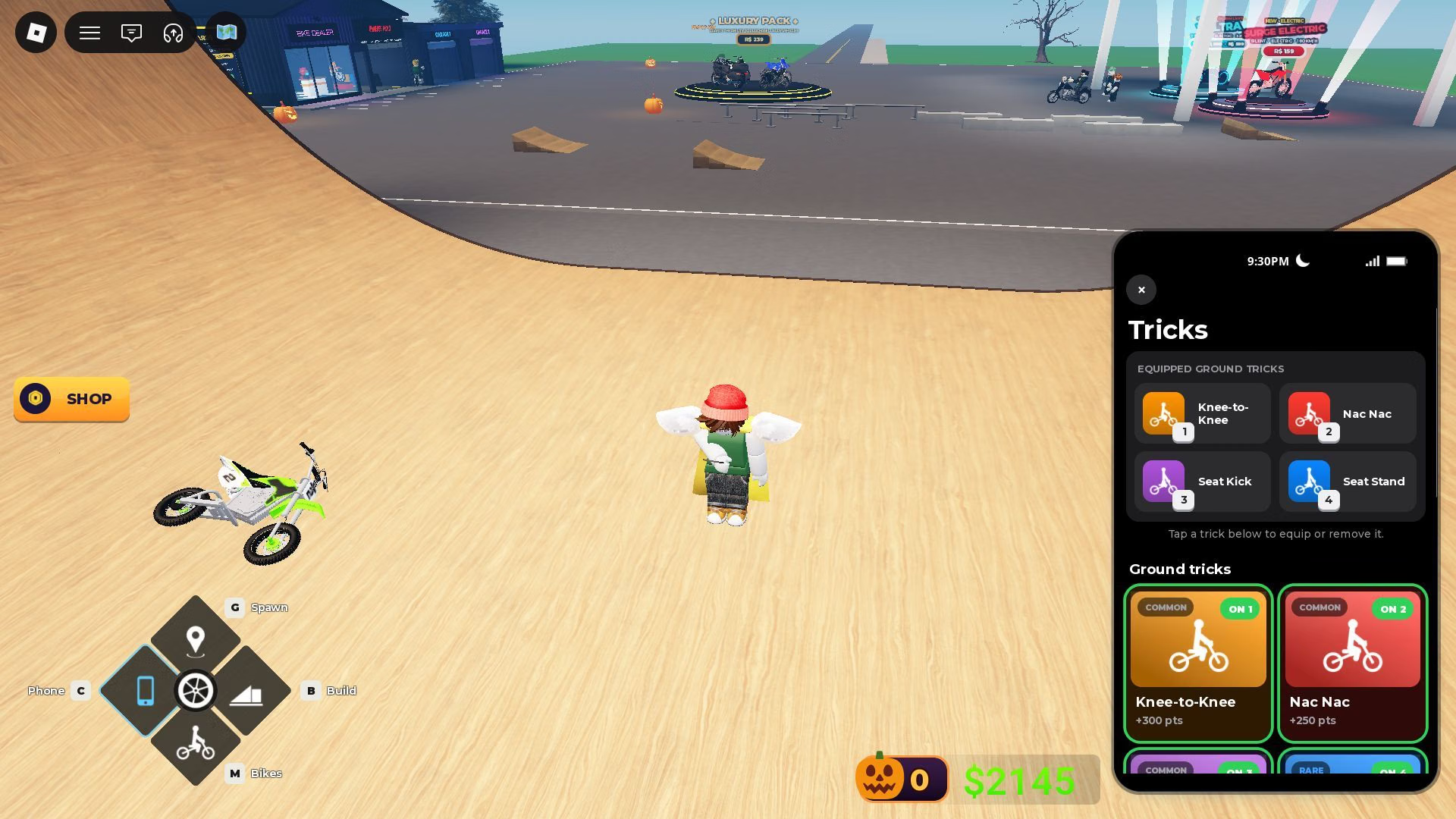
- Movement: W, S, A, D
- Interact: E
- Rear Brake: Space
- Wheelie: Ctrl
- Bunny Hop: Alt
- Tail Whip: Z
- Superman: X
- Trick 1: 1
- Trick 2: 2
- Trick 3: 3
- Trick 4: 4
- Get Off: F
- Spawn Bike: Q
- Spawn Point: G (hold to set; tap to teleport)
- Build Mode: B
- Use Phone: C
- Bikes: M
- Hide controls: 7
Gameplay features and tips
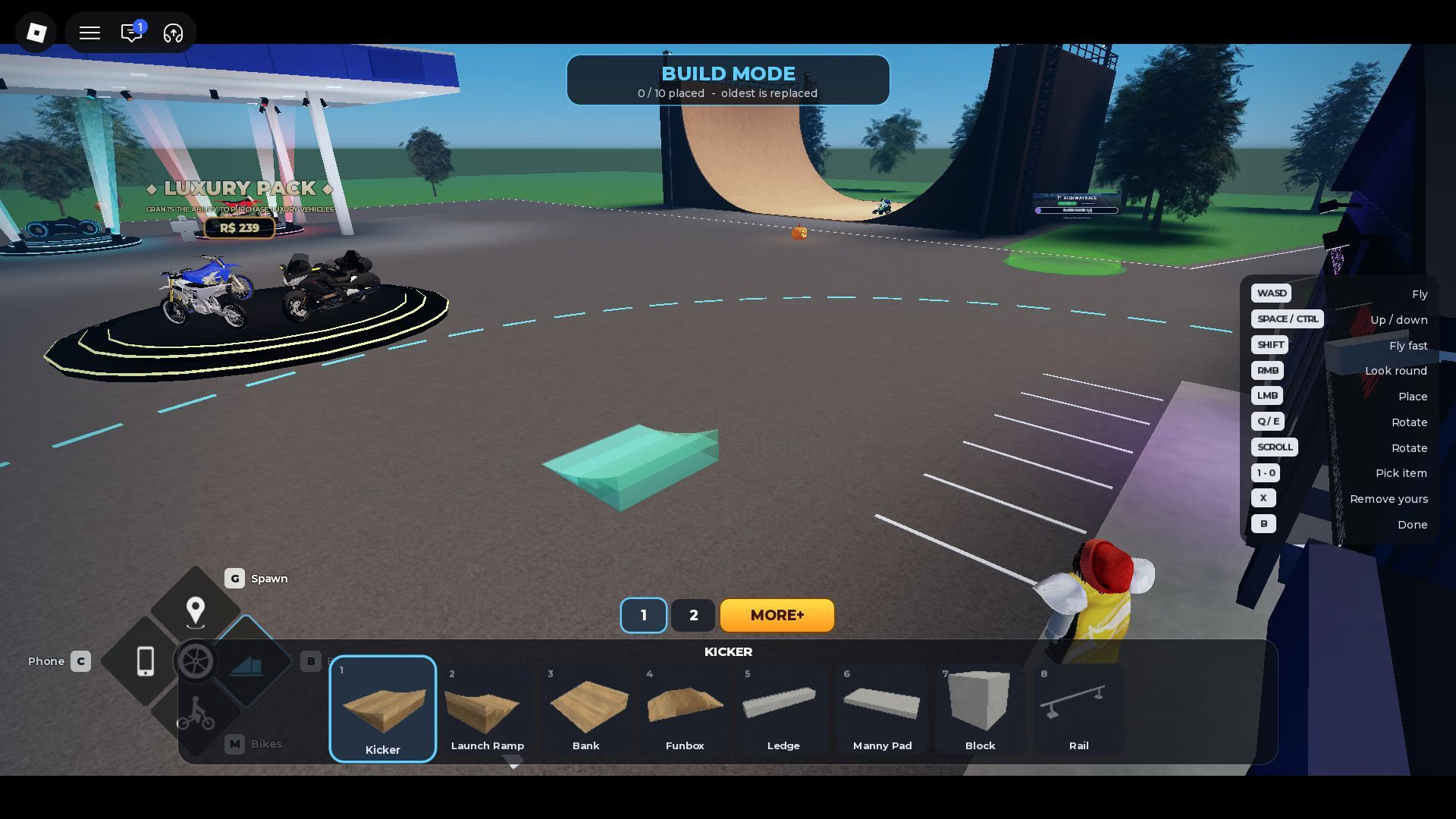
- Sandbox experience: The game is a highly customizable experience, allowing you to change and alter the game world to your liking. You can access these customization options through the Settings menu in your in-game phone. These options include police chase toggles, pedestrians, traffic toggles, and more. You can also use Build Mode to add your own skate park-style elements on the map, which you can use to perform and practice tricks.
- Unlocking bikes: The game’s progression is directly tied to your ability to unlock bikes. This can be done through the dealership, located close to the spawn point or accessed via the Bikes menu. Each bike in the shop has stats that dictate how well it performs in certain areas, such as top speed and handling. Use Cash, event-specific currency, or Robux to purchase these bikes and add them to your collection. Then, use the Bikes menu to equip one and press Q to spawn it next to you.
- Maps: The game currently features two unique maps, where you can explore different environments and participate in multiple types of races. Each map offers unique gameplay and racing experiences, allowing you to explore the gameplay mechanics in different ways. The game is set to include new maps in the future with updates.
- Tricks: The Phone menu is how you can customize your Trick selection. Grounded tricks can be mapped to number keys 1, 2, 3, and 4, while aerial tricks can be assigned to the Z and X keys. Some tricks can be performed by tapping the associated button, while others require you to hold the key instead. Chain them together as much as possible without wiping out to earn Cash.
- Races: You can spot green beacons around the map that allow you to participate in races. Enter a green beacon to initiate a race and compete against other players in a limited section of the map. These races are fairly standard, requiring you to follow a set path to complete it.
Also read: Unique Roblox username ideas for new players
FAQs on Bike Universe
What is Bike Universe about?
Bike Universe is a biking experience where you can perform tricks to earn Cash.
How do I unlock bikes in Bike Universe?
Bikes can be unlocked using Cash at the Bike Dealership.
Is Bike Universe free to play?
Yes, the game is free to play with only optional elements being locked behind a paywall.
Edited by Swapnil Joshi