

Harpoon a Fish is a fishing simulator where you can catch fish by throwing your harpoon into the water. This fishing simulator features sea monsters as well, which can be encountered deep in the water. The rarity and type of fish you encounter depend on your current body weight, which makes eating to raise your weight a core part of the experience. Each caught fish generates Cash in your tank, which you can then use to buy upgrades.
Here’s how you can get started in Harpoon a Fish.
Getting started with Harpoon a Fish
Overview
Harpoon a Fish has two parts to its gameplay loop: eating and fish-catching. You can eat food at the Mukbang Table, where your avatar will automatically gorge on food for as long as you remain at the table. Once you consume enough food, your weight will increase, allowing you to sink deeper into the ocean.
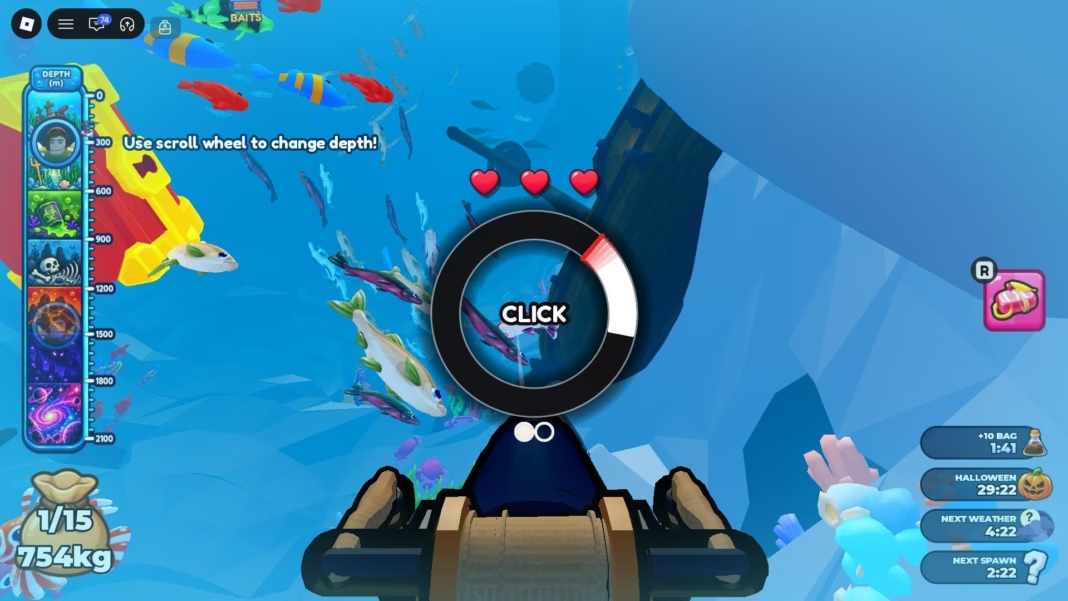
Once you’re ready, head into the ocean and press the “Dive” button to go underwater. Upon reaching a certain depth, your avatar’s position will stabilize, allowing you to aim and fire your harpoon. You can choose to fire your spear at any of the schools of fish to try and catch them.
Upon firing the harpoon, you will be faced with a brief QTE minigame, where you must time your button presses while the cursor is within the specified area. You only have a limited number of tries to successfully complete these; if you happen to mistime your button press, you will lose a heart. Mistime multiple times, and the fish will get away.
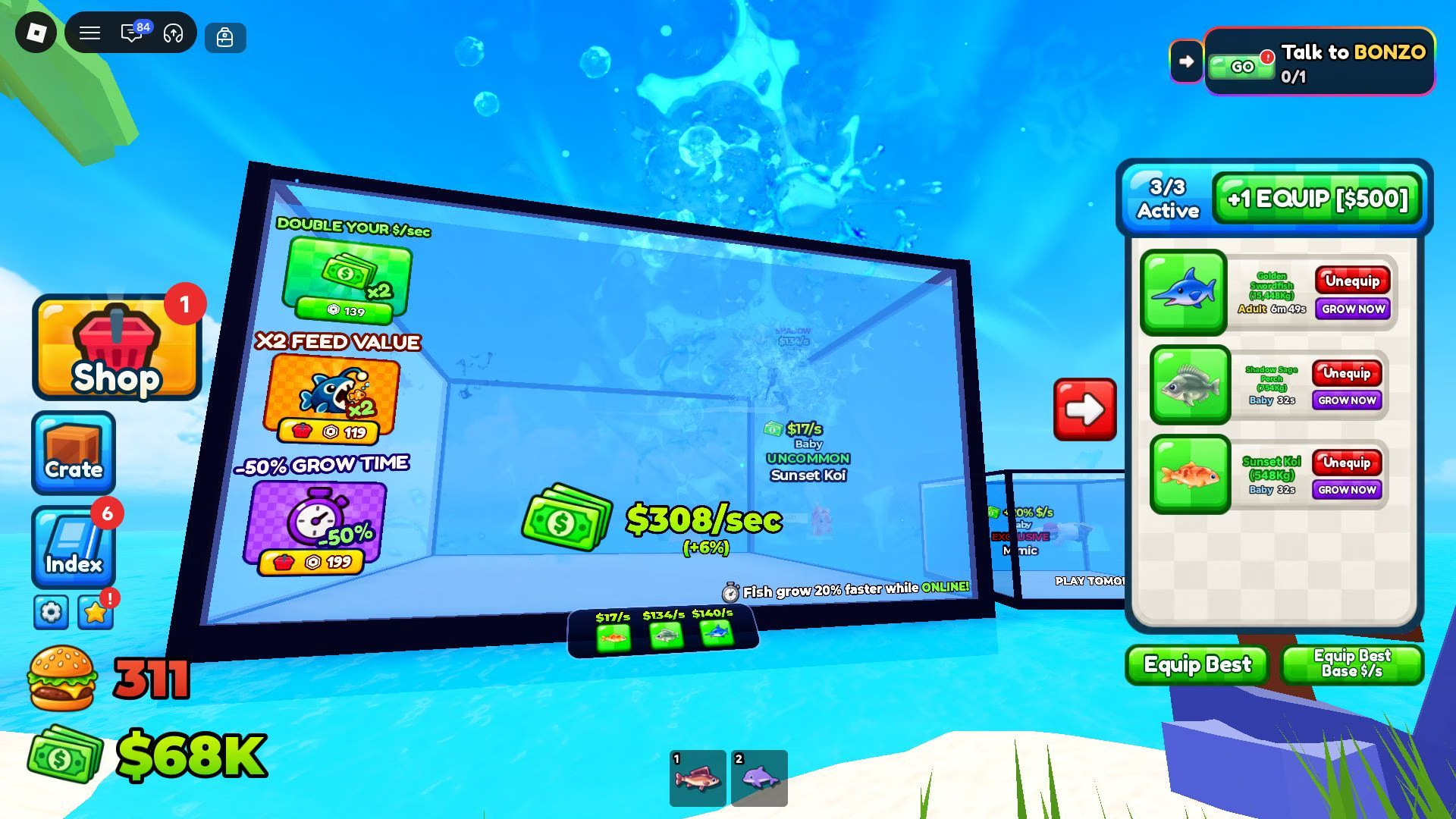
However, if you successfully complete the QTE, the fish will be added to your inventory, and you will be able to add it to your aquarium. Every fish you add to the tank will passively generate Cash, helping you afford better upgrades at the same time. The aquarium can be upgraded with Cash as well, which increases its holding capacity.
Continue to perform this gameplay loop until you catch every fish in the game and generate massive amounts of Cash.
Also read: Fishing Master: A beginner’s guide
Controls
- Movement: W, S, A, D
- Jump: Spacebar
- Interact: E
- Fire Harpoon: Left Mouse Button (while underwater)
- Change depth: Mouse wheel (while underwater)
Gameplay features and tips
- Sea depth: The game currently features seven unique depths, each of which has a variety of unique fish species for you to catch. In total, the game has over 1,800 fish species spread across these regions, which can be viewed in the Index once their entries are unlocked. Accessing each depth requires you to eat enough food; once you’ve done so, you can swap to a different depth using the mouse wheel.
- Harpoon minigame: The harpoon minigame is all about pressing the Left Mouse Button while the cursor is within the highlighted area. The speed of the cursor depends on the rarity of the targeted fish; high-rarity fish will have a faster cursor. Additionally, the number of correctly-timed button presses required to complete the minigame increases based on the rarity of the fish as well. The minigame for a fish of the Legendary or higher rarity will be quite challenging to complete. So, if you’re looking to catch the best possible fish, you may want to master the minigame on low-rarity fish first.
- The Mukbang Table: The Mukbang Table is how you consume food and access the myriad depths featured in this game. The amount of food that your avatar can eat depends on the current upgrade level of the table. You can use Cash to increase the upgrade level, which gives your avatar access to better food. Consequently, this increases your in-game weight a lot as well, making it important to allocate some of your funds to Mukbang Table upgrades.
- Fish growth: Every fish you get starts as a baby that matures into adulthood the longer it remains in your aquarium. The duration of a growth phase depends on the fish species; rarer species take longer to mature, while common options become full-grown at a much faster rate. Growth phases directly impact the Cash generation capabilities of a fish, making it important to allow your fish to fully grow if you’re looking to maximize your earnings. You can also feed other fish to the fish in your aquarium to speed up their growth times.
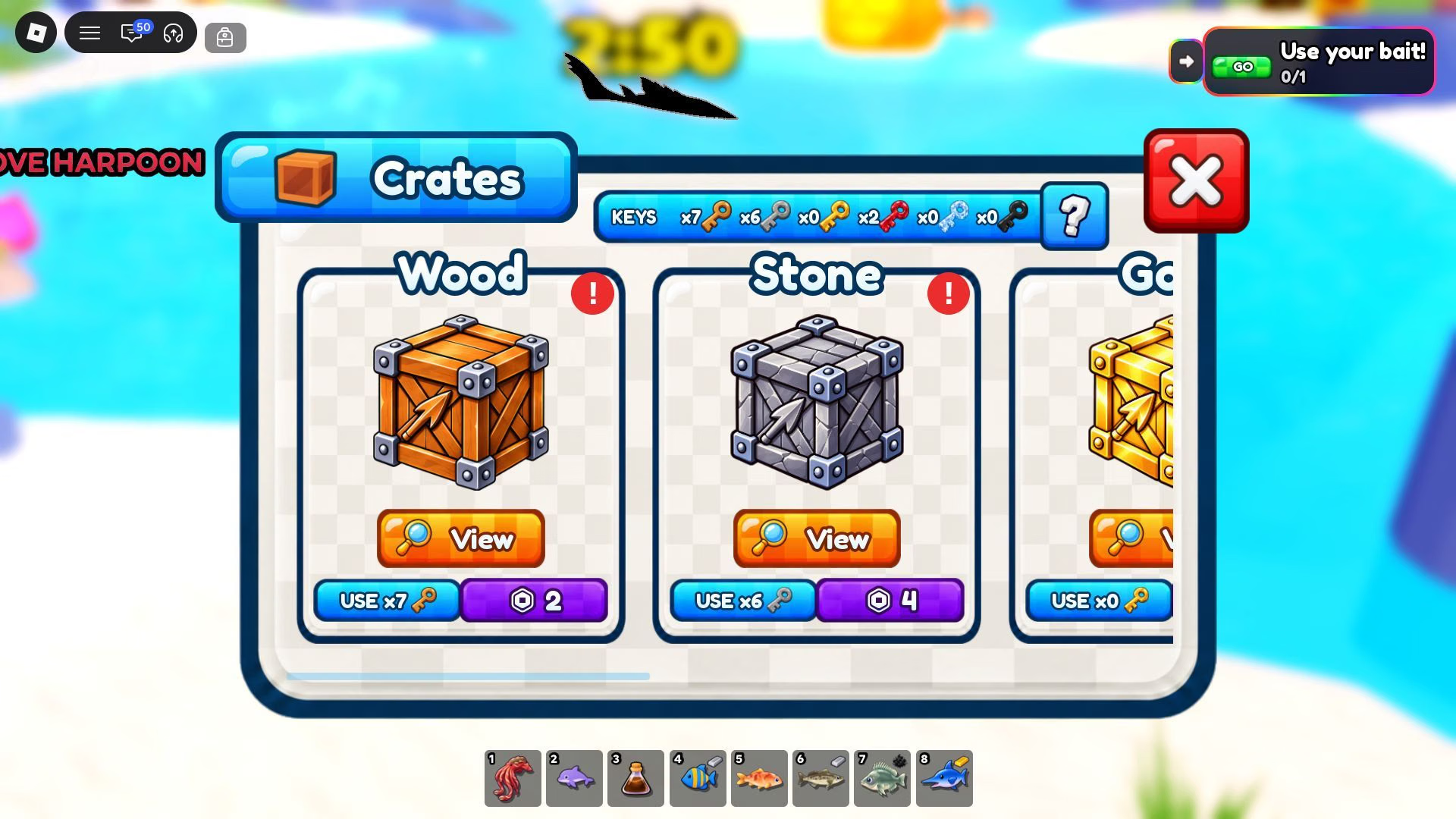
- Keys and Crates: Keys are obtained by unlocking Index entries and completing quests given by NPCs. You can use them to unlock Crates, which give you a variety of cosmetics and consumable items. These can help you personalize your fishing experience, allowing you to express your aesthetic tastes through customization.
Also read: Unique Roblox username ideas for new players
FAQs on Harpoon a Fish
What is Harpoon a Fish about?
Harpoon a Fish is a fishing game where you use a harpoon to catch fish and raise them in an aquarium for Cash.
How do I access different depths in Harpoon a Fish?
Depths can be unlocked based on your in-game weight; if your in-game weight is high enough, you can access all unlocked depths using the mouse wheel.
How do I get Keys in Harpoon a Fish?
Keys can be obtained by unlocking Index entries and completing quests given by NPCs.
Edited by Swapnil Joshi